Executive Summary
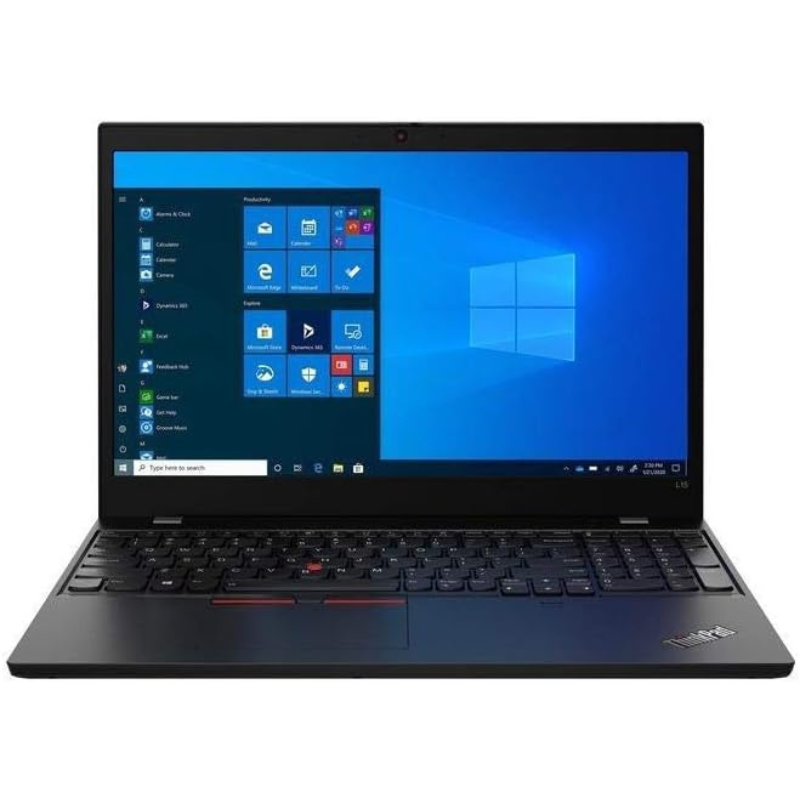
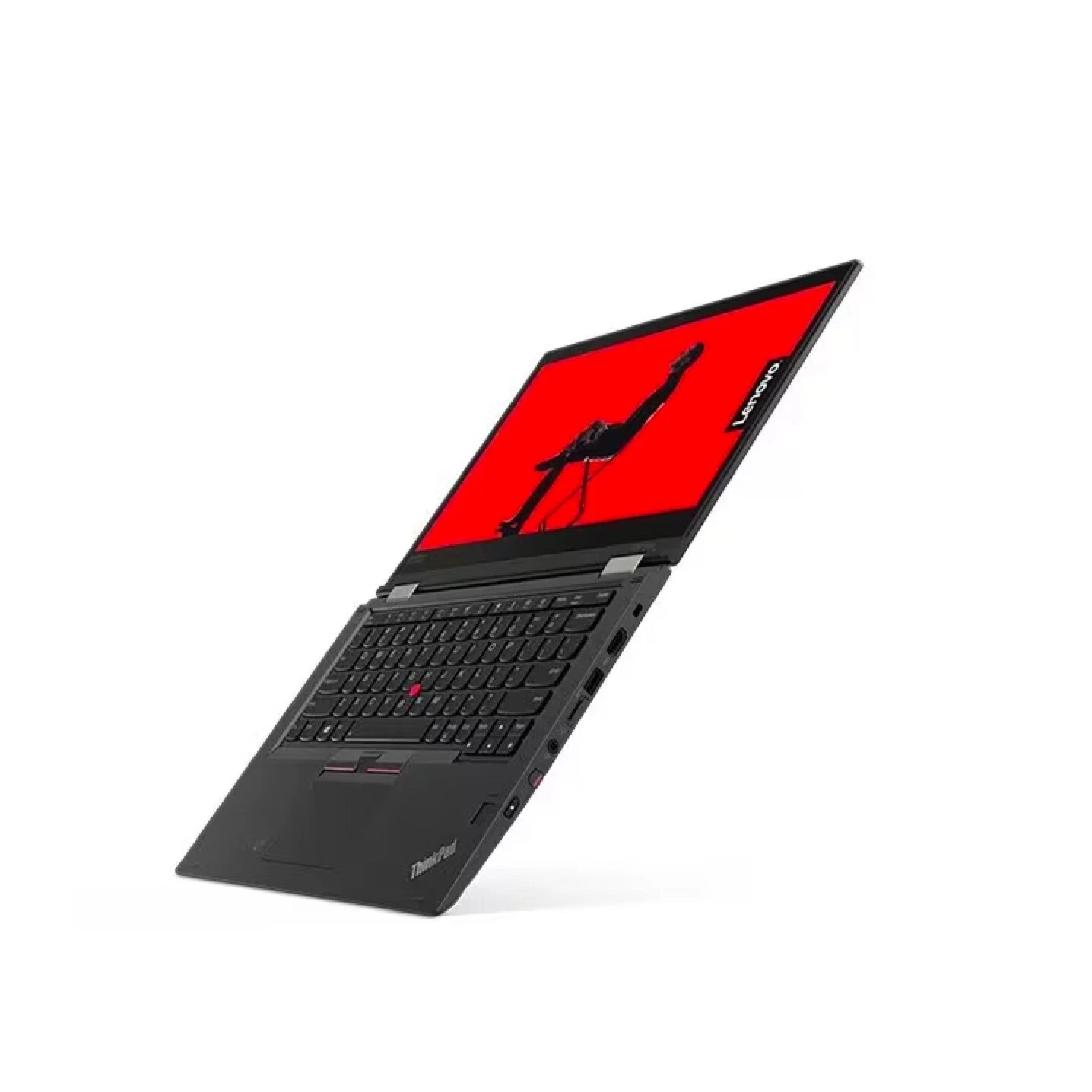
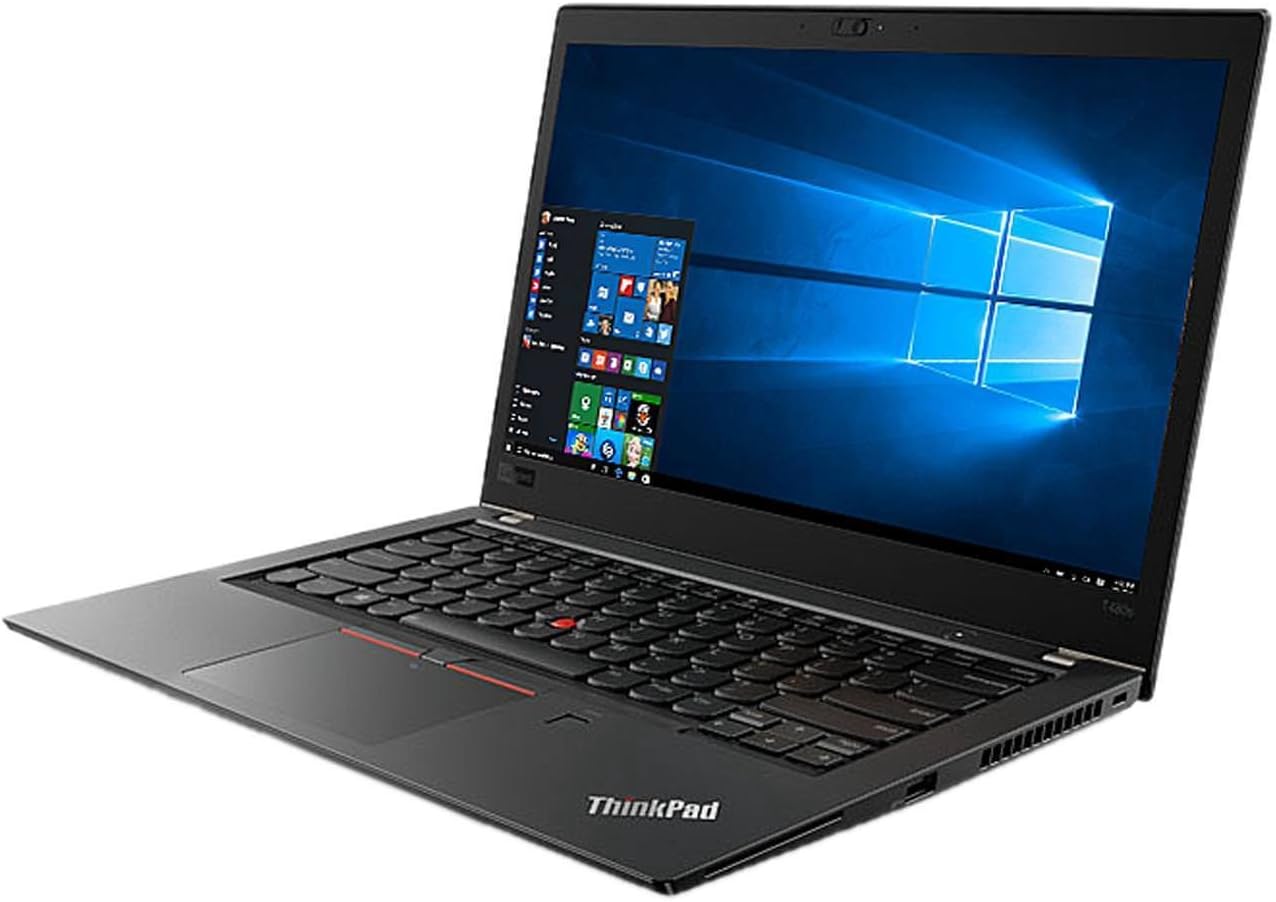
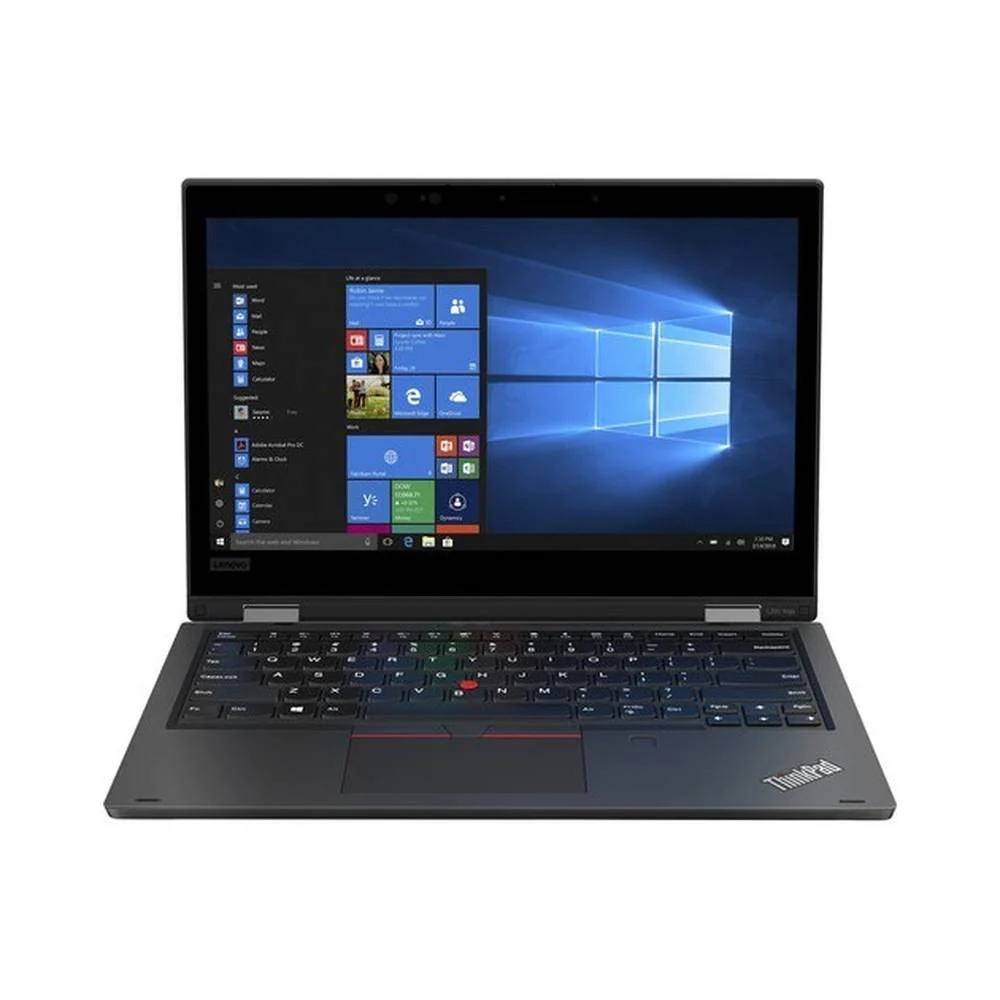
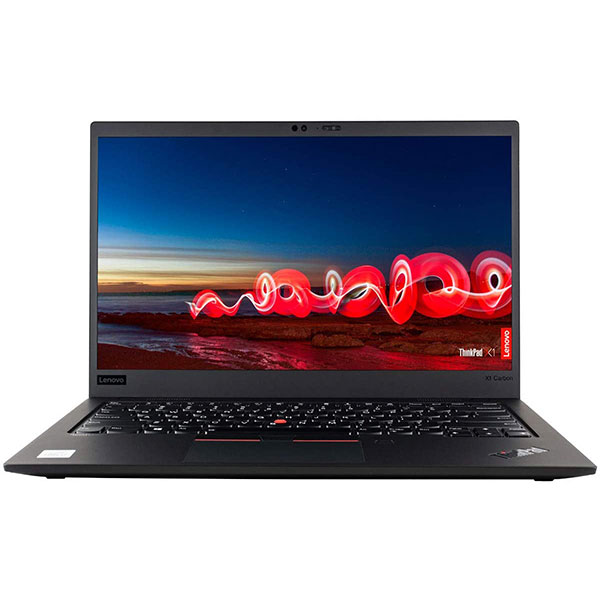
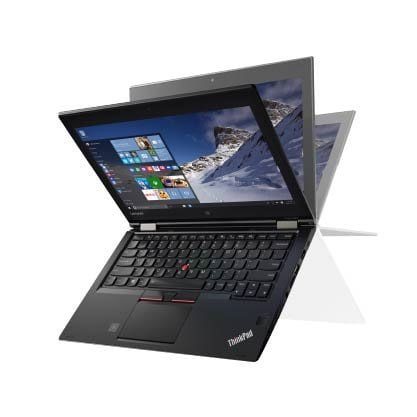
The Lenovo ThinkPad X390 represents a significant evolution in Lenovo's ultraportable business laptop lineup, bridging the gap between the traditional 12.5-inch X-series and the modern 13-inch form factor that would become standard with the X13.
Detailed Specifications
1. Performance Configuration
- Processor: Intel Core i5-8265U (Whiskey Lake, 14nm++)
- 4 cores, 8 threads with Intel Hyper-Threading
- Base frequency: 1.6 GHz, Turbo Boost up to 3.9 GHz
- 6MB Intel Smart Cache
- 15W TDP (optimized for ultraportable performance)
- Memory Configuration:
- 16GB DDR4-2400MHz
- Soldered to motherboard (not user-upgradable)
- Dual-channel configuration for optimal performance
- Substantial 16GB capacity ideal for multitasking and future-proofing
- Memory Advantage: 16GB provides headroom for virtualization, development, and heavy multitasking that 8GB models lack
- Storage System:
- 256GB NVMe PCIe SSD (M.2 2242 form factor)
- Read speeds: ~1,500-2,500 MB/s
- Write speeds: ~800-1,500 MB/s
- Smaller 2242 form factor (less common than 2280)
- Storage Consideration: 256GB may be limiting for users with large media libraries or extensive software installations
- Graphics: Intel UHD Graphics 620
- 24 execution units, 300-1100 MHz
- Supports 4K video playback at 60Hz
- Hardware acceleration for modern codecs
- Adequate for business applications, not for gaming or 3D work
2. Display & Visual Experience
- Panel Specifications:
- 13.3" Full HD (1920x1080) IPS
- 300 nits brightness (adequate for indoor office use)
- Anti-glare coating reduces reflections
- 72% NTSC color gamut (100% sRGB equivalent)
- IPS technology provides 178° viewing angles
- Display Options Available:
- Touchscreen FHD IPS (300 nits)
- PrivacyGuard display with integrated privacy filter
- WQHD (2560x1440) IPS on some configurations
- Display Characteristics:
- 16:9 aspect ratio (standard for business applications)
- Matte finish reduces glare in office environments
- No PWM flicker (reduces eye strain)
- Thin bezels compared to previous X-series models
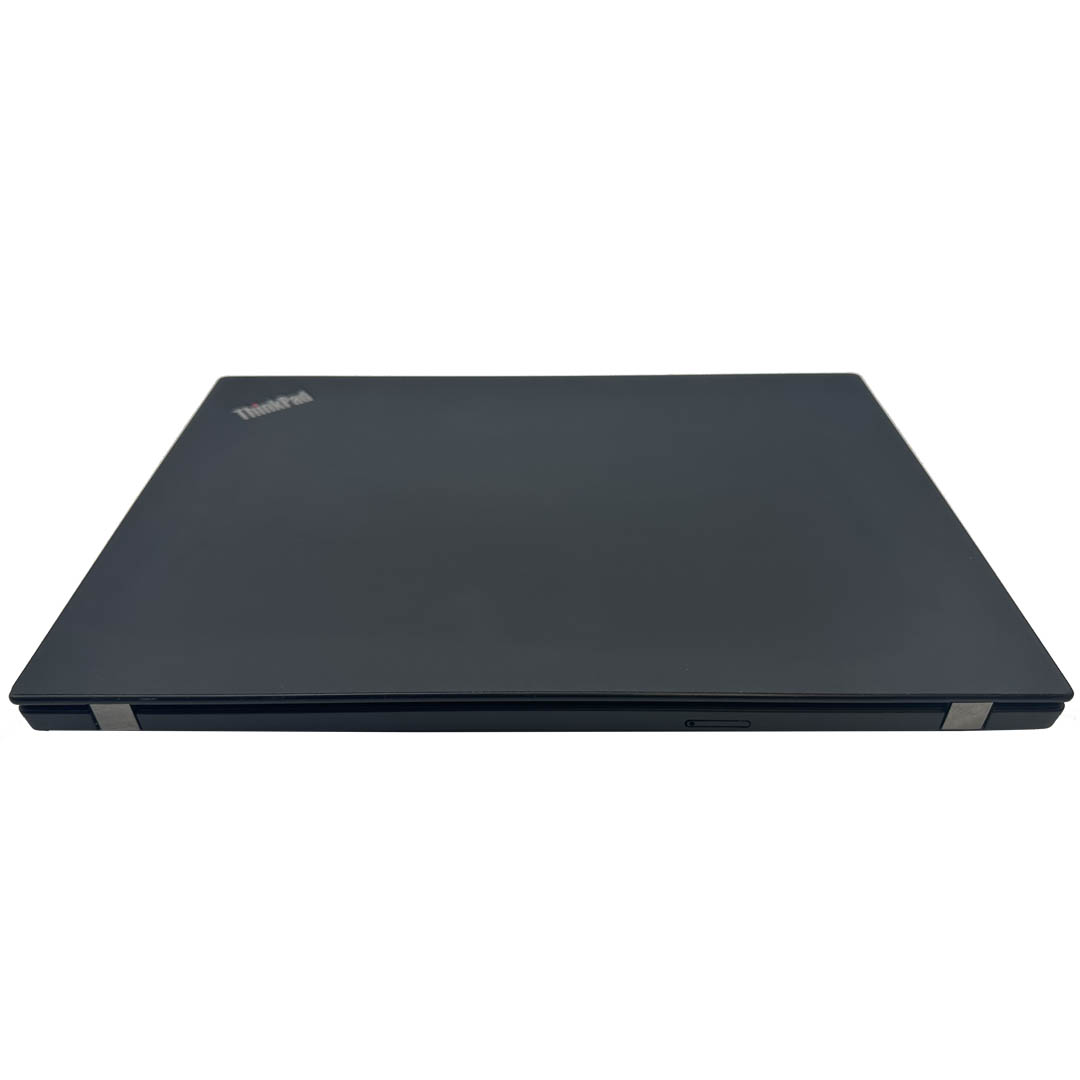
3. Design & Build Quality
- Chassis Construction:
- Top cover: Carbon fiber reinforced plastic or aluminum (model dependent)
- Bottom cover: Magnesium alloy
- Palm rest: Glass-fiber reinforced plastic
- Reinforced corners and edges
- Durability Features:
- MIL-STD-810G tested (multiple military-grade tests)
- Spill-resistant keyboard with drainage channels
- Shock-mounted storage protection
- Corrosion-resistant materials
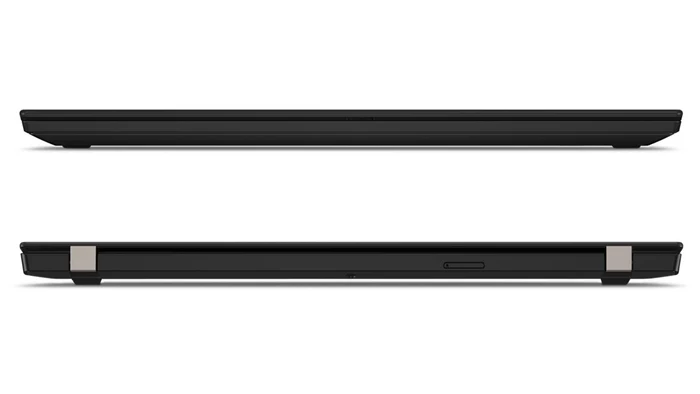
- Dimensions & Weight:
- Height: 0.70" (17.8 mm)
- Width: 12.2" (309.9 mm)
- Depth: 8.5" (217.0 mm)
- Weight: 2.85 lbs (1.29 kg) - extremely portable
- Evolution from X280:
- Larger 13.3" display in similar footprint to 12.5" X280
- Reduced bezels enable larger screen in similar chassis
- Transition to soldered RAM (from single SODIMM in X280)
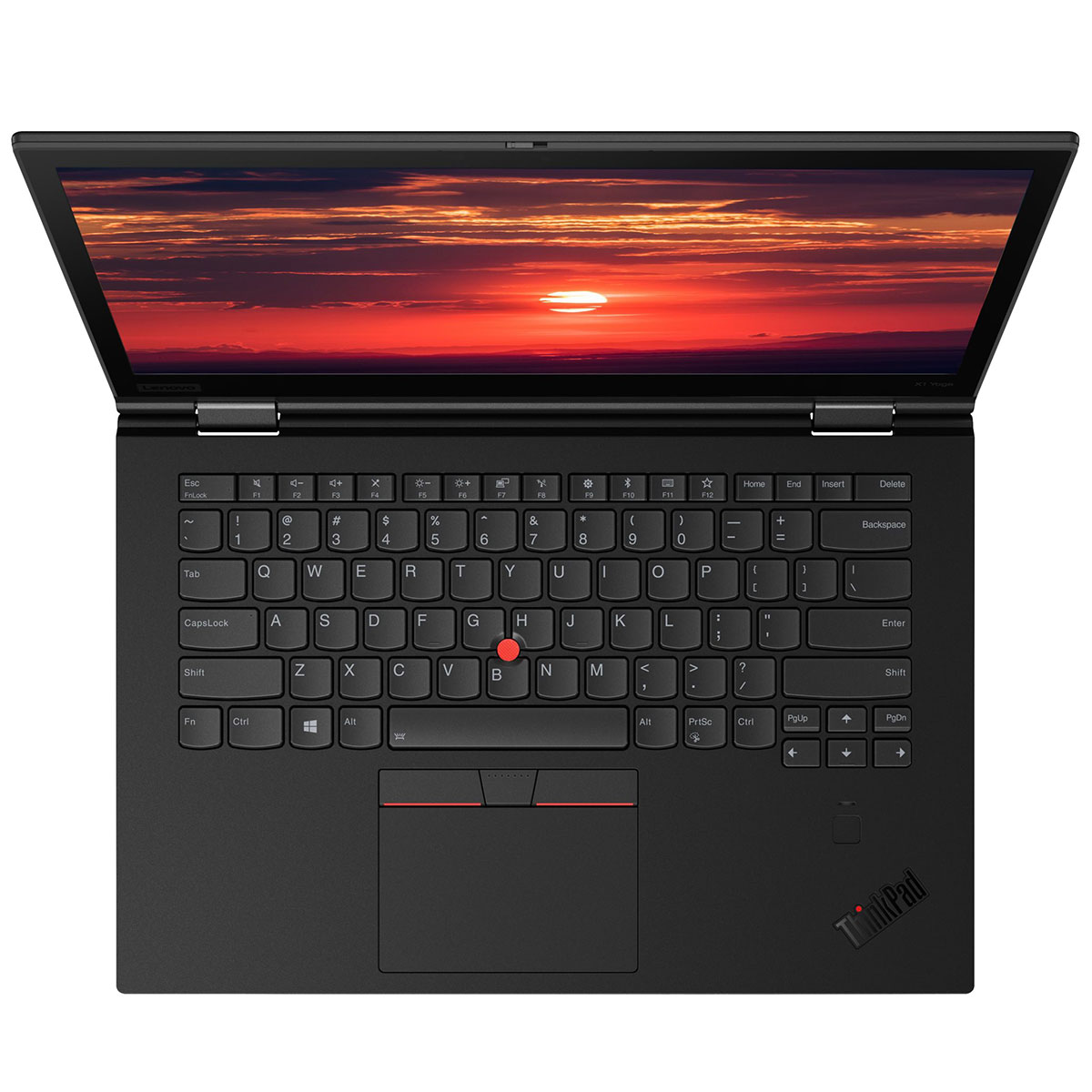
4. ThinkPad Input Excellence
- Keyboard:
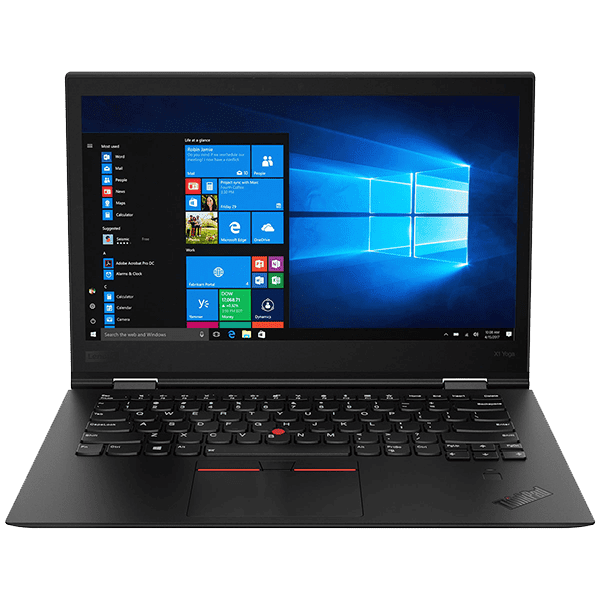
- Legendary ThinkPad keyboard with 1.8mm key travel
- Spill-resistant design with drainage system
- White LED backlight (two-level illumination)
- Excellent tactile feedback for extended typing sessions
- Full-sized keys despite compact chassis
- TrackPoint & Trackpad:
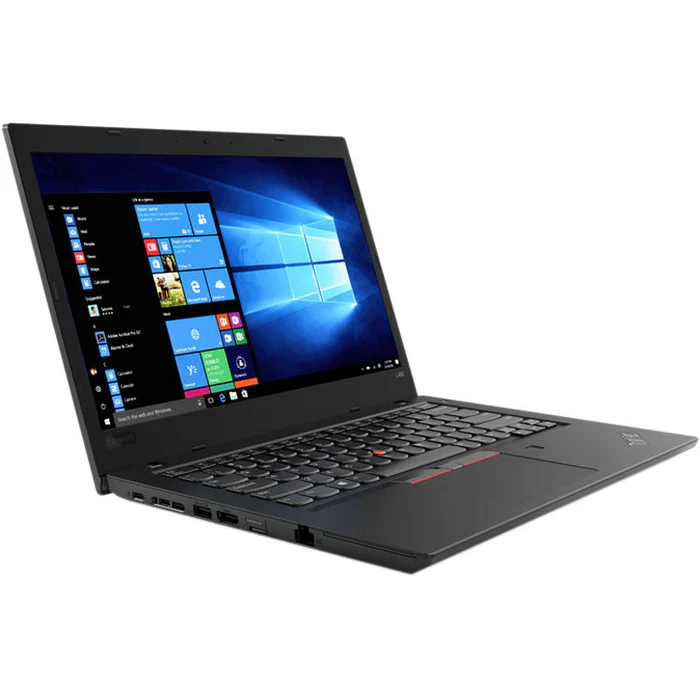
- Classic red TrackPoint pointing stick
- Three dedicated physical buttons for TrackPoint
- Precision glass trackpad with multi-touch gestures
- Microsoft Precision Touchpad certified
- Input Advantage: Maintains full ThinkPad keyboard experience despite compact size
5. Connectivity & Expansion
- Port Selection:
- 2x Thunderbolt 3 (USB-C, 40Gbps, Power Delivery, DisplayPort)
- 2x USB-A 3.1 Gen 1 (5Gbps)
- HDMI 1.4b
- Headphone/microphone combo jack
- MicroSD card reader (optional on some models)
- Wireless Connectivity:
- Wi-Fi 5 (802.11ac) 2x2 with dual-band support
- Bluetooth 5.0
- Optional: 4G LTE WWAN with eSIM support
- Optional: Intel vPro with AMT for enterprise management
- Docking Compatibility:
- ThinkPad Ultra Dock (via Thunderbolt 3)
- USB-C docking stations fully supported
- Can drive dual 4K displays via Thunderbolt 3
6. Security & Manageability
- Hardware Security:
- Discrete TPM 2.0 chip
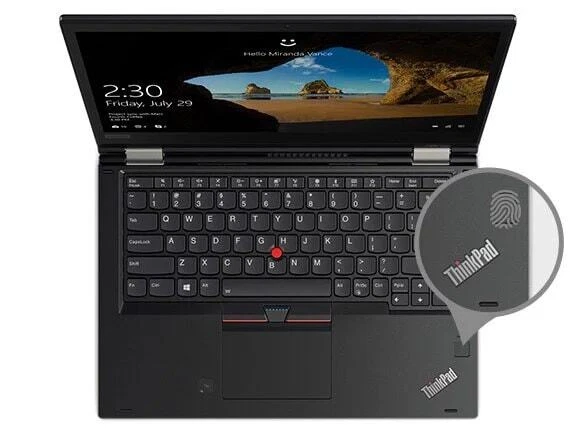
- Fingerprint reader (fast, reliable authentication)
- IR camera with Windows Hello facial recognition (optional)
- Camera privacy shutter (ThinkShutter physical cover)
- Kensington lock slot
- Software Security:
- ThinkShield security suite
- Lenovo Vantage for system management
- Compatible with enterprise management solutions
- Secure boot with measured launch technology
- Webcam Features:
- 720p HD webcam with ThinkShutter privacy cover
- IR camera for Windows Hello (optional on some models)
- Dual microphones with noise reduction
7. Battery & Power Management
- Battery System:
- Integrated 48Wh lithium-polymer battery
- Battery life: 8-10 hours typical business use
- Rapid Charge: 80% in 1 hour
- Battery conservation mode for extended lifespan
- Power Management:
- Lenovo Vantage power optimization
- Intelligent cooling with single fan
- Power adapter: 65W USB-C (works with either Thunderbolt port)
- Can charge via any Thunderbolt 3 port
Performance Analysis
Business Application Performance
- Office Productivity: Excellent for business suites
- Microsoft Office 365 applications run smoothly
- Handles large Excel spreadsheets and complex PowerPoint presentations
- Email and calendar applications remain responsive
- Multitasking Capability:
- 16GB RAM provides excellent multitasking headroom
- Can handle 30-40 browser tabs with Office applications
- 4-core processor handles parallel tasks efficiently
- Development & Technical Work:
- Good for software development with IDEs like VS Code
- Can run 1-2 virtual machines comfortably
- Sufficient for data analysis with moderate datasets
Benchmark Performance
- CPU Performance (Geekbench 5):
- Single-core: 900-1,000 points
- Multi-core: 2,800-3,200 points
- Competent performance for business applications
- Storage Performance:
- NVMe SSD: ~2,000 MB/s read, ~1,200 MB/s write
- Fast boot and application loading times
- Responsive system feel
Comparison with Other Models
vs. ThinkPad X280 (Previous Generation)
- X390 Advantages: Larger 13.3" display, more modern design, Thunderbolt 3
- X280 Advantages: Upgradable RAM (single SODIMM), slightly lighter
vs. ThinkPad X13 (Successor)
- X13 Advantages: Newer processors, Wi-Fi 6, modern design
- X390 Advantages: Similar performance at lower cost, proven reliability
vs. Dell Latitude 7400
- X390 Advantages: Better keyboard, TrackPoint, ThinkPad durability
- Latitude Advantages: Slightly better battery life, more configuration options
Pros & Cons
Advantages
- Excellent 16GB RAM configuration for future-proofing and multitasking
- Compact and lightweight design (2.85 lbs) for maximum portability
- Dual Thunderbolt 3 ports for high-speed connectivity and docking
- Legendary ThinkPad keyboard with excellent typing experience
- Good balance of screen size and portability (13.3" in compact chassis)
- Comprehensive security features (ThinkShield suite)
- MIL-STD-810G durability for demanding environments
- Windows 11 Pro ready for future upgrades
Limitations
- Soldered RAM (fixed at 16GB, not upgradable)
- 256GB storage may be limiting for some users
- M.2 2242 SSD form factor (less common than 2280)
- Display only 300 nits (dim for outdoor use)
- Integrated graphics only (not for gaming/3D work)
- Fan noise can be noticeable under load
- No SD card reader on most models
Target User Profiles
Ideal Users
- Business Travelers: Need lightweight, durable laptop for frequent travel
- Consultants: Require portability for client sites with sufficient performance
- Corporate Users: Want reliable business laptop with enterprise features
- Developers: Benefit from 16GB RAM for virtual machines and development tools
- Students: Need portable laptop for campus use with good keyboard for typing
- Remote Workers: Want compact laptop that doesn't sacrifice performance
Current Market Value (2024)
- Original Price (2019): $1,200-$1,500 for this configuration
- 2024 Market Price: $350-$500
- Base condition: $350-400
- Good condition: $400-450
- Excellent condition with accessories: $450-500
- Value Assessment:
- Excellent value for business ultraportable
- 16GB RAM provides longevity advantage over 8GB models
- Thunderbolt 3 ensures good connectivity options
Upgrade Considerations
Storage Upgrade
- Current: 256GB NVMe SSD (M.2 2242)
- May be limiting for users with large files or multiple applications
- Upgrade Options:
- 512GB or 1TB M.2 2242 NVMe SSD
- Cost: $40-$100 depending on capacity and brand
- Requires technical skill to install
- Alternative: Use external SSD for additional storage
Other Considerations
- RAM: Not upgradable (soldered)
- Battery: Can be replaced if degraded
- Operating System: Can upgrade to Windows 11 Pro
Final Recommendation
Rating: 8.0/10 for Business/Professional Use | 7.5/10 for General Use
The ThinkPad X390 with Core i5, 16GB RAM, and 256GB SSD represents an excellent value proposition in the business ultraportable market. This configuration addresses one of the main limitations of ultraportables—insufficient RAM—by providing a generous 16GB that ensures smooth multitasking and future-proofing.
Ideal buyer: Business professional, consultant, student, or remote worker who values portability, keyboard quality, and reliable performance for office applications and moderate multitasking.