Executive Summary
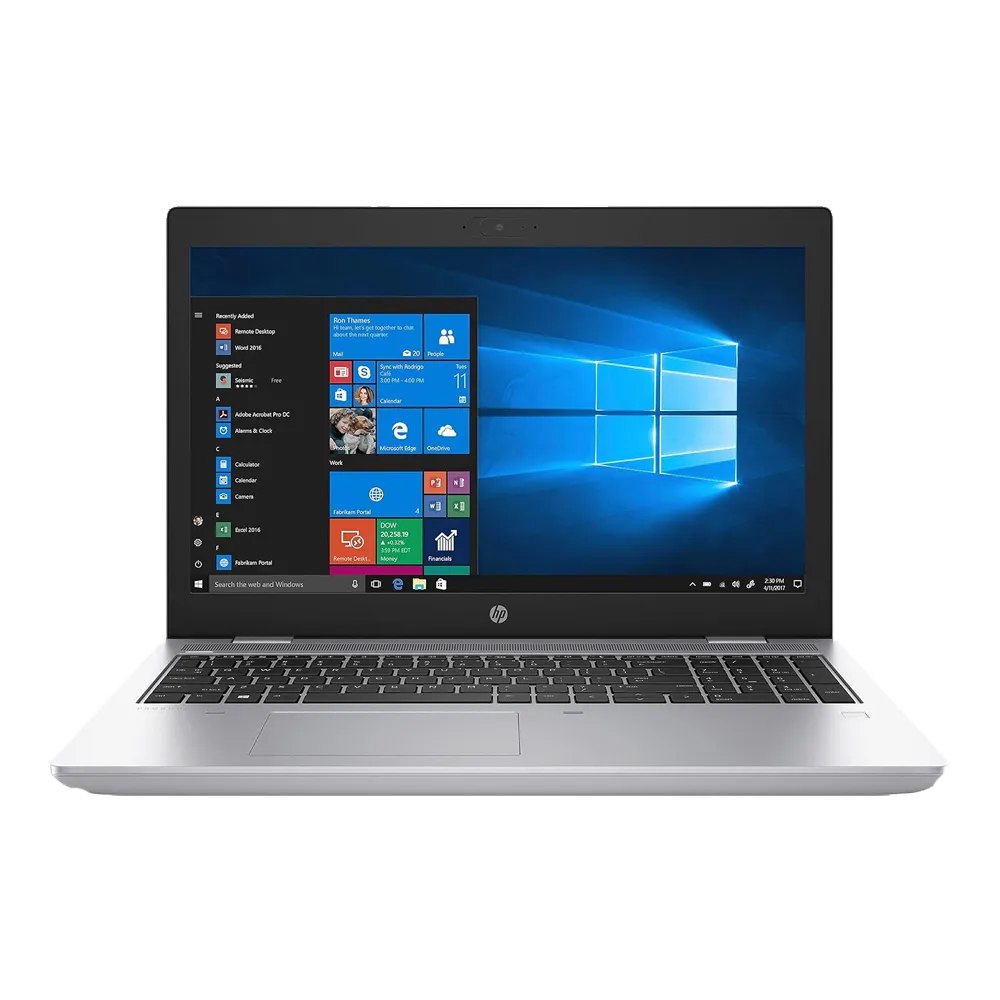
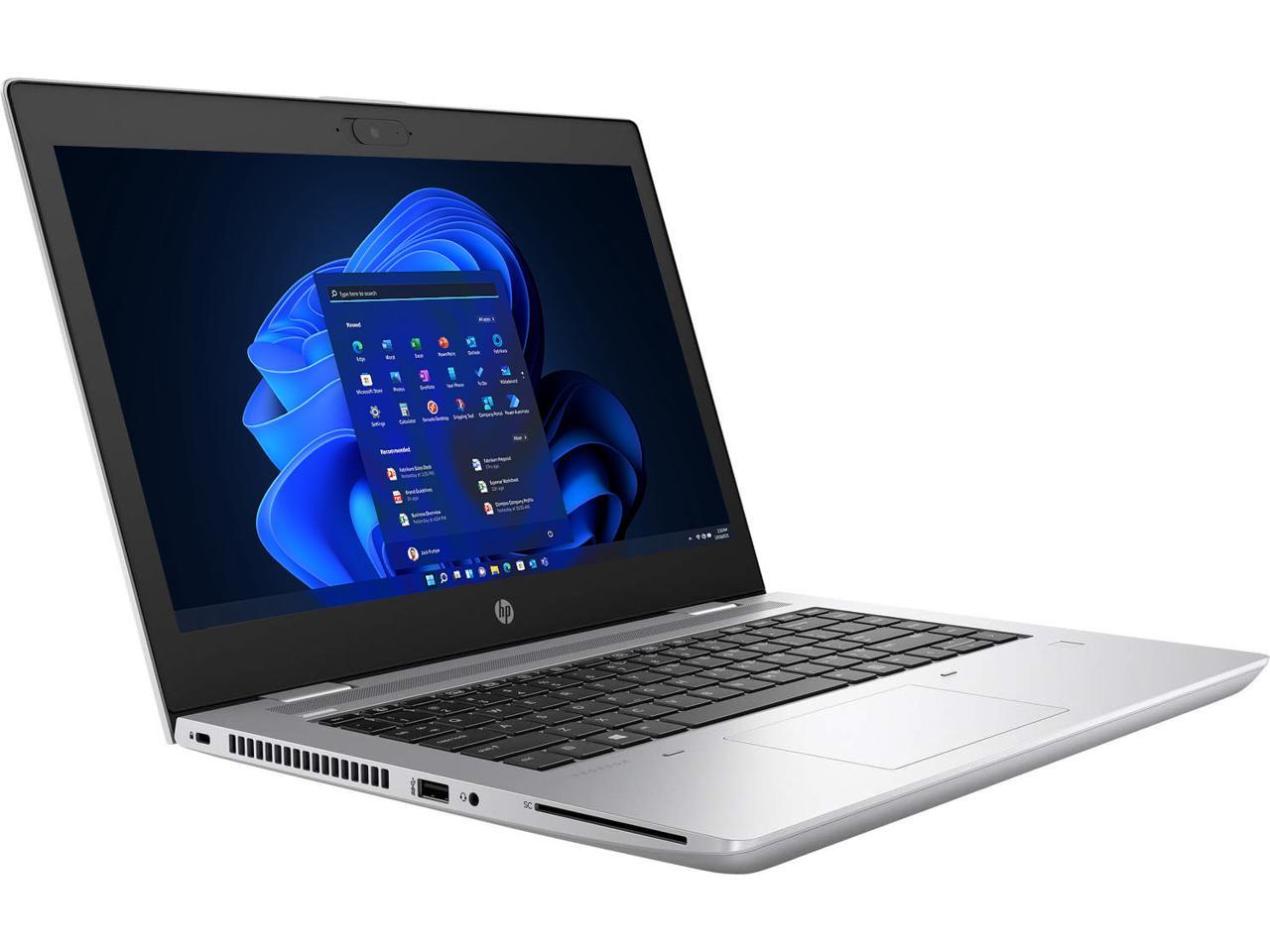
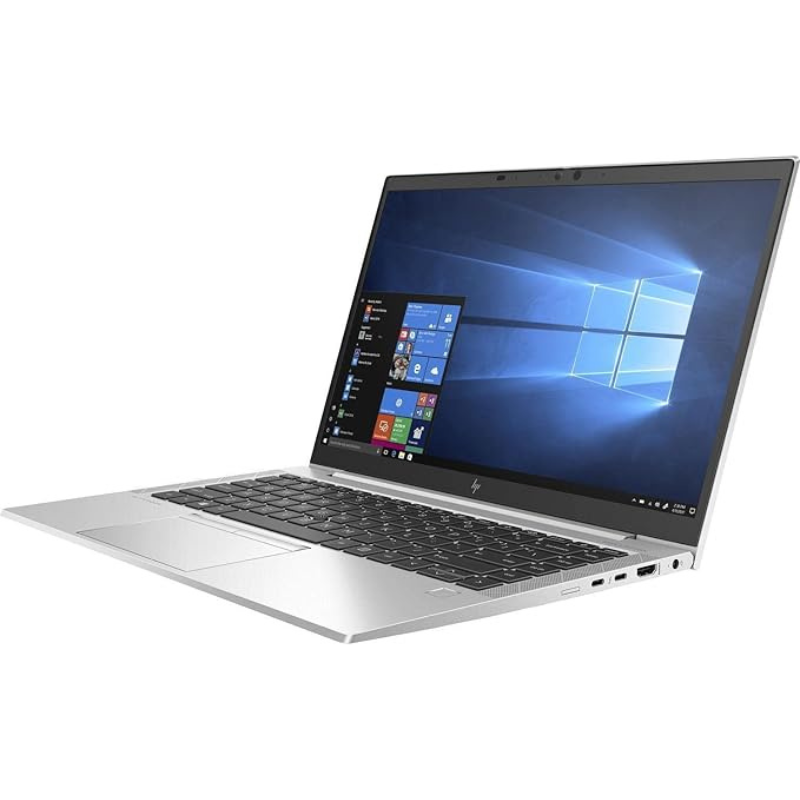
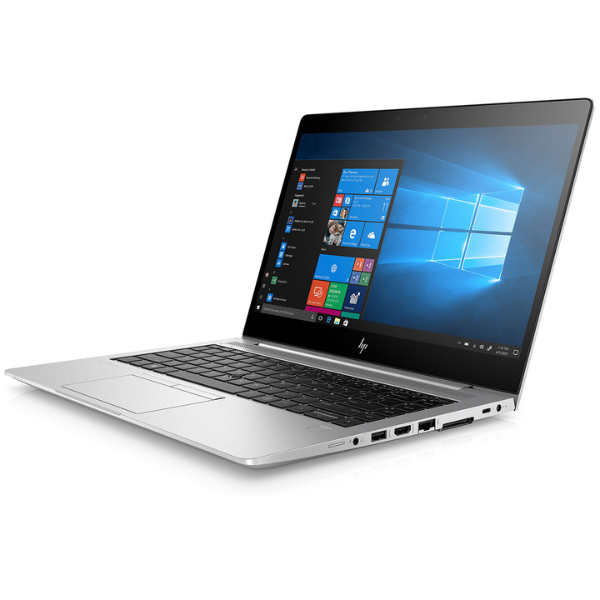
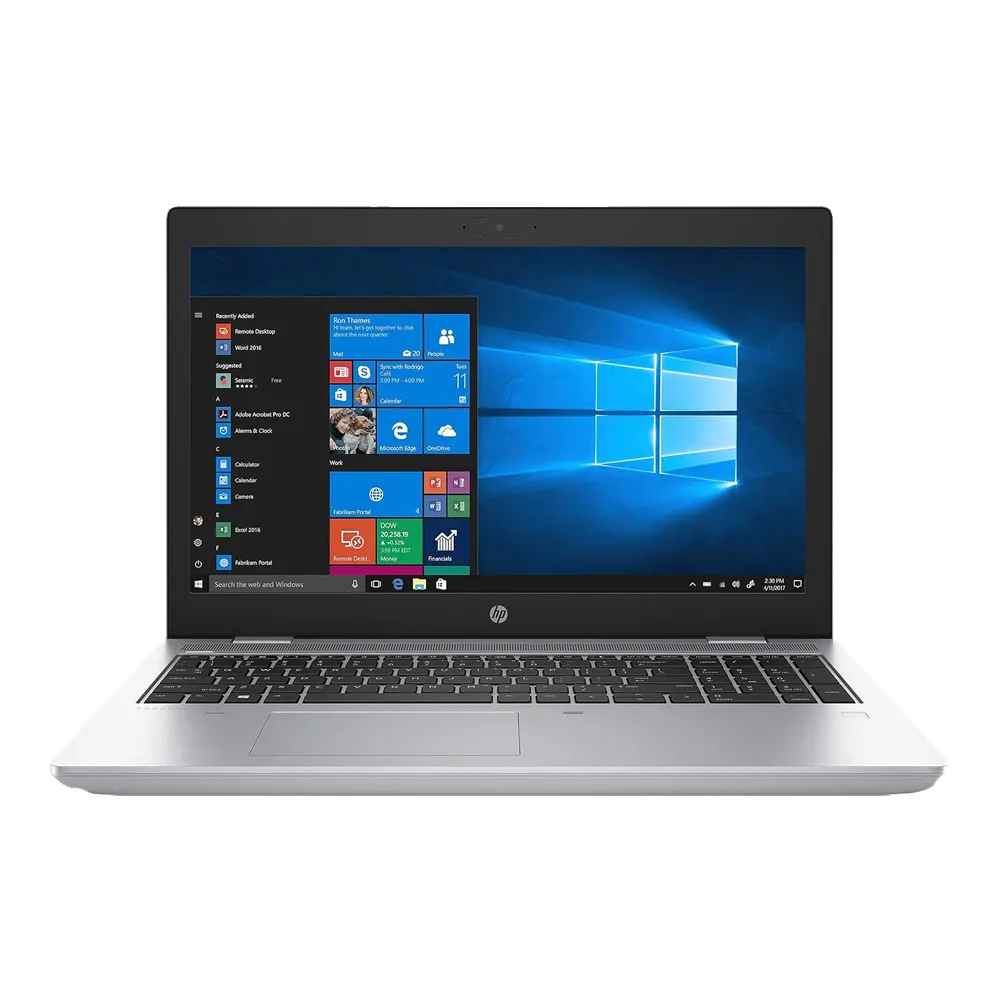
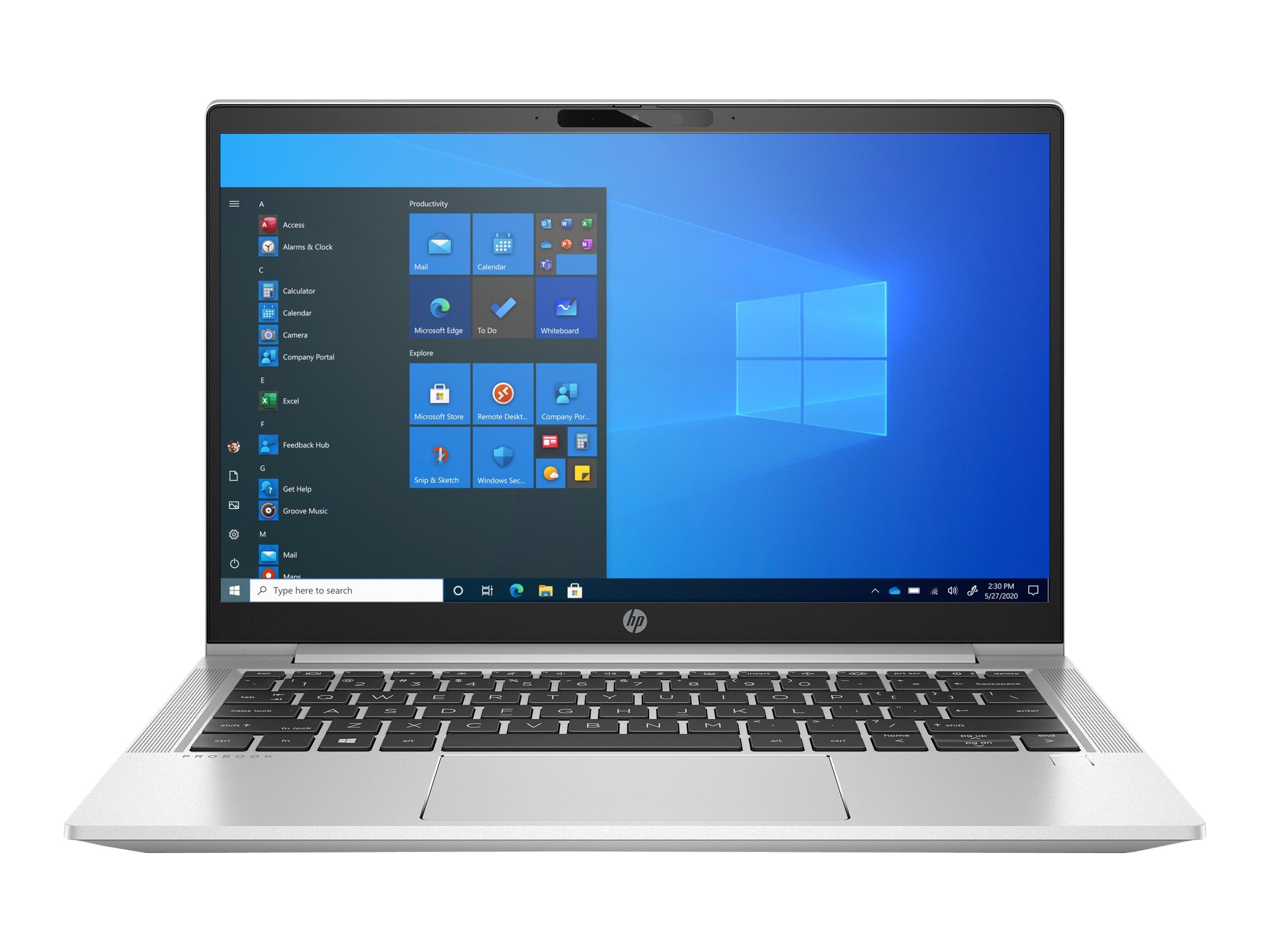
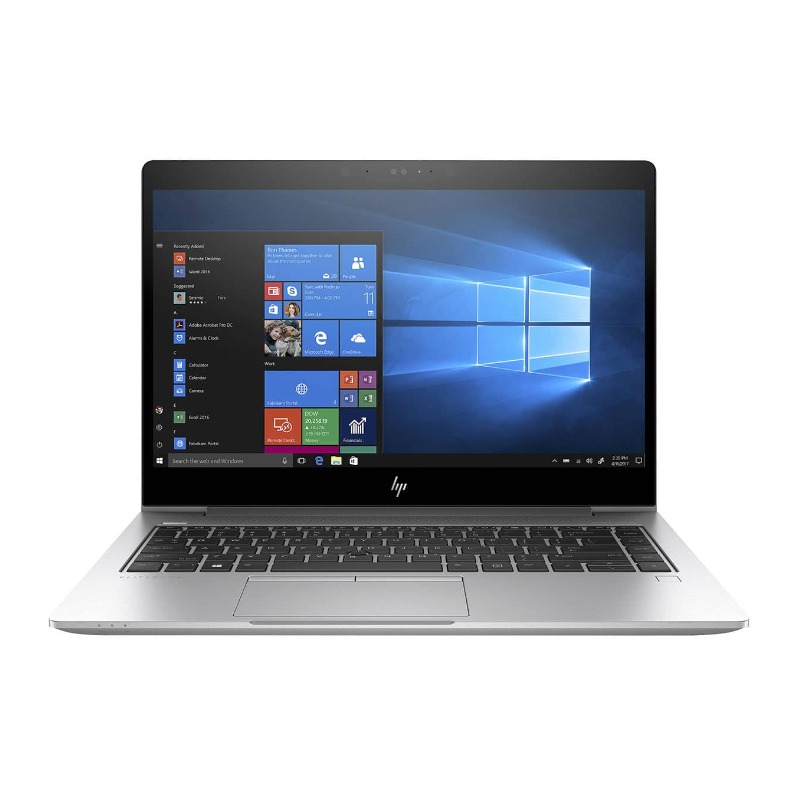
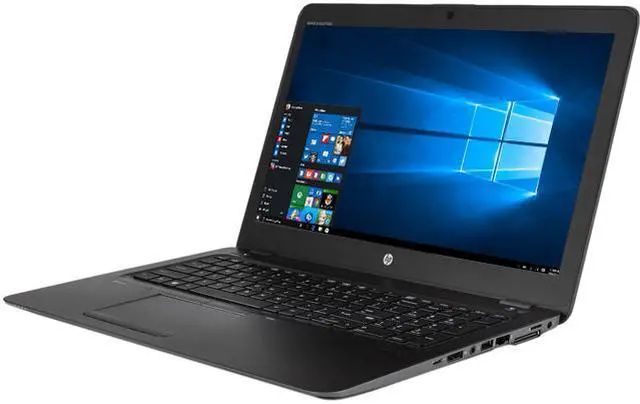
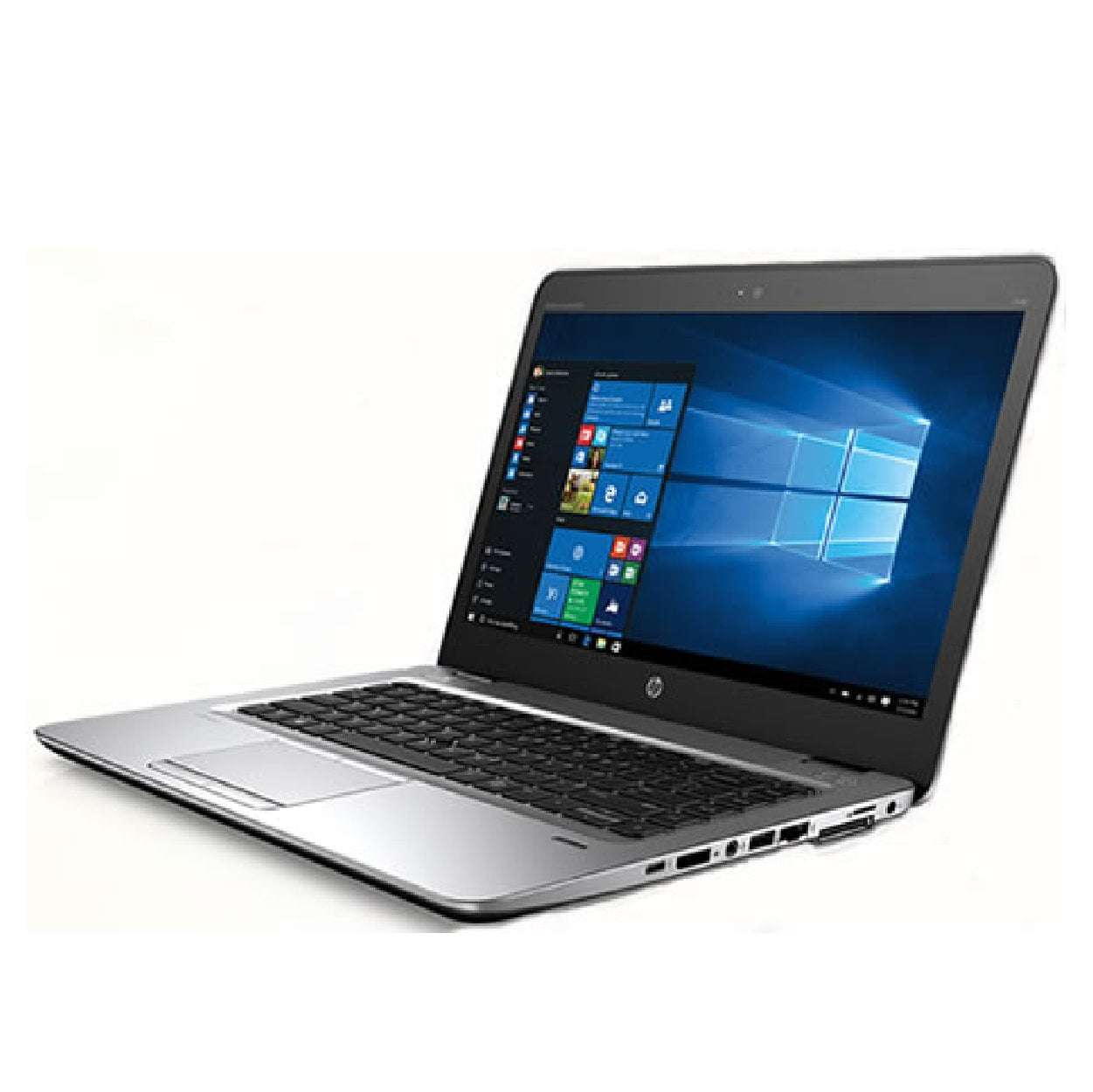
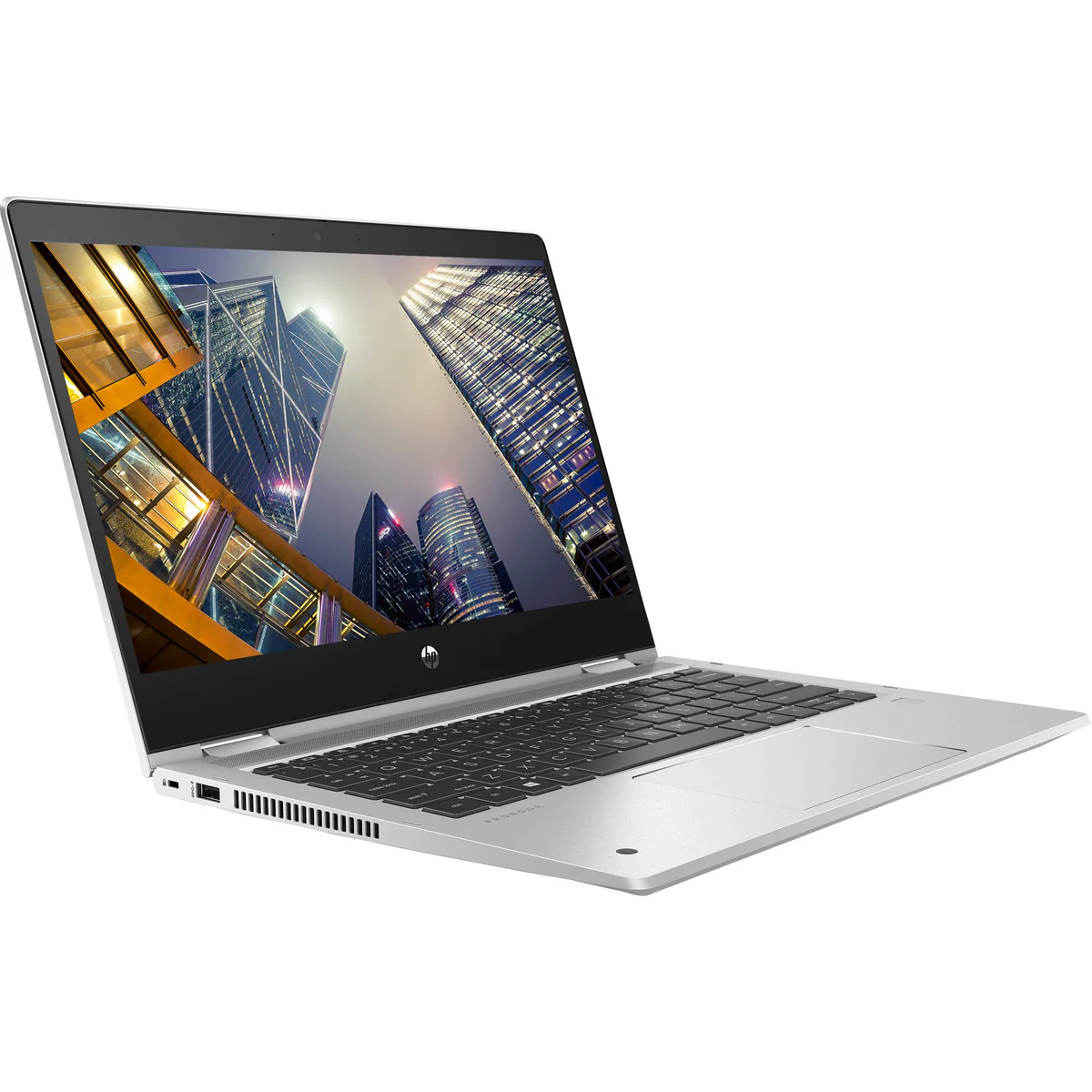
The HP ProBook 640 G5 represents the core philosophy of the business laptop: no-nonsense reliability, enterprise-grade security, and long-term serviceability. As part of HP's mainstream commercial ProBook 600 series, it is engineered to withstand the rigors of daily corporate use while providing IT departments with extensive manageability tools. This model is built around durability, featuring MIL-STD 810G testing for resistance to shock, vibration, dust, humidity, and extreme temperatures.
Detailed Specifications
1. Processor & Platform Architecture
- CPU Options: Intel 8th Generation Whiskey Lake-U
- Intel Core i3-8145U (2 cores, 4 threads, 2.1GHz base, 3.9GHz turbo)
- Intel Core i5-8265U (4 cores, 8 threads, 1.6GHz base, 3.9GHz turbo) - Most Common
- Intel Core i5-8365U with vPro (4 cores, 8 threads, 1.6GHz base, 4.1GHz turbo)
- Intel Core i7-8565U with vPro (4 cores, 8 threads, 1.8GHz base, 4.6GHz turbo)
- Platform Features:
- Chipset: Intel Q370 (for vPro models) or consumer chipset
- Intel vPro Technology (select models): For remote management, hardware security, and stability
- Intel Active Management Technology (AMT): Out-of-band management
- Thermal Design Power (TDP): 15W (standard U-series)
- Performance Philosophy: Sustained, reliable performance over peak bursts; tuned for business application stability.
2. Display Options
- Panel Size: 14.0-inch diagonal
- Resolution Options:
- HD: 1366 x 768 (HD) SVA Anti-Glare, 220 nits (Base)
- FHD: 1920 x 1080 (Full HD) IPS Anti-Glare, 250 nits (Recommended)
- FHD Touch: 1920 x 1080 IPS with Touch support, 250 nits
- FHD Privacy Screen: 1920 x 1080 IPS with HP Sure View integrated privacy, 250/1000 nits
- Key Display Features:
- Anti-Glare Coating: Standard on all non-touch panels for office use.
- Viewing Angles: IPS on FHD models provides wide 178° viewing angles.
- Privacy Screen (Optional): HP Sure View electronically switches to narrow viewing angle to prevent shoulder surfing.
- Touch Option: Multi-touch enabled for Windows gestures.
- Recommendation: The FHD IPS non-touch panel is the sweet spot, offering a good balance of clarity, battery life, and cost for most business tasks.
3. Performance Benchmarks & Real-World Use
- CPU Benchmarks (i5-8265U typical):
- Cinebench R15 Multi-Core: ~520-550 cb
- Geekbench 5 Single-Core: ~1050; Multi-Core: ~2400
- Performance adequate for heavy multitasking with office applications, large spreadsheets, and multiple browser tabs.
- Integrated Graphics (Intel UHD 620):
- Sufficient for display output (up to 3 external displays via combo of ports), hardware acceleration for video playback, and basic photo editing.
- Not suitable for gaming or professional 3D work.
- Supports 4K video playback at 30Hz via HDMI.
- Real-World Business Performance:
- Microsoft Office Suite: Flawless performance.
- ERP/Citrix/Virtual Desktop: Handles well with sufficient RAM.
- Dual Monitor Productivity: Excellent with dock.
- Legacy Business Applications: Stable and compatible on Windows 10 Pro.
4. Memory & Storage (User-Upgradeable)
- Memory Architecture:
- Slots: Two DDR4 SODIMM slots (user-accessible)
- Speed: 2400 MHz or 2666 MHz (depending on CPU)
- Maximum Capacity: 64GB (2x32GB) - officially supports 32GB (2x16GB), but 64GB often works.
- Base Configurations: Typically 4GB, 8GB, or 16GB sold as SKUs.
- Storage Options: Dual Storage Capable (M.2 + 2.5" SATA)
- Primary (M.2): Supports PCIe NVMe SSD (up to 2TB) or SATA SSD.
- Secondary (2.5" Bay): Supports 7mm SATA HDD (500GB/1TB) or SSD. The bay and cable are often included.
- Storage Flexibility: This is a key strength. IT can deploy with a fast NVMe boot drive and a large HDD for data, or dual SSDs.
- Upgrade Ease: Single panel on bottom provides access to RAM, SSD, and Wi-Fi card. Battery is externally removable.
5. Durability & Build Quality
- MIL-STD 810G Testing: Tested against 12 military-grade standards including:
- High/Low Temperature & Humidity
- Shock (30" operating drop)
- Vibration
- Dust
- Chassis Materials: Aluminum and reinforced plastic composites. Magnesium-alloy frame in key areas.
- Keyboard: HP DuraKeys with spill-resistant design (can drain up to 11.8 oz / 350 ml of liquid).
- Hinge: Robust metal hinges rated for tens of thousands of open/close cycles.
- Display Lid: Reinforced to resist twisting and pressure.
- Overall Feel: Dense, solid, and utilitarian. Not sleek or flashy, but inspires confidence in durability.
6. Battery & Power Options
- Battery Options:
- 3-cell, 48Wh Lithium-Ion (Standard, internal)
- 6-cell, 64Wh Long Life Lithium-Ion (Extended, protrudes slightly)
- Hot-Swappable Battery (Rare Option): Allows battery replacement without powering down when used with optional dock.
- Battery Life Estimates (FHD, i5):
- 48Wh Battery: ~8-10 hours (general use)
- 64Wh Battery: ~12-14 hours (general use)
- Actual life depends heavily on workload and screen brightness.
- Charging:
- 65W Smart AC Adapter (standard, with slim tip)
- USB-C Power Delivery (via the USB-C port)
- Optional HP USB-C Travel Adapter
- Power Management: HP Power Manager software for IT to set policies (e.g., maximize battery health, always charge to 100%).
7. Connectivity & Ports (Legacy + Modern)
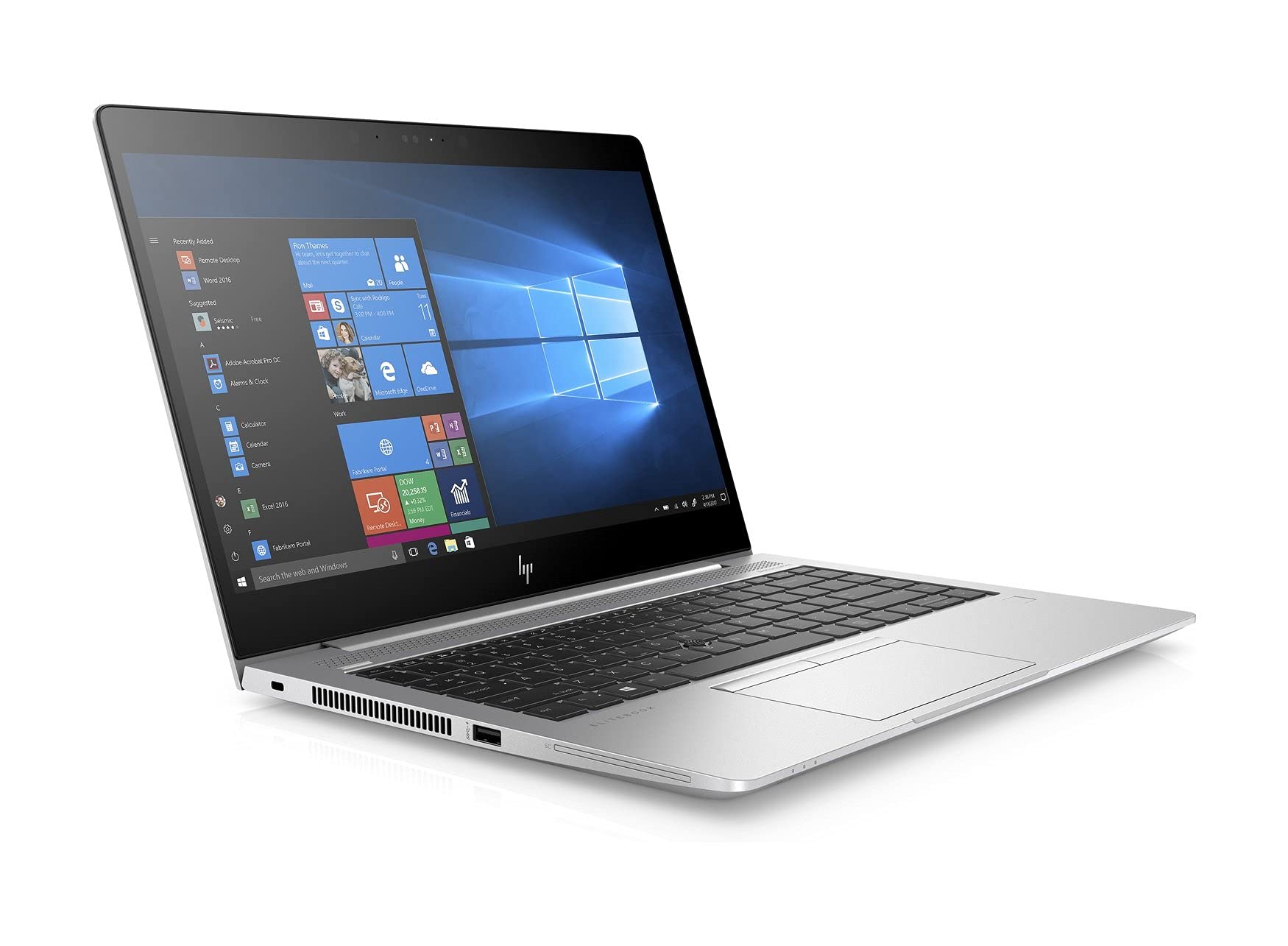
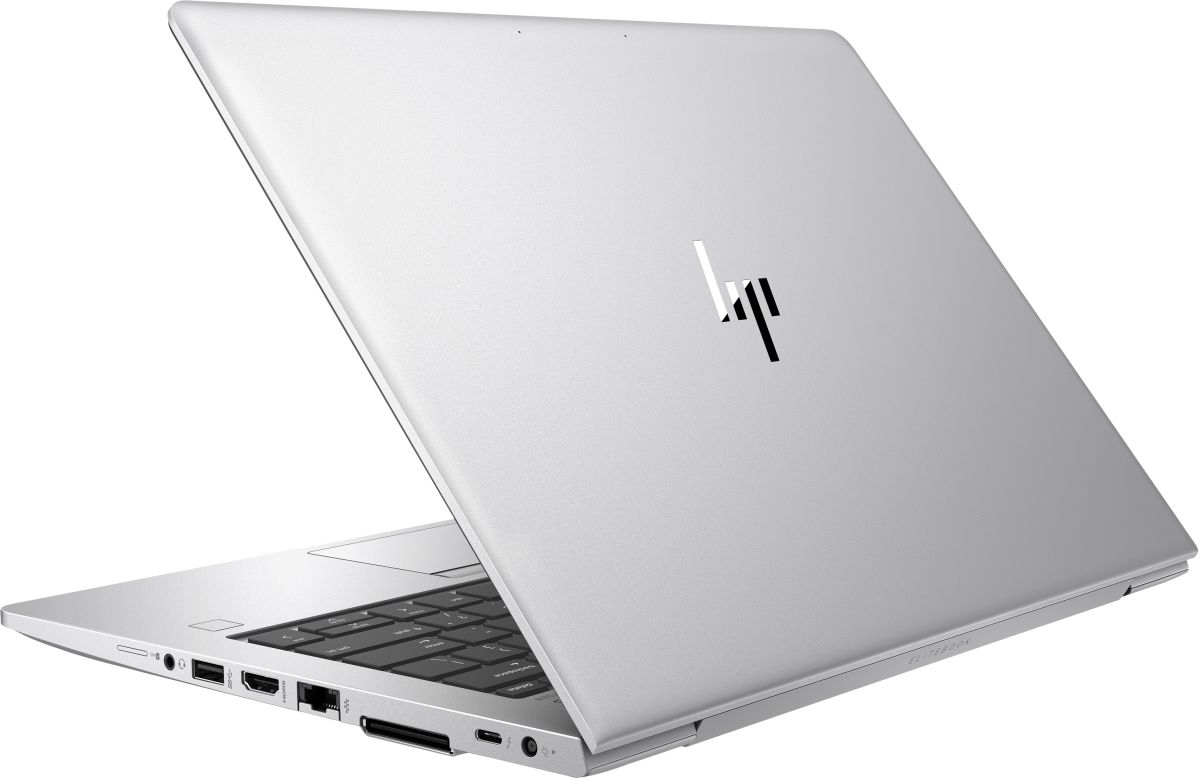
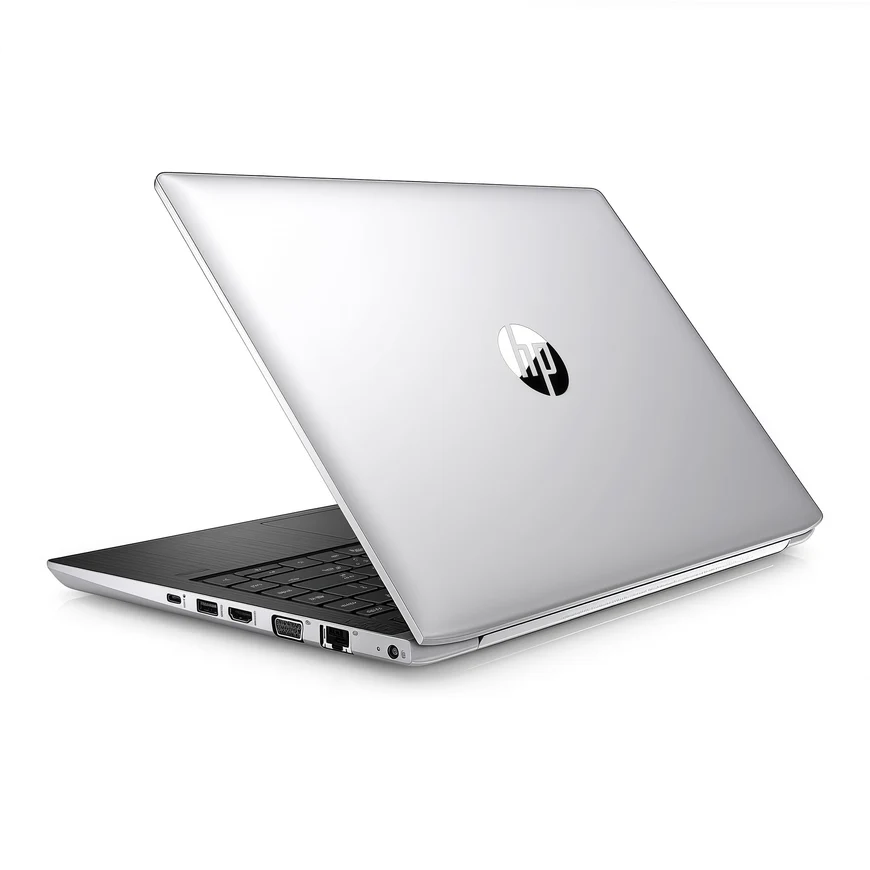
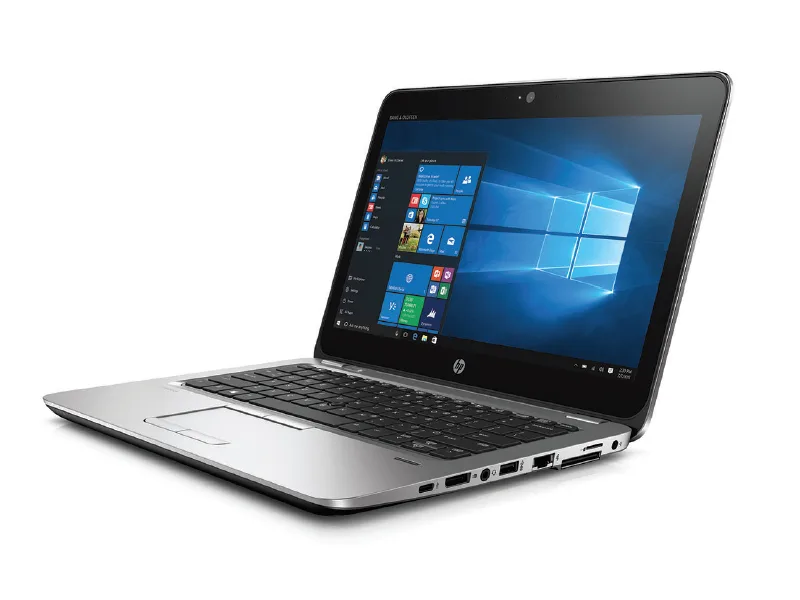
- Left Side: USB 3.1 Gen 1, HDMI 1.4, USB 3.1 Gen 1 Type-C (with DisplayPort 1.2 and Power Delivery), AC Power, RJ-45 (Gigabit Ethernet).
- Right Side: USB 2.0, Headphone/Microphone combo jack, Smart Card Reader (optional), Kensington Lock slot.
- Back Side (Rear-facing): Dock Connector for HP UltraSlim Dock.
- Wireless:
- Wi-Fi: Intel Dual Band Wireless-AC (802.11a/b/g/n/ac) 2x2
- Bluetooth: 5.0
- Optional: 4G/LTE WWAN with nano-SIM slot
- Docking: Compatible with HP UltraSlim Docking Stations via the dedicated rear port for one-cable connectivity (power, video, USB, Ethernet).
8. Input Devices
- Keyboard:
- Full-size, spill-resistant keyboard with 1.5mm key travel.
- Backlit option (highly recommended).
- Optional Pointstick (TrackPoint) with dedicated buttons above touchpad.
- Quiet, tactile feedback suitable for long typing sessions.
- Touchpad:
- Precision Touchpad certified for Windows 10/11 gestures.
- Physical left/right click buttons (separate or integrated below pad).
- Surface is smooth plastic (not glass).
- Biometric Security:
- Fingerprint Reader (optional): Located on the palm rest.
- IR Camera for Windows Hello Facial Recognition (optional, with FHD display).
- Webcam & Audio:
- HD 720p camera with dual-array digital microphones.
- Privacy shutter for the webcam (manual slide).
- Bang & Olufsen tuned dual stereo speakers.
9. Security & Manageability (Enterprise Core)
- HP Sure Start Gen4: World's only self-healing BIOS. Detects and recovers from BIOS attacks/corruption.
- HP Sure Click: Isolates risky documents and websites in micro-VMs to protect the host from malware.
- HP Sure Sense: AI-based malware detection for zero-day threats.
- HP Client Security Manager Gen3: Centralized security settings management (BIOS, drive encryption, authentication).
- TPM 2.0: Discrete Trusted Platform Module for hardware-based encryption (BitLocker).
- Smart Card Reader: Optional for two-factor authentication.
- Cable Lock Slot: Kensington lock compatible.
- Absolute Persistence Module: Embedded firmware for device tracking and recovery.
10. Software & Operating System
- Original OS: Windows 10 Pro 64-bit (standard for business). Some may have been downgraded to Windows 7 Pro.
- Windows 11: Officially supported (requires TPM 2.0 and compatible CPU - 8th Gen meets requirement). Clean install recommended.
- HP Software Suite: HP Manageability Integration Kit, HP Support Assistant, HP Hotkey Support, HP BIOS Configuration Utility.
- OS Imaging: Designed for easy deployment with IT tools like SCCM. HP provides system images and driver packs.
Revolutionary Features
HP Enterprise Advantages:
- MIL-STD 810G Durability: Built to withstand harsh environments and rough handling
- HP Sure Start BIOS Protection: Self-healing BIOS that recovers from corruption or attacks
- Hot-Swappable Battery Option: Rare feature allowing battery replacement without shutting down
- Spill-Resistant Keyboard: Can survive liquid spills up to 350ml
- Dual Storage Capability: M.2 + 2.5" bay for flexible storage configurations
User Experience Improvements:
- Easy Serviceability: User-accessible components for upgrades and repairs
- Comprehensive Port Selection: No dongles needed for most business connections
- Excellent Keyboard: Spill-resistant, backlit, with good travel for typing comfort
- Docking Station Compatibility: One-cable docking solution for desktop-like setup
Target Market & Use Cases
Ideal Users:
- Corporate Employees: General office workers, managers, analysts
- Field Service Technicians: Durability and portability for on-site work
- Government & Education: Meets procurement requirements for security and serviceability
- Small Business Owners: Need reliability and want to avoid disposable laptops
- IT Departments: Value ease of imaging, management, and repair
Not Recommended For:
- Gamers or content creators needing powerful graphics
- Users prioritizing extreme thinness and light weight above all else
- Anyone who dislikes a utilitarian, business-oriented aesthetic
- Creative professionals needing high color accuracy displays
Comparison with Other Models
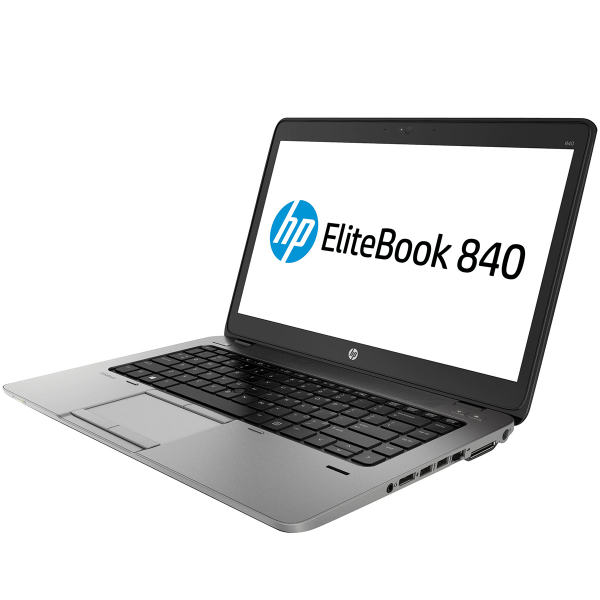
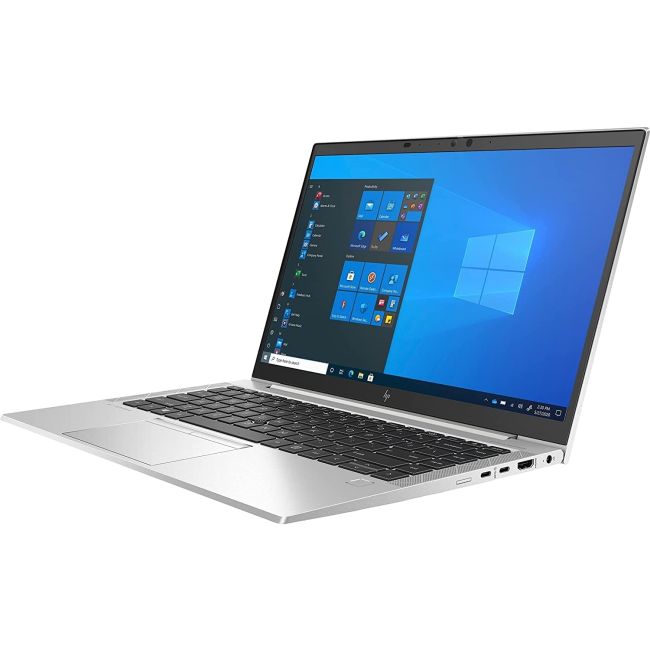
vs. HP EliteBook 840 G5:
- ProBook Advantages: Lower cost, similar durability, better value
- EliteBook Advantages: More premium materials, additional security features, sometimes better screens
vs. Dell Latitude 5490:
- ProBook Advantages: Better spill-resistant keyboard, HP Sure Start BIOS, often better pricing
- Latitude Advantages: Slightly better port selection (Thunderbolt optional), Dell support reputation
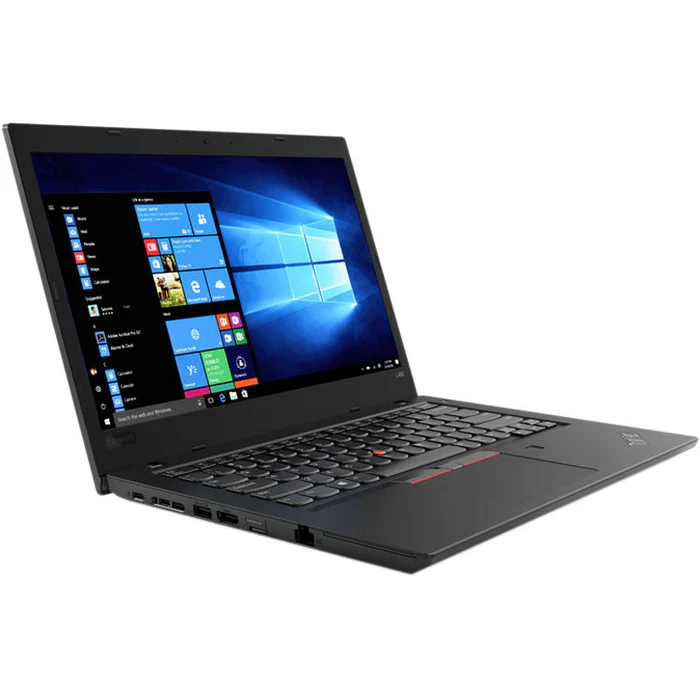
vs. Lenovo ThinkPad L480:
- ProBook Advantages: MIL-STD 810G certification, more comprehensive port selection
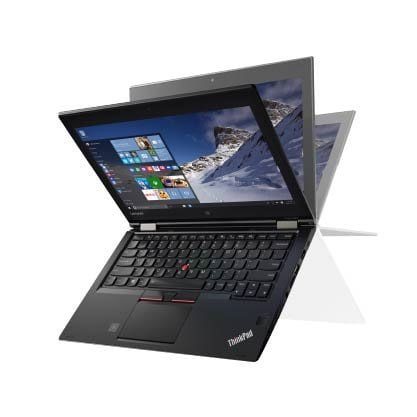
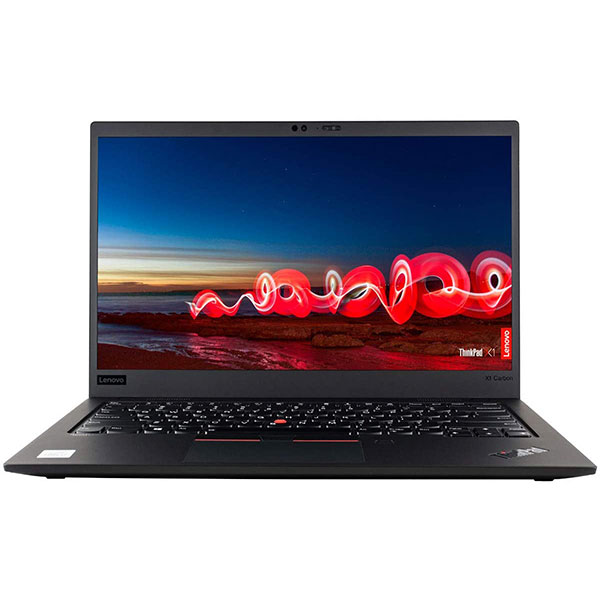
- ThinkPad Advantages: Legendary ThinkPad keyboard, TrackPoint, often better Linux support
vs. Consumer Laptops:
- ProBook Advantages: Much better durability, security features, serviceability, business support
- Consumer Advantages: Often better screens, thinner designs, sometimes better performance for price
Common Questions
Memory: 8GB vs 16GB vs 32GB?
- 8GB: Minimum for Windows 10/11 with office applications
- 16GB: Recommended for most business users, especially with multiple applications or browser tabs
- 32GB: For power users, virtual machines, or specialized applications
- Note: Easy to upgrade later due to accessible SODIMM slots
Storage: SSD vs HDD + SSD?
- Single NVMe SSD: Best performance, recommended for most users
- NVMe + HDD Combo: Good for users needing large storage for data with fast boot drive
- Dual SSD: Maximum performance and capacity, ideal for power users
Display: HD vs FHD?
- Avoid HD (1366x768): Poor viewing angles, low resolution not suitable for productivity
- Choose FHD (1920x1080): Minimum recommended for business use, much better clarity and workspace
- FHD IPS: Worth the upgrade for better color and viewing angles
Long-Term Outlook
Expected Lifespan:
- Hardware: 5-7 years with normal business use due to durable construction
- Software Support: Windows 11 supported, likely through Windows 12 (2028+)
- Performance Relevance: 8th Gen Intel quad-core remains capable for office work and general computing
Resale Value:
- Good resale value for business laptops
- Enterprise buyers often seek these for their durability and manageability
- Upgradeability extends useful life and maintains value
Pros & Cons Summary
Advantages:
- Excellent durability with MIL-STD 810G certification
- Easy serviceability and upgradeability
- Comprehensive port selection including Ethernet and docking
- Spill-resistant keyboard
- Strong enterprise security features (HP Sure Start, TPM 2.0)
- Good battery life with extended battery option
- Affordable for business-class laptop
- IT-friendly with good manageability tools
Disadvantages:
- Heavy and thick by modern standards
- Base HD screen is very poor quality
- Limited graphics performance (integrated only)
- Average speakers and 720p webcam
- USB-C is Gen 1 (5Gbps), not Thunderbolt
- Utilitarian design not aesthetically pleasing
- Can get warm under sustained load
Current Market Value (2024)
Original Pricing (2018):
- Base Model (i3, 4GB, 500GB HDD, HD Screen): $700-$800
- Mid-range (i5, 8GB, 256GB SSD, FHD): $900-$1,100
- High-end (i7 vPro, 16GB, 512GB SSD, FHD+): $1,300-$1,600
Used/Refurbished Market Value (2024):
- Base Spec (i5, 8GB, 256GB SSD, FHD): $200-$300
- Good Spec (i5, 16GB, 512GB SSD, FHD IPS): $250-$350
- High Spec (i7 vPro, 16GB, 1TB SSD, FHD Privacy): $350-$450
- Factors: Battery health, cosmetic condition, remaining warranty, included accessories
Value Assessment:
- Exceptional value for business users needing durability and ports
- Often better built than new consumer laptops at similar price points
- Upgrade potential makes used units especially good value
- Ideal for small businesses or students on tight budgets
Final Recommendation
Buy the HP ProBook 640 G5 If:
- You need a rugged, reliable laptop for business or school
- You value upgradeability and easy repairs
- You need comprehensive ports without dongles
- You work in environments where spills or drops are concerns
- You find a well-specced FHD model under $300
- You're an IT buyer needing manageable, durable laptops
Consider Newer Models If:
- You need better graphics performance
- You prioritize thinness and light weight
- You want Thunderbolt connectivity
- You need longer official software support
- Your budget allows for 11th Gen Intel or newer systems
Best Configurations to Buy Used:
- i5-8265U, 16GB RAM, 512GB NVMe SSD, FHD IPS - Best overall value
- i5-8365U vPro, 16GB RAM, 256GB SSD + 1TB HDD, FHD - Good for storage needs
- i7-8565U, 32GB RAM, 1TB NVMe SSD, FHD Privacy - For power users
Essential Checks Before Buying Used:
- Display Quality: Absolutely avoid HD (1366x768) models. Insist on FHD (1920x1080).
- Battery Health: Check in Windows or BIOS. Below 70% health means plan for replacement.
- Keyboard Test: Test all keys, especially if spill-resistant feature was used.
- Port Functionality: Test USB ports, charging, HDMI output.
- Body Inspection: Check for cracks near hinges, port damage, or excessive wear.
- BIOS Status: Ensure no administrator password is set.
Overall Assessment:
8.0/10 for Business/Value Users, 6.5/10 for General Consumers
The HP ProBook 640 G5 is not a flashy or exciting laptop, but it is an exceptionally competent and purposeful one. It embodies the core virtues of a business-class machine: durability, security, serviceability, and long-term value. For its current price on the used market, it offers a level of robustness and upgradeability that is virtually unmatched in new budget laptops, which are often sealed, plastic, and fragile.