Executive Summary
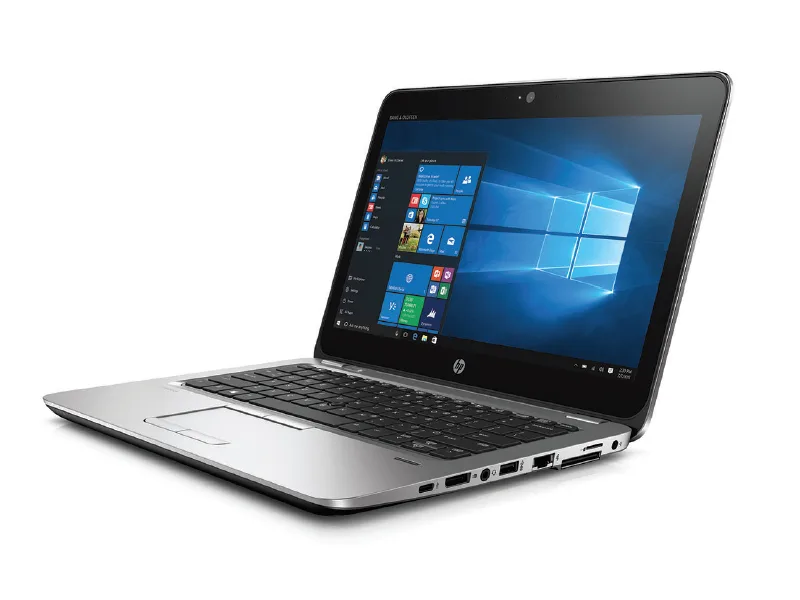
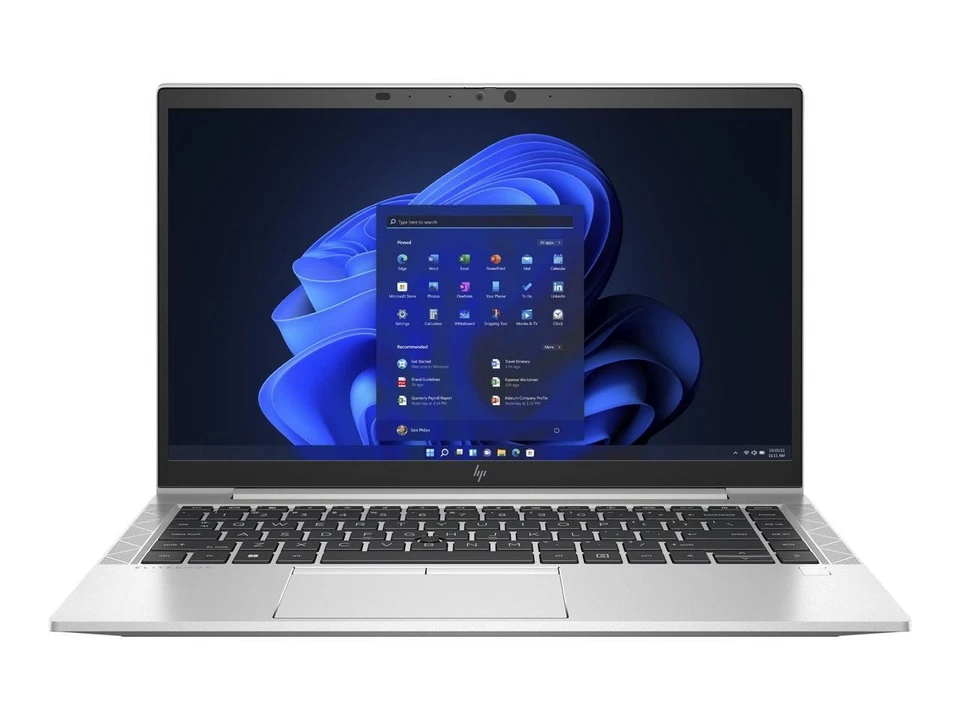
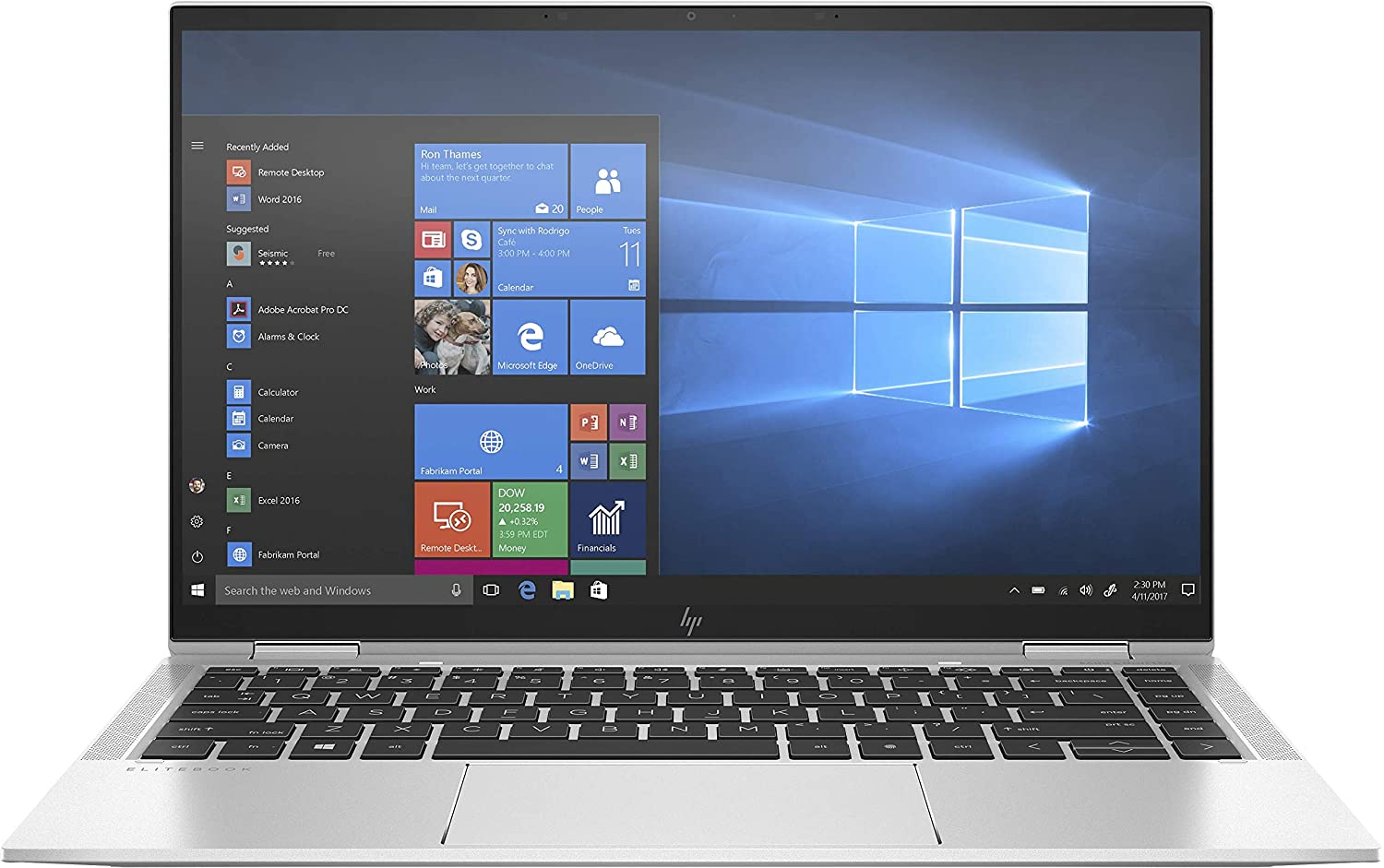
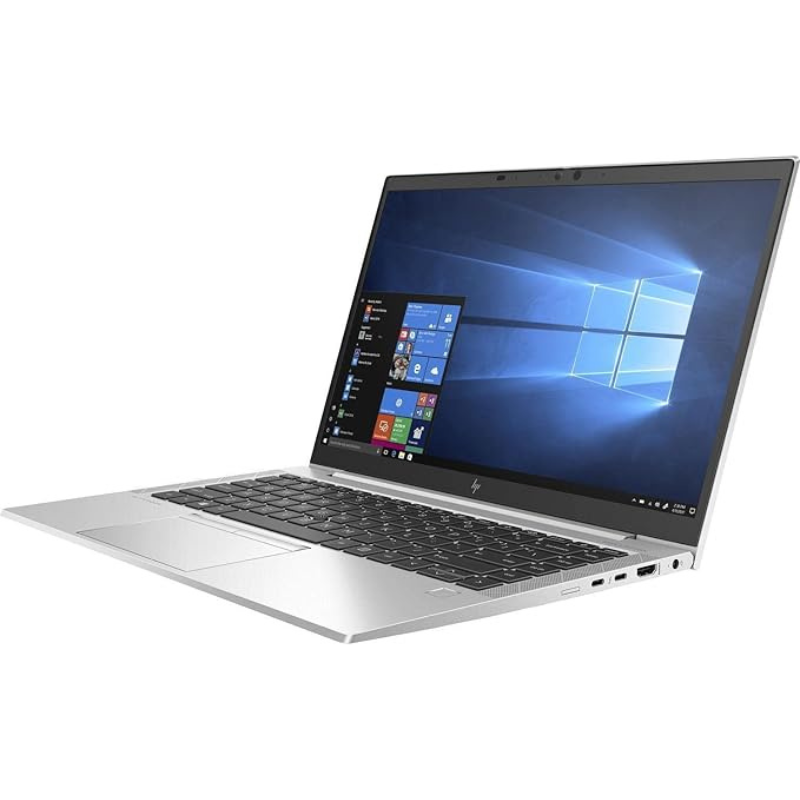
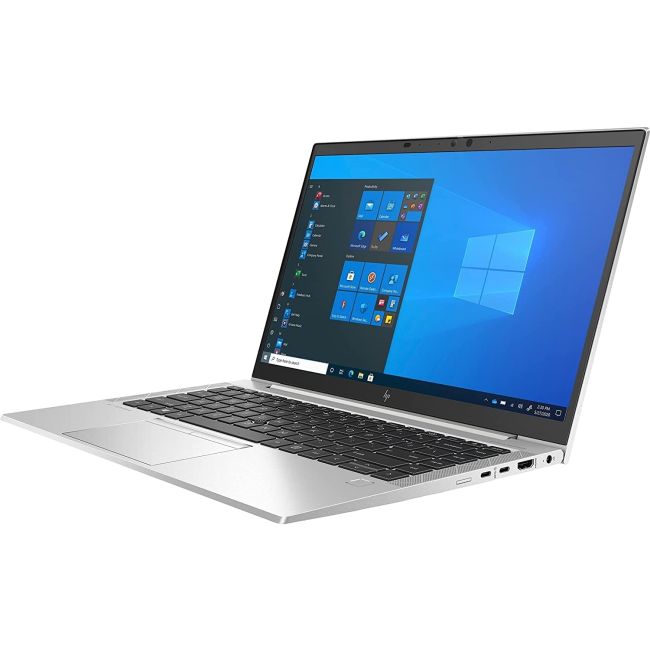
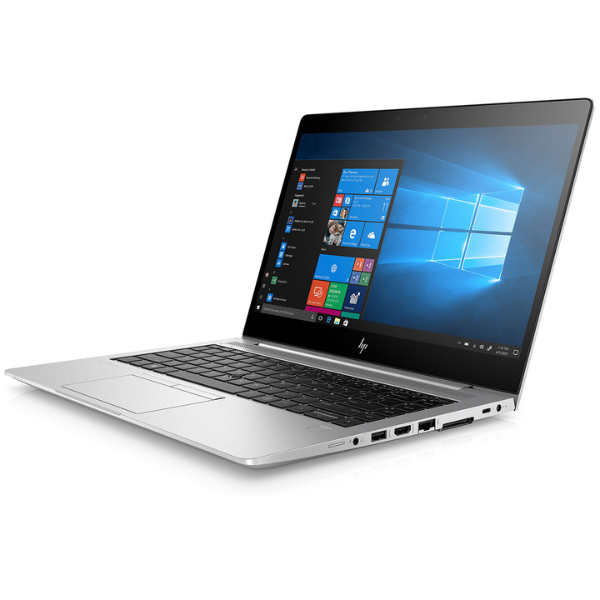
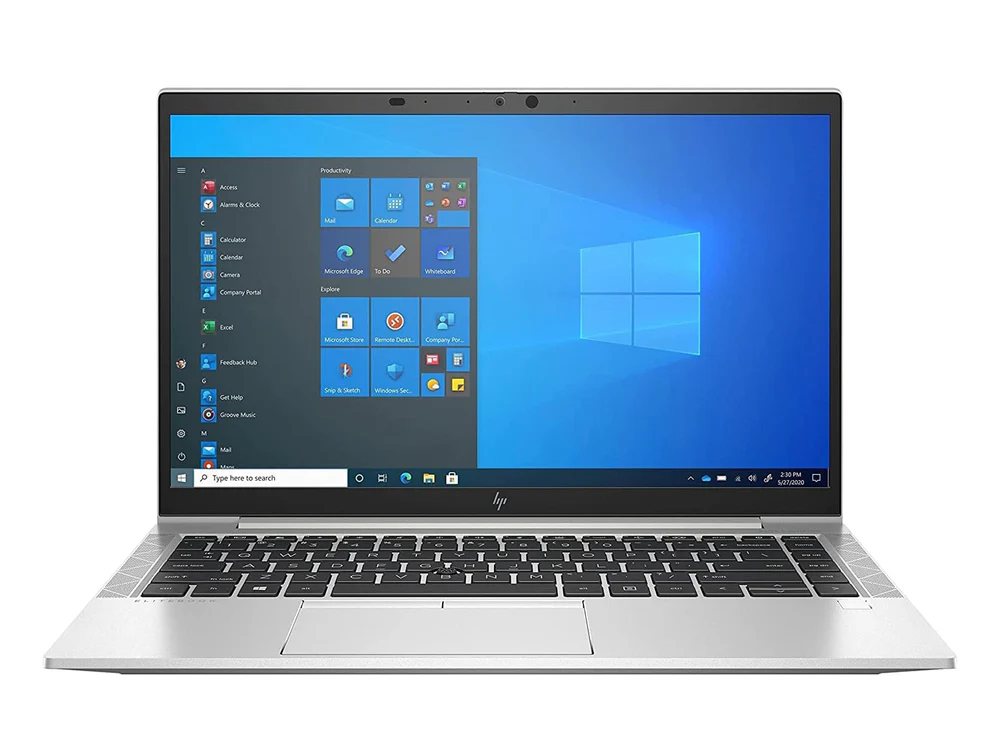
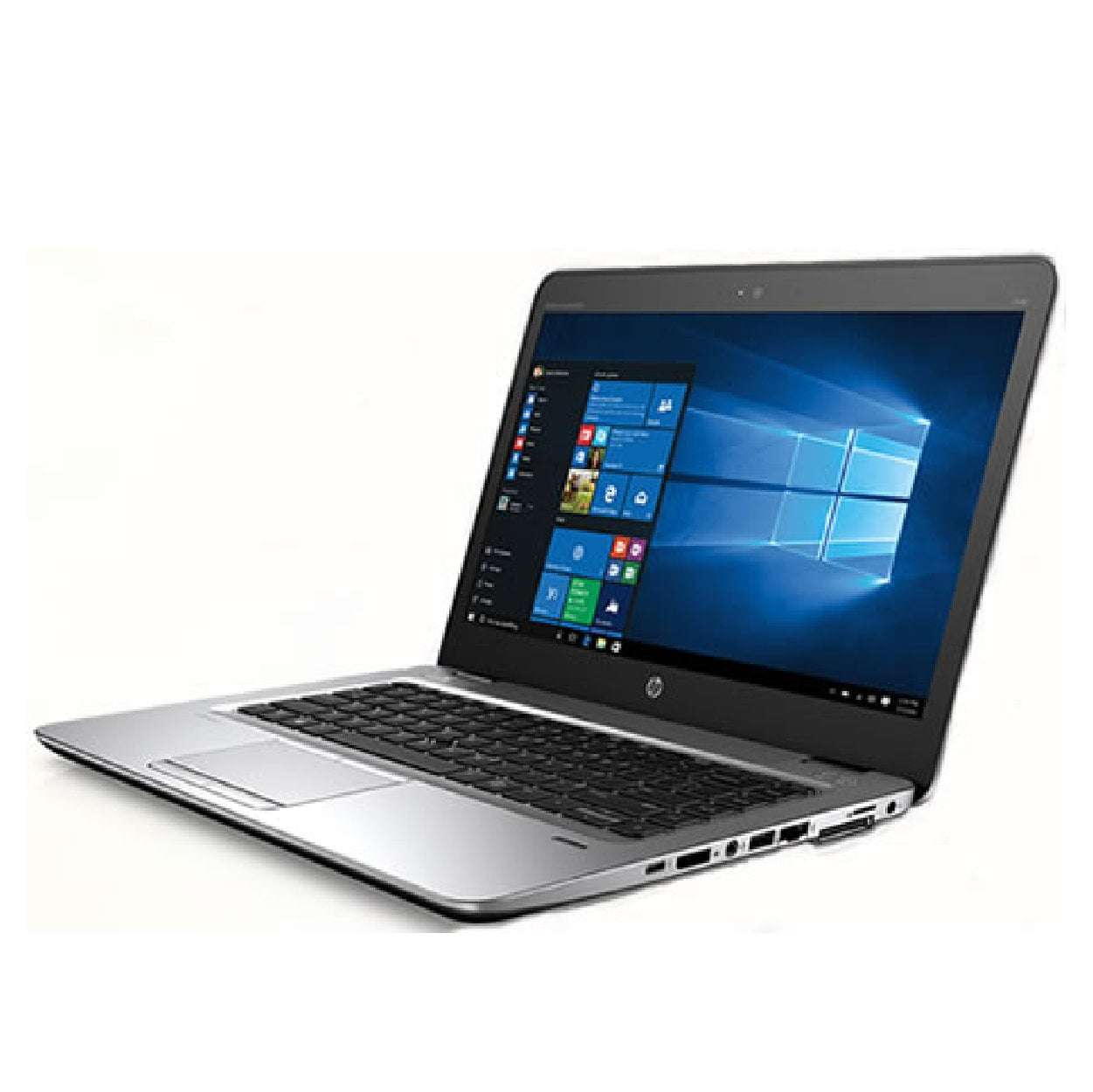
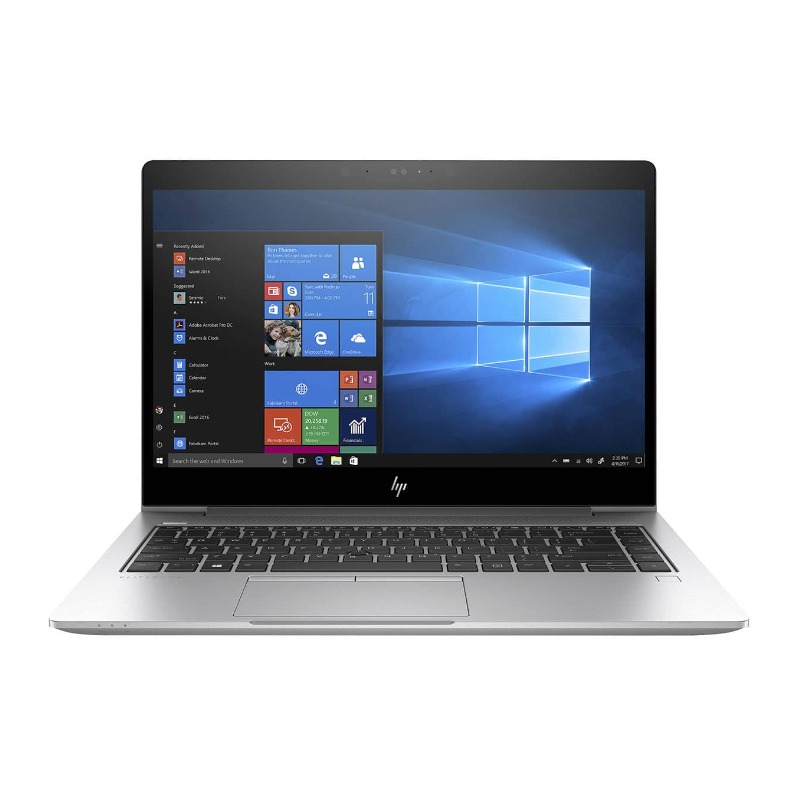
The HP EliteBook 1040 G3 represents HP's 2016 flagship ultraportable business laptop, designed during an era when thin-and-light laptops were gaining serious traction in corporate environments. This particular configuration—featuring a dual-core 6th Gen Intel Core i5 processor paired with a generous 16GB of RAM and 512GB SSD—was considered high-end for its time, targeting executives and mobile professionals who demanded premium portability without compromising business features.
Detailed Specifications
1. Performance Configuration: Intel 6th Gen "Skylake"
- Processor: Intel Core i5-6300U (Skylake architecture, 14nm)
- 2 cores, 4 threads with Intel Hyper-Threading
- Base frequency: 2.4 GHz, Turbo Boost up to 3.0 GHz
- 3MB Intel Smart Cache
- 15W TDP (ultra-low voltage design)
- Memory Performance:
- 16GB DDR4-2133 in dual-channel configuration
- Soldered to motherboard (no expansion slots)
- Maximum supported: 16GB (soldered, not upgradeable)
- Adequate for Office applications, web browsing, light multitasking
- Storage System:
- 512GB SATA3 SSD (typically M.2 2280 or 2.5" SATA)
- Read/write speeds: ~500-550 MB/s (SATA3 limitation)
- HP 3D DriveGuard for drop protection
- Upgrade options: Up to 1TB SSD (SATA interface)
2. Display & Visual Experience
- Panel Specifications:
- 14-inch diagonal, Full HD (1920 x 1080) resolution
- 16:9 aspect ratio (standard for era)
- IPS technology with wide viewing angles
- 300 nits brightness (adequate for indoor office use)
- Anti-glare coating reduces reflections
- 72% NTSC color gamut on premium panels
- Optional Display Upgrades (2016):
- Touchscreen with Corning Gorilla Glass (optional)
- HP Sure View privacy screen (first generation)
- Quad HD (2560x1440) resolution display
- Graphics Performance:
- Intel HD Graphics 520 (integrated, 24 execution units)
- Supports DirectX 12, OpenGL 4.4
- Hardware acceleration for H.264, HEVC (partial)
- Can drive two external displays (via HDMI + Mini DisplayPort)
- Basic capability for 1080p video playback, office applications
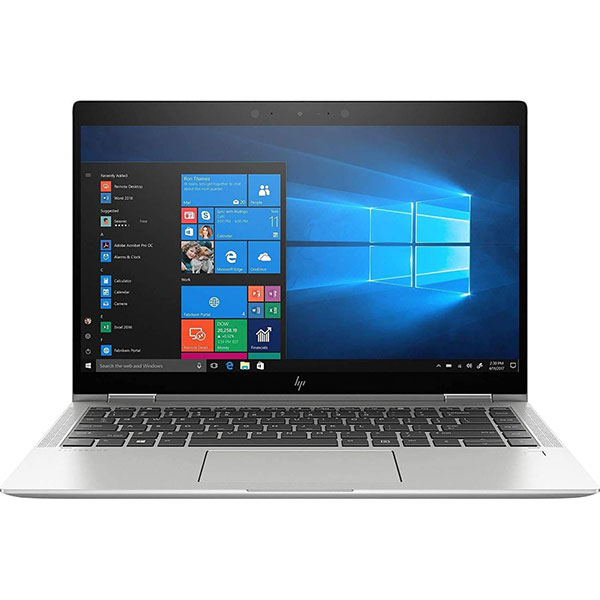
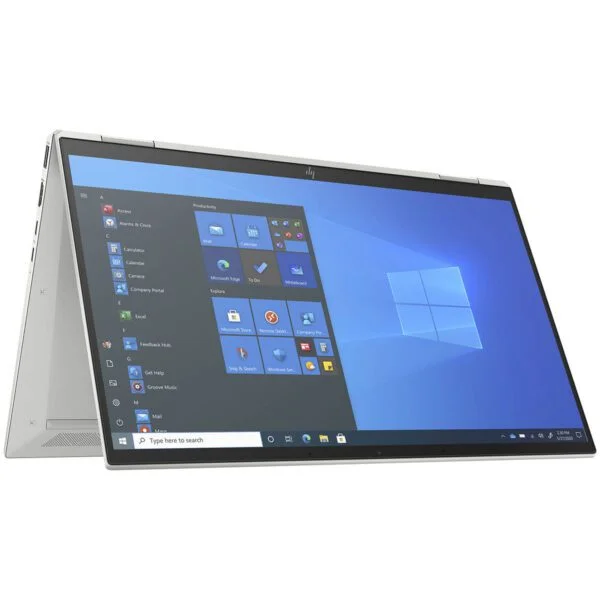
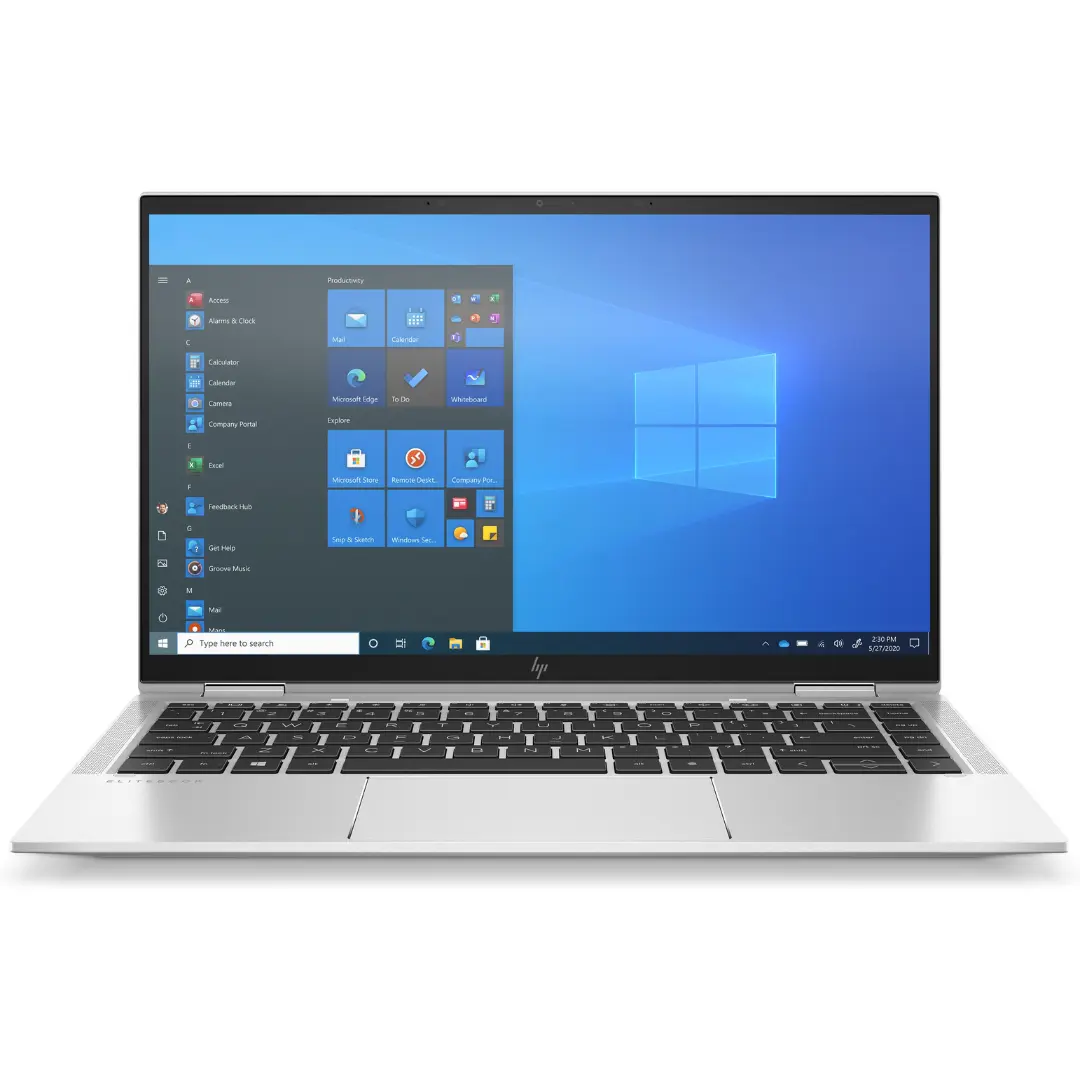
3. Design & Build Quality (2016 Premium)
- Construction:
- Aluminum and magnesium alloy chassis
- Carbon fiber composite in some components
- Brushed aluminum finish on lid
- Soft-touch coating on palm rest area
- Durability:
- MIL-STD-810G certified (12 test procedures)
- Spill-resistant keyboard (drainage system)
- HP DuraKeys for keycap longevity
- Corrosion-resistant coatings
- Dimensions & Weight:
- Height: 17.7 mm (0.70 inches)
- Width: 335.3 mm (13.20 inches)
- Depth: 235.0 mm (9.25 inches)
- Weight: 1.4 kg (3.08 lbs) - light for 2016 standards
- Color Options:
- Natural silver (standard)
- Sparkling black (premium option)
4. Security & Business Features (2016 Era)
- Hardware Security:
- HP Sure Start (Gen1 - BIOS protection)
- Discrete TPM 1.2 chip (industry standard at time)
- Fingerprint reader (optional, swipe-style)
- Smart Card reader (optional)
- Privacy Controls:
- Optional HP Sure View privacy screen (first generation)
- Camera activity LED indicator
- No physical camera shutter (introduced in later models)
- Software Protection:
- HP Client Security Suite (early version)
- HP Drive Encryption (via software)
- HP SpareKey for password recovery
- Management Features:
- HP BIOS Configuration Utility
- Compatible with HP Client Management Solutions
- Intel vPro option with AMT 10.0
5. Battery & Connectivity (Transition Era)
- Power System:
- 4-cell 56Wh lithium-ion battery
- 65W proprietary charging adapter (barrel connector)
- Battery life: 6-8 hours real-world (new)
- No fast charging technology
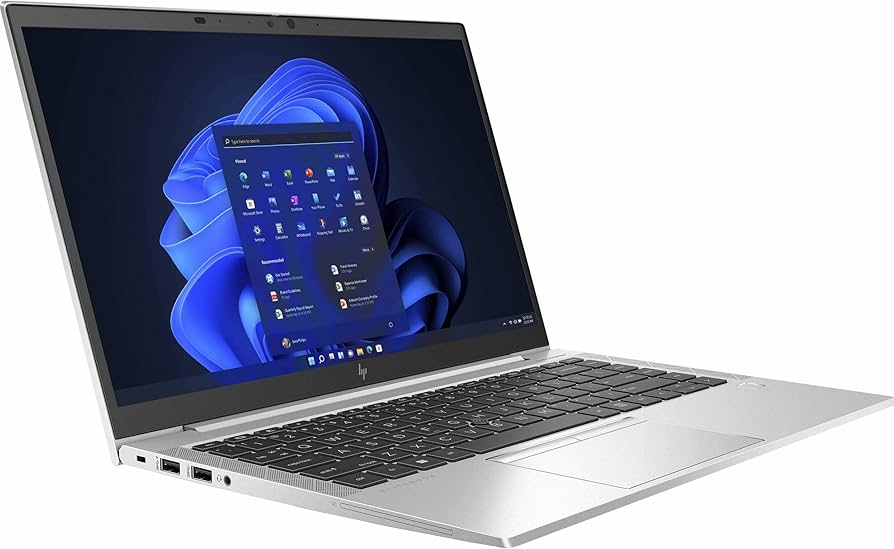
- Ports & Connectivity (Notable for USB-C inclusion):
- 1 x USB 3.1 Gen 1 Type-C (5Gbps, no Thunderbolt)
- 2 x USB 3.0 Type-A (5Gbps)
- 1 x HDMI 1.4 (4K at 30Hz)
- 1 x Mini DisplayPort 1.2
- 1 x 3.5mm headset jack
- 1 x RJ-45 Ethernet (via included extension dongle)
- 1 x Smart Card reader (optional)
- Wireless (2016 Standards):
- Intel Dual Band Wireless-AC 8260 (802.11ac, 2x2)
- Bluetooth 4.2
- Optional: 4G LTE mobile broadband (Sierra Wireless)
- Optional: Intel vPro with AMT
- Audio System:
- Dual stereo speakers (bottom-firing)
- Dual array digital microphones
- Bang & Olufsen audio tuning
- Noise cancellation software
6. Input Devices & User Experience
- Keyboard:
- Full-size backlit keyboard with numeric keypad
- Spill-resistant design with drainage channels
- 1.5mm key travel (comfortable for extended typing)
- Adjustable white backlight (two levels)
- Dedicated volume control keys
- Trackpad:
- Glass surface Precision touchpad
- Integrated buttons (clickpad design)
- Multi-touch gesture support
- 5-point touch capability
- Webcam & Audio:
- 720p HD webcam with dual microphones
- Camera: 1280 x 720 resolution
- Low-light enhancement technology
- Dual digital array microphones
- Additional Features:
- HP Wireless Button (for wireless device management)
- Ambient light sensor for automatic display brightness
- HP Display Control software
Performance Analysis (2024 Perspective)
Current Capabilities
- Basic Productivity: Adequate for Office 365, email, web browsing
- Struggles with 20+ Chrome tabs (modern web is resource-heavy)
- Microsoft Office applications run acceptably
- PDF viewing and light document editing work well
- Limitations:
- Dual-core processor shows age with modern multitasking
- Integrated HD 520 graphics struggle with 4K video playback
- SATA SSD slower than modern NVMe drives
- May feel sluggish with Windows 11
- Recommended Usage:
- Light office work (Word, Excel, PowerPoint)
- Web browsing with limited tabs
- Email and calendar management
- Basic PDF work
- Secondary/backup business machine
Benchmark Performance (Aged)
- CPU Performance (Geekbench 5):
- Single-core: 600-700 points
- Multi-core: 1,300-1,500 points
- Approximately 1/3 the performance of 11th Gen i5
- Graphics Performance:
- 3DMark Time Spy: 200-300 points (very basic)
- 1080p video playback: Works but may struggle with 4K
- No gaming capability beyond very basic titles
- Storage Performance:
- CrystalDiskMark: 500-550 MB/s read/write (SATA limitation)
- Windows 10 boot time: 20-30 seconds
- Application loading noticeably slower than modern systems
Operating System Compatibility
- Original OS: Windows 10 Pro (64-bit)
- Windows 11 Compatibility: Officially unsupported
- TPM 1.2 (Windows 11 requires TPM 2.0)
- CPU not on Microsoft's supported list
- Can be installed via workarounds but not recommended
- Alternative OS Options:
- Linux distributions (Ubuntu, Fedora work well)
- Windows 10 (supported until October 2025)
- Lightweight Linux (Lubuntu, Xubuntu for better performance)
Target Audience (2024)
Appropriate User Profiles Today
- Students on Budget: Basic research, document writing, presentations
- Secondary Business Machine: Backup laptop for travel or home use
- Light Office Work: Basic data entry, email, document editing
- Linux Users: Good hardware for lightweight Linux distributions
- Elderly Users: Simple computing needs, durable construction
Not Recommended For
- Primary Business Machine: Too slow for modern business workloads
- Video Conferencing: Struggles with Zoom/Teams with multiple participants
- Modern Web Browsing: JavaScript-heavy sites cause performance issues
- Content Creation: Insufficient for photo/video editing
- Windows 11 Users: Unsupported hardware, poor experience
Comparison with Modern Equivalents
vs. Modern Budget Laptops ($300-400 new)
- EliteBook Advantages: Better build quality, business features, durability
- Modern Budget Advantages: Faster CPUs, better efficiency, Windows 11 support
vs. EliteBook 1040 G8 (4 generations newer)
- Performance: G8 is 3-4x faster in CPU, 5-6x faster in graphics
- Battery Life: G8 lasts 2x longer with larger battery
- Features: G8 has Thunderbolt 4, modern security, better display
vs. Contemporary (2016) Competitors
- Dell Latitude E7470: Similar performance, ThinkPad-style pointing stick option
- Lenovo ThinkPad X1 Carbon Gen 4: Lighter, better keyboard, similar performance
- Apple MacBook Pro 13" 2016: Better display, similar CPU, controversial keyboard
Pros & Cons (2024 Perspective)
Advantages Today
- Build Quality: Excellent construction still feels solid after years
- Keyboard: Very good typing experience for era
- Port Selection: Good mix of legacy and modern (USB-C for its time)
- Upgradeability: SSD can be replaced/upgraded easily
- Durability: MIL-STD certified, spill-resistant keyboard
- Value: Very low cost in refurbished market ($150-$250)
- Linux Compatibility: Works excellently with lightweight Linux distros
Limitations Today
- Aged Performance: Dual-core CPU struggles with modern workloads
- Windows 11 Incompatible: Officially unsupported for Windows 11
- Battery Degradation: Original batteries now 8+ years old, likely poor health
- Display: 300 nits dim by modern standards, 16:9 less productive
- Security: Older TPM 1.2, outdated security suite
- Weight: Heavy compared to modern ultrabooks
- Charging: Proprietary charger, not USB-C charging
Long-Term Value & Refurbishment
Current Market Value
- Original Price (2016): $1,400-$1,800 depending on configuration
- 2024 Refurbished Price: $150-$250
- Factors: Battery health, cosmetic condition, SSD size
- 16GB RAM models command premium over 8GB models
- Good condition units with new battery: $200-$250
- Resale Value Trend: Depreciated significantly, stable at low price point
Refurbishment Considerations
- Essential Upgrades:
- New battery (original likely degraded)
- Clean Windows 10 installation
- SSD health check (replace if poor)
- Recommended Upgrades:
- 1TB SATA SSD (~$50-60)
- Fresh thermal paste application
- Thorough cleaning of fans and heatsinks
- Software Recommendations:
- Windows 10 Pro (official support until 2025)
- Lightweight Linux distribution (best performance)
- Lightweight browsers (Firefox ESR, Edge in efficiency mode)
Purchase Recommendation (2024)
Who Should Consider This Laptop Today
- Extreme Budget Users: Need a laptop under $200 for basic tasks
- Linux Enthusiasts: Want durable hardware for Linux experimentation
- Students: Need basic laptop for research and document writing
- Secondary Machine Users: Want backup laptop for occasional use
- Elderly Relatives: Simple computing needs, durable construction
- Business on Tight Budget: Basic terminal/client for legacy systems
Who Should Avoid This Laptop
- Primary Business Users: Too slow for modern business applications
- Windows 11 Users: Want official Windows 11 support
- Video Conferencers: Regular Zoom/Teams meeting participants
- Modern Web Users: Heavy browsing with multiple tabs
- Performance Seekers: Need responsive system for daily tasks
- Future-proof Shoppers: Want laptop to last several more years
Buying Considerations
- Check Battery Health: Essential - many units need battery replacement
- Verify SSD Condition: SSDs degrade over time, check health
- Cosmetic Condition: Look for heavy wear on keyboard/trackpad
- Port Functionality: Test all USB ports and charging port
- Wi-Fi Performance: Ensure AC wireless works properly
- Consider Total Cost: Price + battery replacement + possible SSD
Alternative Options at Similar Price
Similar Price Range ($150-$250)
- Dell Latitude E7470: Similar specs, often cheaper
- Lenovo ThinkPad T460/T470: Better keyboards, similar performance
- HP EliteBook 840 G3/G4: More common, easier to find parts
- New Budget Chromebooks: Better performance for web-based tasks
- Refurbished Modern Low-end: Newer processors but worse build quality
Spending More ($300-$400)
- 8th Gen Intel Laptops: Quad-core, much better performance
- New Entry-level Windows Laptops: Warranty, modern features
- Used Business Laptps (2018+): Better performance and support
Final Assessment
Rating: 5.5/10 for General Use | 7.0/10 for Specific Use Cases
For Linux enthusiasts, budget-conscious students with light needs, or as a secondary/backup machine, it can be a worthwhile purchase. For anyone needing a primary computer for modern workloads, investing slightly more in a newer used business laptop (8th Gen Intel or later) would provide a dramatically better experience and longer usable lifespan.