Executive Summary
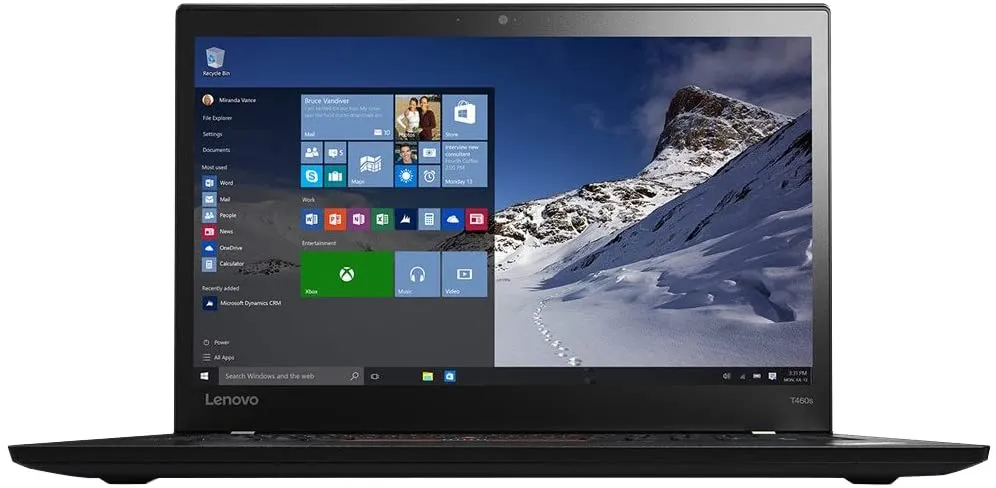
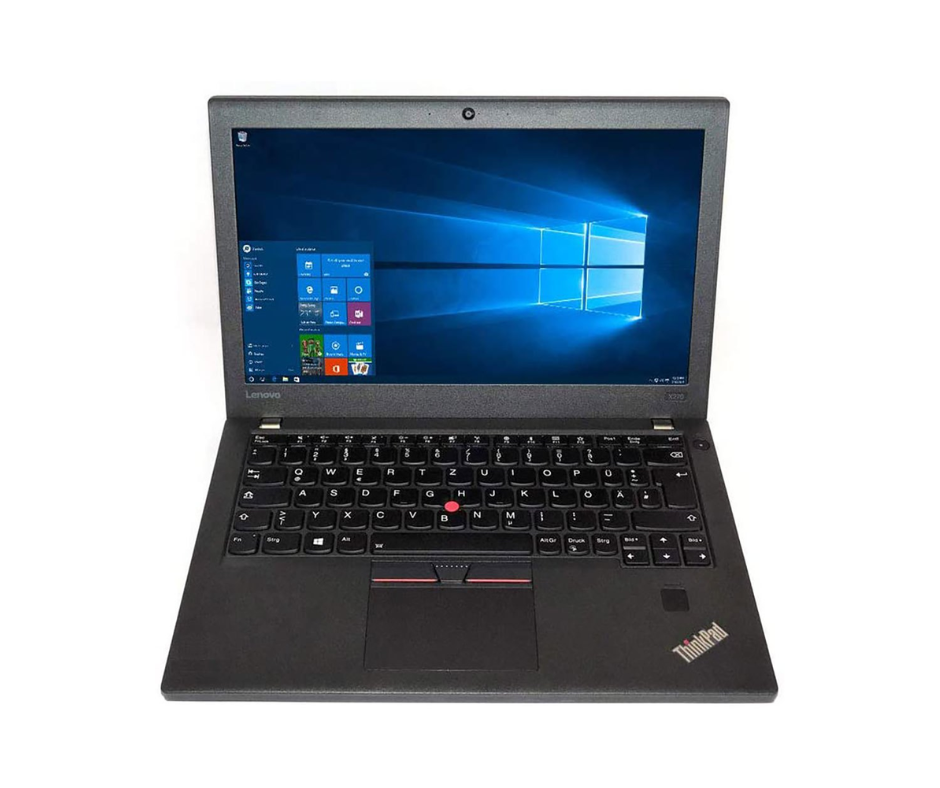
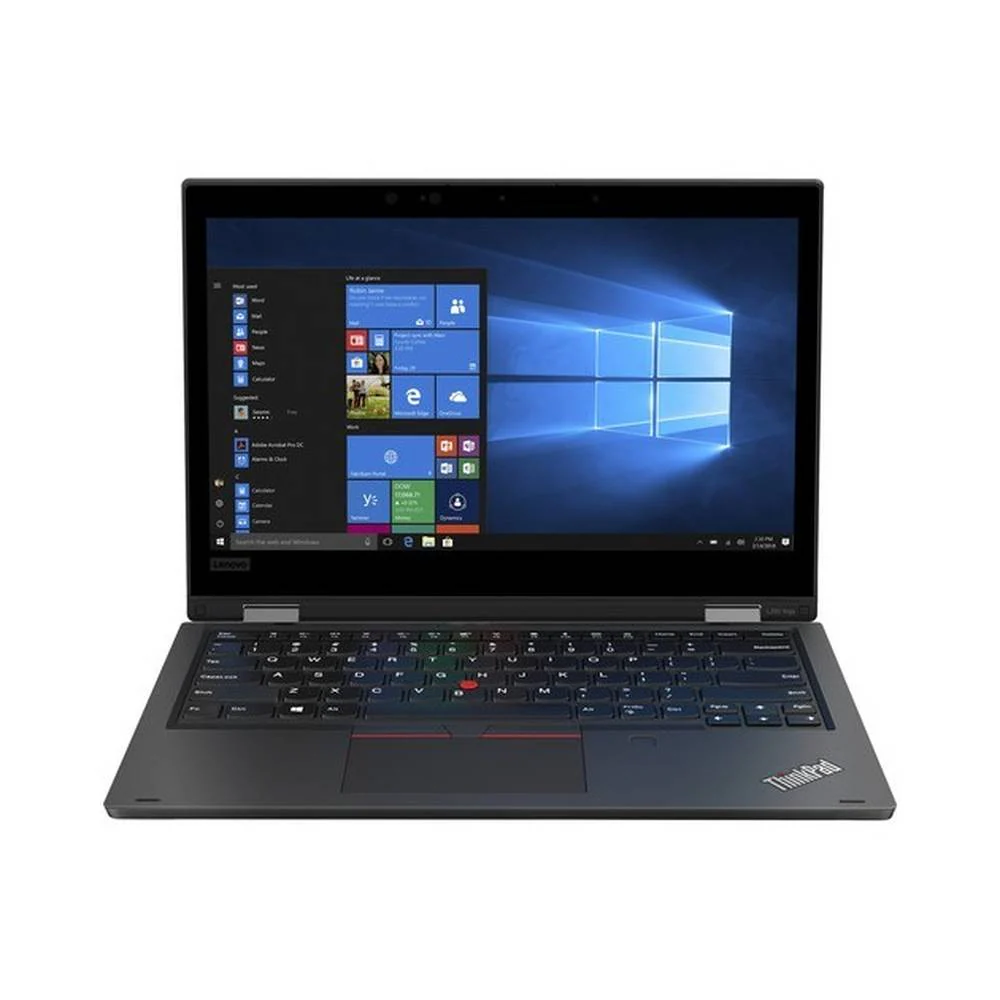
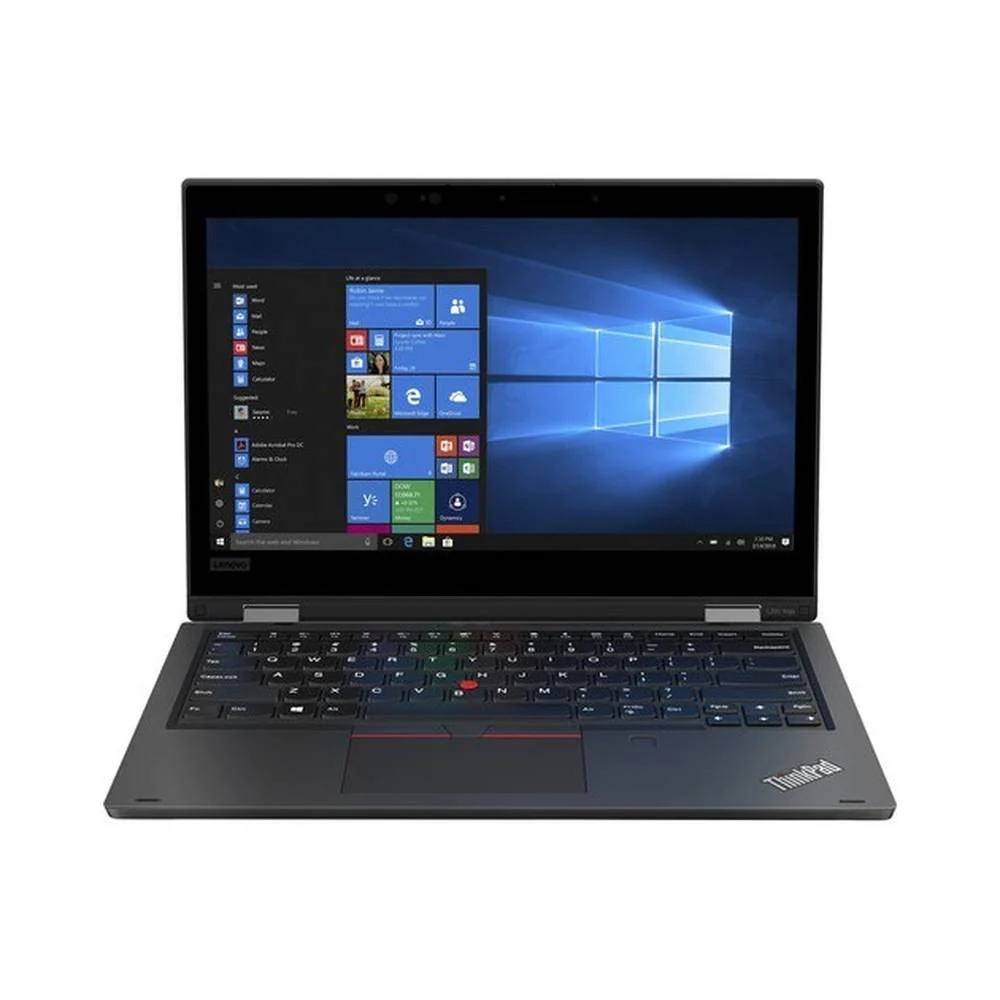
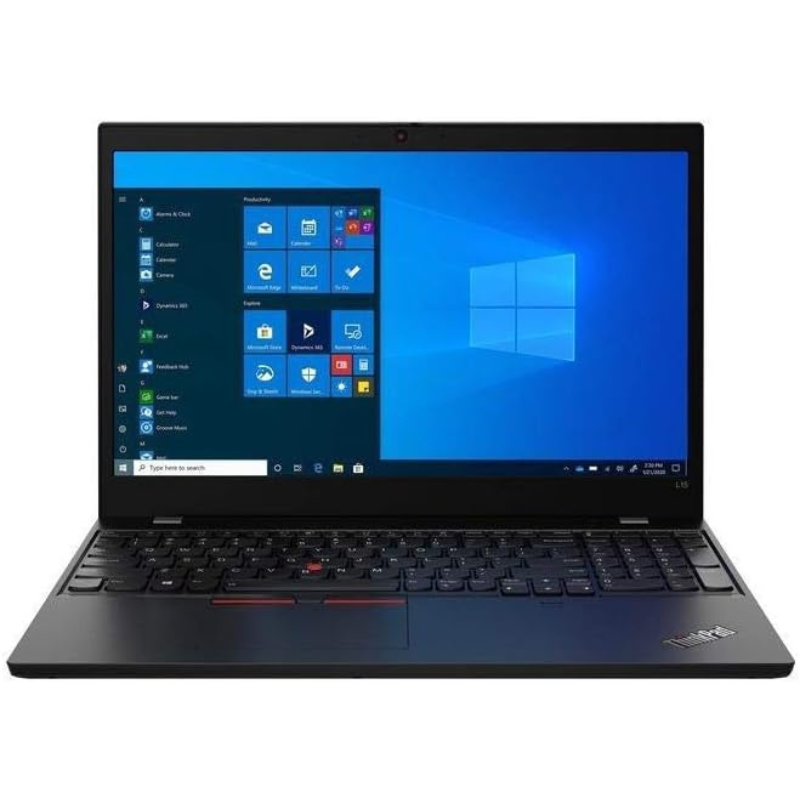
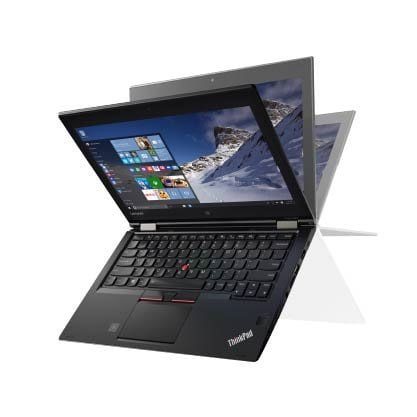
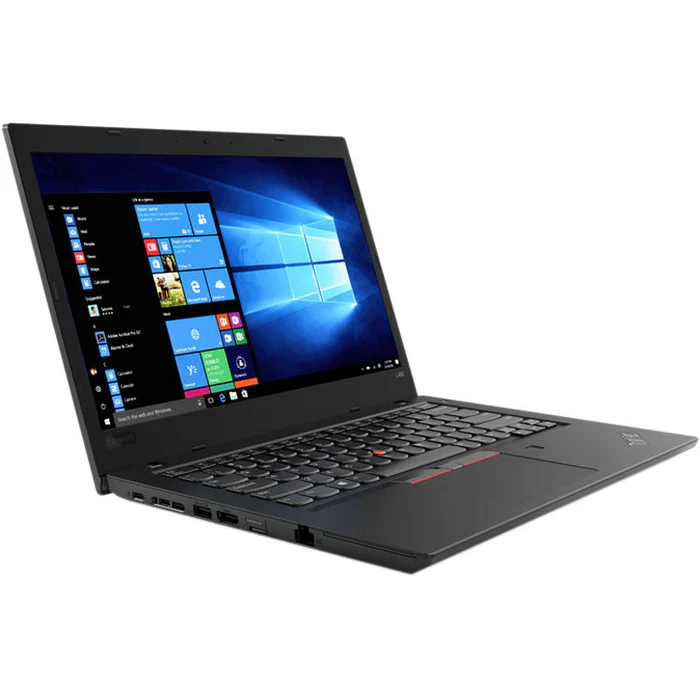
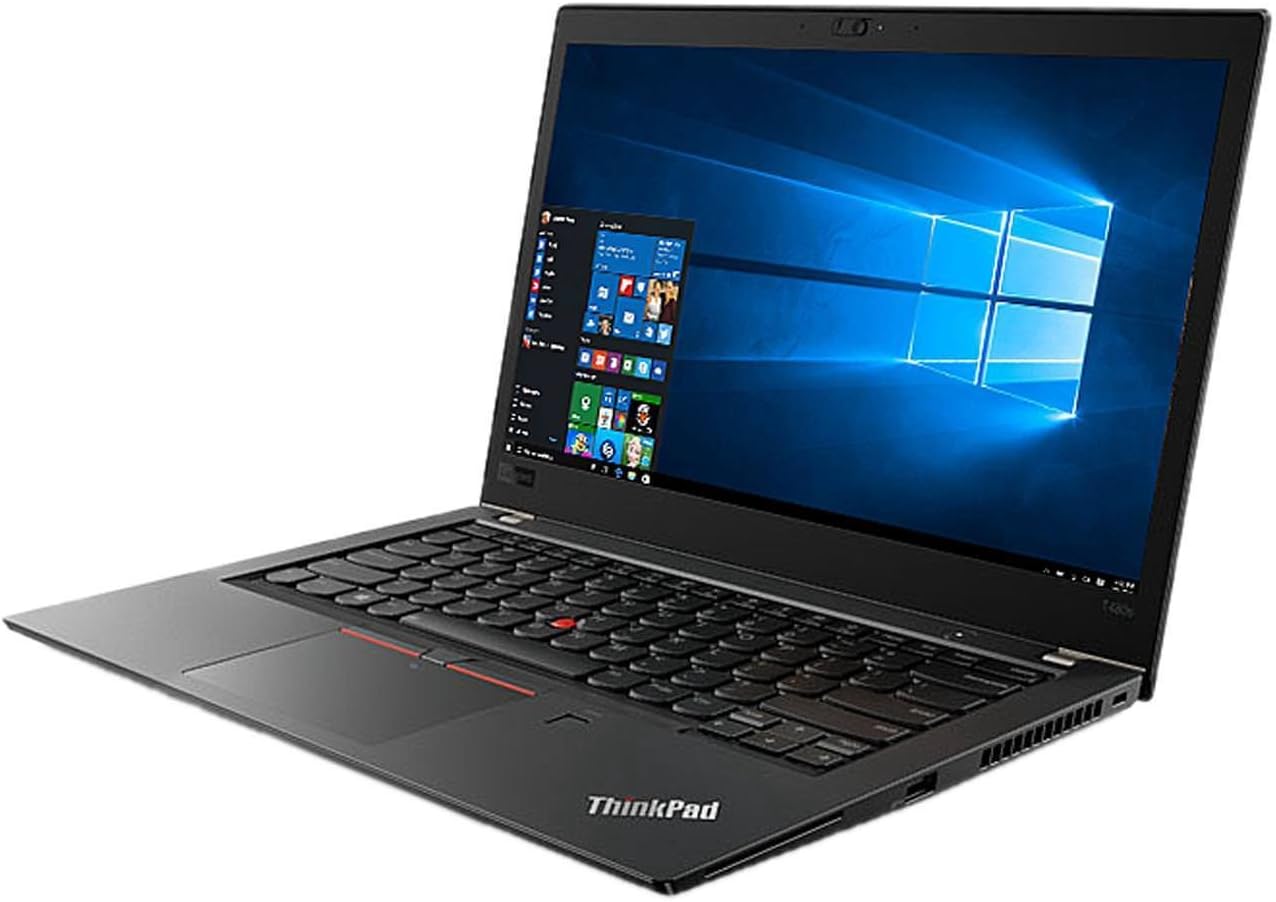
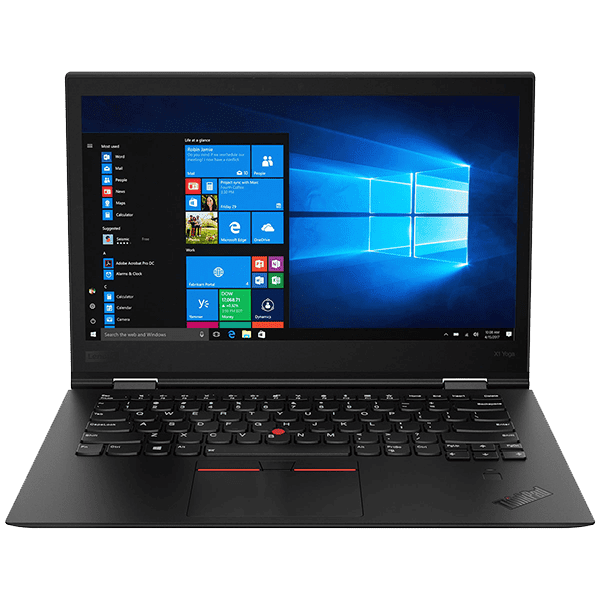
The Lenovo ThinkPad X270 represents the final iteration of Lenovo's iconic X2xx series ultraportable business laptops, combining traditional ThinkPad durability with modern connectivity in a compact 12.5-inch form factor.
Detailed Specifications
1. Performance Hardware: 6th Gen Intel Platform
- Processor: Intel Core i5-6300U (Skylake architecture, 14nm)
- 2 cores, 4 threads with Intel Hyper-Threading
- Base frequency: 2.4 GHz, Turbo Boost up to 3.0 GHz
- 3MB Intel Smart Cache
- 15W TDP (optimized for ultraportable efficiency)
- Memory Configuration:
- 8GB DDR4-2133 MHz (single SO-DIMM slot)
- Maximum supported: 32GB via single DDR4 SO-DIMM
- Single-channel operation (typical for ultraportables of era)
- Adequate for Office applications, web browsing, light multitasking
- Storage System:
- 256GB SATA3 SSD (typically M.2 2242 or 2.5" SATA)
- Read speeds: ~500-550 MB/s (SATA3 limitation)
- Write speeds: ~400-500 MB/s
- SSD ensures responsive system performance despite older CPU
- Storage Options:
- M.2 2242 SSD (SATA or PCIe NVMe on some models)
- 2.5" SATA bay (7mm height, supports HDD or SSD)
- WWAN slot can sometimes accept M.2 2242 SSD
- Graphics: Intel HD Graphics 520 (integrated)
- 24 execution units, 300-1000 MHz dynamic frequency
- Supports DirectX 12, OpenGL 4.4
- Hardware acceleration for 4K video playback (30Hz)
- Dual display support via laptop screen + HDMI or docking station
2. Display Options
- Base Configuration:
- 12.5" HD (1366 x 768) TN panel, 220 nits
- Anti-glare coating
- Basic viewing angles and color reproduction
- Upgrade Options:
- HD (1366x768) IPS, 250 nits - improved viewing angles
- FHD (1920x1080) IPS, 300 nits - recommended upgrade
- FHD (1920x1080) IPS Touchscreen, 300 nits
- Privacy Guard display (optional)
- Display Characteristics:
- Matte finish reduces glare (standard on business models)
- 16:9 aspect ratio (standard for era)
- 72% NTSC color gamut on FHD IPS models
- No PWM flicker (reduces eye strain)
- External Display Support:
- HDMI 1.4b port (1920x1080 @ 60Hz, 4K @ 30Hz)
- DisplayPort 1.2 via USB-C (optional)
- Docking stations support dual external displays
3. Design & Build Quality (Classic ThinkPad)
- Chassis Construction:
- Magnesium roll cage for structural integrity
- Glass-fiber reinforced plastic bottom cover
- Carbon-fiber reinforced plastic top cover (some models)
- Rubberized paint for improved grip
- Durability Features:
- MIL-STD-810G tested (12 methods including drops, vibration, temp extremes)
- Spill-resistant keyboard with drainage channels
- Reinforced ports and hinges
- Shock-mounted hard drive (on HDD models)
- Dimensions & Weight:
- Height: 0.8" (20.3 mm)
- Width: 12.0" (305.5 mm)
- Depth: 8.2" (208.5 mm)
- Weight: Starting at 2.9 lbs (1.32 kg) with 24Wh battery
- With 72Wh battery: ~3.5 lbs (1.59 kg)
- Classic ThinkPad Design Elements:
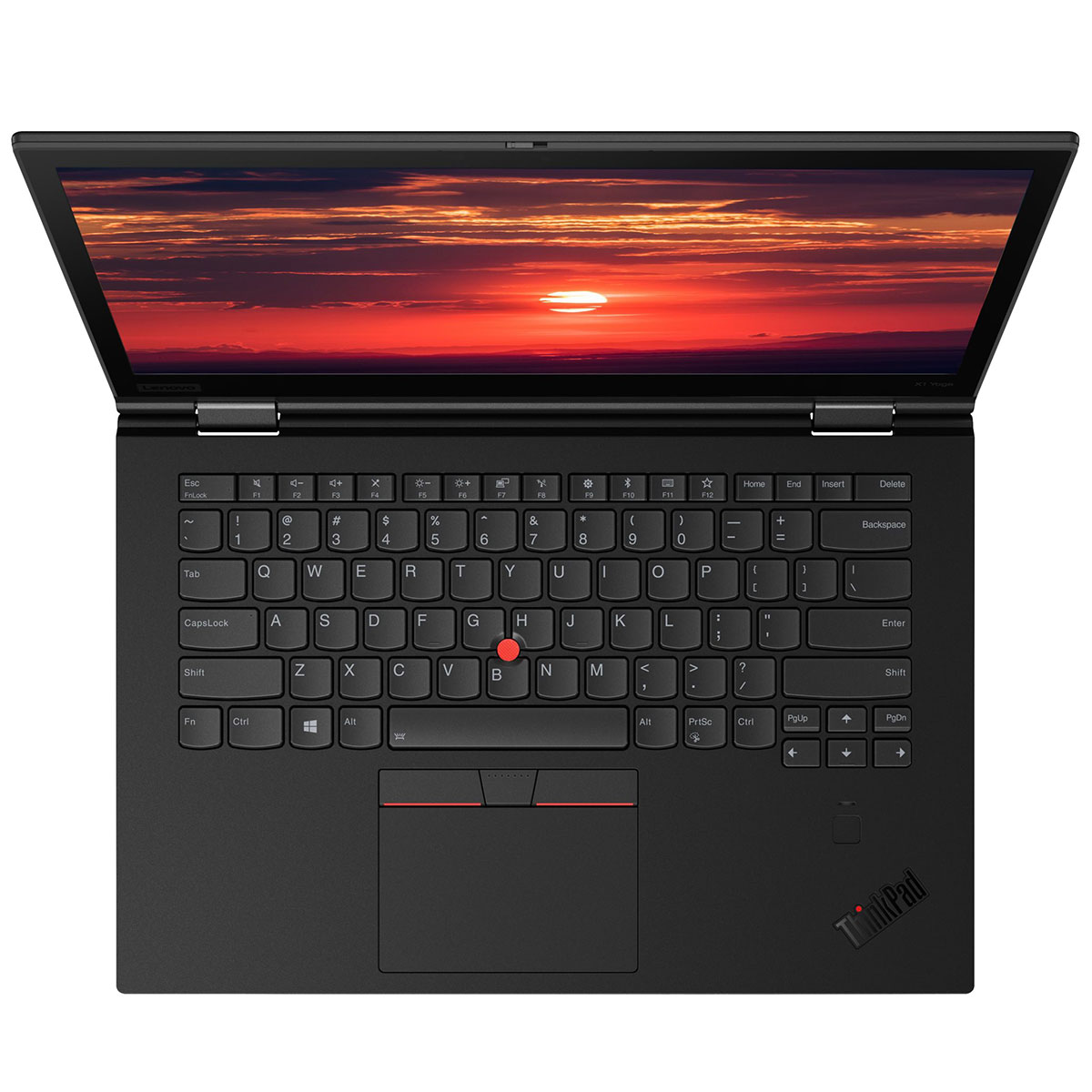
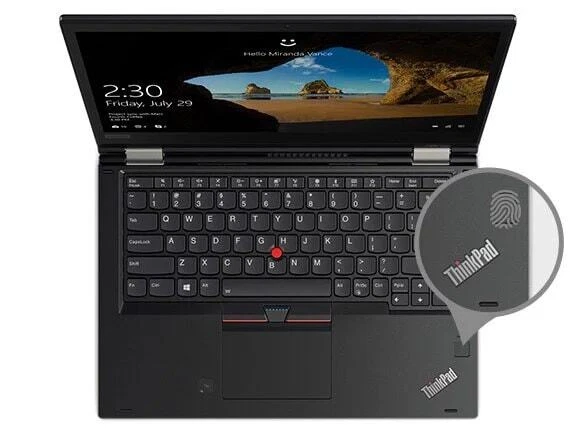
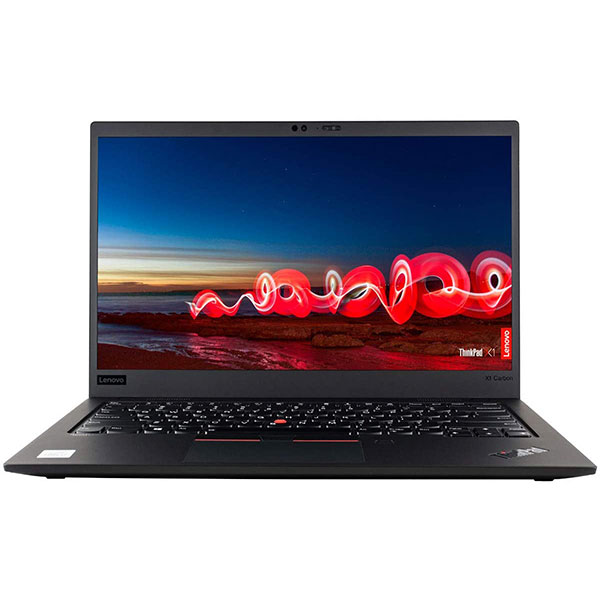
- Black matte finish with red TrackPoint
- ThinkPad logo with illuminated red "i" dot
- Status LEDs above keyboard
- 180° hinge (lays flat for presentations)
4. Revolutionary Dual Battery System
- Internal Battery:
- 24Wh lithium-polymer (non-removable)
- Maintains power during external battery swaps
- Allows for "hot-swapping" of external batteries
- External Battery Options:
- 24Wh (3-cell): Minimal protrusion, lightest option
- 48Wh (6-cell): Moderate protrusion, balanced capacity/weight
- 72Wh (6-cell): Maximum capacity, significant rear protrusion
- Battery Life Estimates:
- 24Wh + 24Wh: 8-10 hours office use
- 24Wh + 48Wh: 12-15 hours office use
- 24Wh + 72Wh: 16-20+ hours office use (exceptional for era)
- Power Management:
- Lenovo Power Manager software
- Rapid Charge: 80% in 1 hour
- Battery conservation mode (limits charge to 80% for extended life)
- Hot-swap capability without shutdown
5. Connectivity & Ports (Comprehensive for Size)
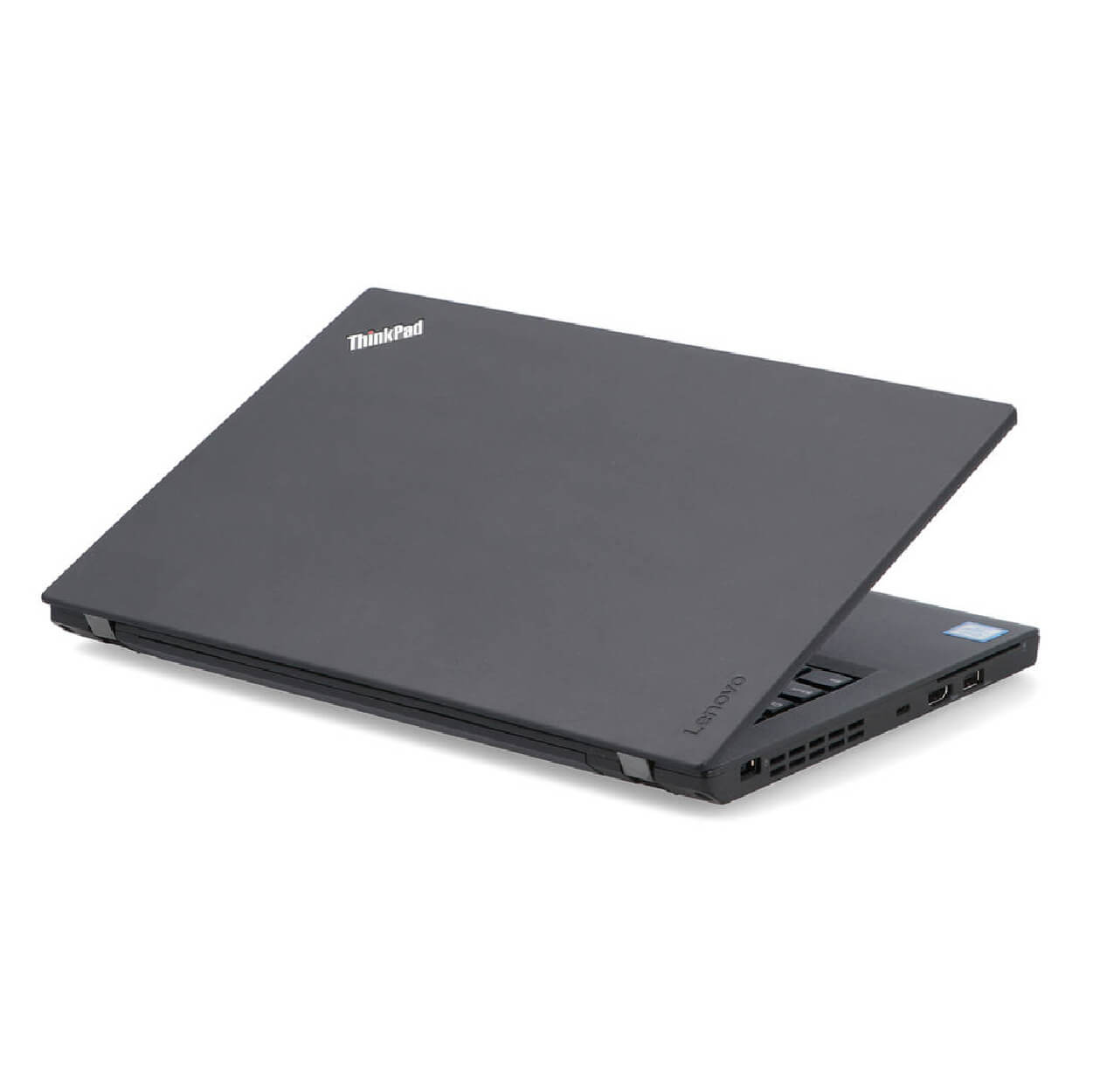
- Left Side:
- 2 x USB 3.0 Type-A (5Gbps, one always-on charging)
- HDMI 1.4b
- USB-C (3.1 Gen 1 with power delivery and DisplayPort)
- Headphone/microphone combo jack
- Right Side:
- 1 x USB 3.0 Type-A
- Ethernet (RJ-45 with flip-down connector)
- Kensington lock slot
- SD card reader (full size)
- Smart Card reader (optional)
- Bottom:
- Dock connector (for ThinkPad Ultra Dock or Pro Dock)
- SIM card slot (WWAN models)
- External battery bay
- Wireless Connectivity:
- Wi-Fi: Intel Dual Band Wireless-AC 8265 (802.11ac, 2x2)
- Bluetooth: 4.2
- Optional: 4G LTE WWAN (Fibocom L850-GL or Sierra Wireless)
- Optional: Intel vPro with AMT
6. Input Devices (ThinkPad Excellence)
- Keyboard:
- Legendary ThinkPad keyboard with 1.8mm key travel
- Spill-resistant design with drainage system
- Backlit option (two-level illumination)
- Excellent tactile feedback for extended typing
- Durability: 10 million keystroke rating
- TrackPoint & Trackpad:
- TrackPoint pointing stick (red rubber cap)
- Three physical buttons above trackpad for TrackPoint
- ClickPad with integrated buttons (5-point multi-touch)
- Glass surface on some models
- Microsoft Precision Touchpad certified
- Security Features:
- Fingerprint reader (optional, on some models)
- Smart Card reader (optional)
- Kensington lock slot
- Discrete TPM 2.0 chip
- Webcam privacy shutter (optional)
Performance Analysis (2024 Perspective)
Current Capabilities
- Office Productivity: Adequate for basic business tasks
- Microsoft Office applications run smoothly
- Web browsing with 10-15 tabs manageable
- Email, calendar, PDF viewing work well
- Performance Limitations:
- Dual-core processor shows age with modern web applications
- 8GB RAM sufficient but not generous for 2024 multitasking
- Integrated graphics limit multimedia and gaming capability
- Recommended Usage Patterns:
- Light office work (Word, Excel, PowerPoint)
- Terminal/remote desktop to more powerful systems
- Field work with emphasis on durability and battery life
- Secondary/travel laptop for basic tasks
Upgrade Potential
- Memory:
- Upgrade to 16GB or 32GB DDR4 (single SO-DIMM)
- Significant performance improvement for multitasking
- Storage:
- Upgrade to 1TB or 2TB SSD (SATA or NVMe depending on slot)
- Add second SSD in WWAN slot (M.2 2242)
- Replace with faster NVMe SSD if supported
- Display:
- Upgrade from HD to FHD IPS (highly recommended)
- Significantly improves user experience
Target Markets (2024)
Ideal Current Users
- Field Technicians: Durability, battery flexibility, comprehensive ports
- Frequent Travelers: Compact size, exceptional battery life with large battery
- Students: Durable, good keyboard for typing papers, affordable used
- Linux Enthusiasts: Excellent Linux compatibility, durable hardware
- Business on Budget: Affordable corporate laptops for basic tasks
Use Case Scenarios
- Field Data Collection: Durable, all-day battery with hot-swap capability
- Travel Companion: Small, lightweight, with excellent battery options
- Remote Desktop Terminal: Connects to more powerful systems
- Writing Machine: Best-in-class keyboard for extended typing
Comparison with Successors
vs. ThinkPad X280
- X270 Advantages: Dual batteries, Ethernet port, more USB-A ports
- X280 Advantages: Quad-core CPU, thinner/lighter, modern design
vs. Modern Ultraportables
- X270 Advantages: Better keyboard, more ports, hot-swappable batteries
- Modern Advantages: Much faster performance, better displays, lighter
Pros & Cons
Advantages
- Exceptional Battery System: Hot-swappable batteries with all-day potential
- Legendary Keyboard: Best typing experience in laptop category
- Comprehensive Ports: Ethernet, HDMI, 3x USB-A, SD reader in compact body
- Durability: MIL-STD tested, spill-resistant, business-grade build
- Upgradeability: RAM, storage, WWAN, battery all user-replaceable
- Linux Compatibility: Excellent support for various distributions
- TrackPoint: Precise cursor control without moving hands from keyboard
Limitations
- Aged Performance: Dual-core CPU struggles with modern workloads
- Base Display Poor: HD TN panel is dim with poor viewing angles
- Thick Bezels: Large bezels by modern standards
- Weight with Large Battery: 72Wh battery adds significant bulk/weight
- No USB-C Charging Only: Requires proprietary charger or dock
- Windows 11 Support: Officially unsupported (workarounds available)
Current Market Value (2024)
Pricing & Configuration Value
- Original Price (2017): $1,000-$1,400 depending on configuration
- 2024 Used Market Price: $150-$300
- Base model (HD display, 8GB, 256GB): $150-$200
- Good config (FHD IPS, 8GB, 256GB): $200-$250
- Excellent (FHD IPS, 16GB, 512GB, large battery): $250-$300
- Value Assessment: Excellent value for specific use cases
Final Recommendation
Rating: 7.5/10 for Specific Use Cases | 6.0/10 for General Use
Ultimately, the X270 is a specialist's tool rather than a general-purpose computer in 2024. For writers, field technicians, frequent travelers, Linux users, and those who value the ThinkPad keyboard above all else, it remains an excellent choice. For general users wanting a primary computer for modern workloads, investing slightly more in a quad-core system would provide a significantly better experience.