Executive Summary
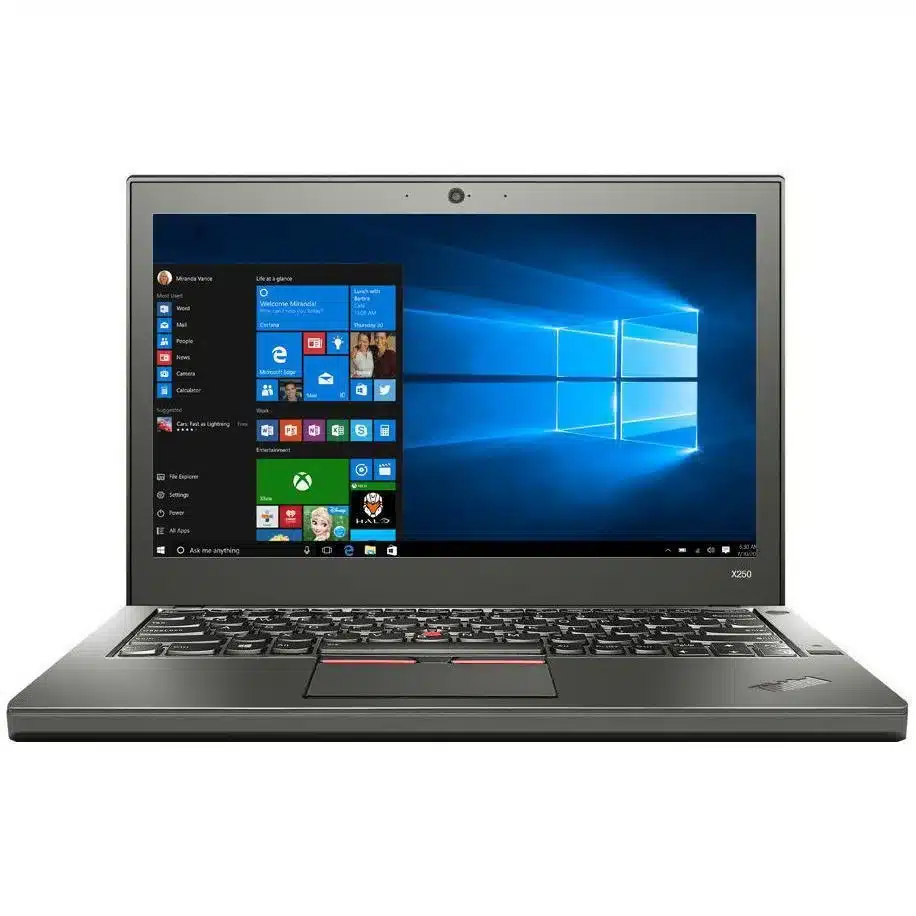
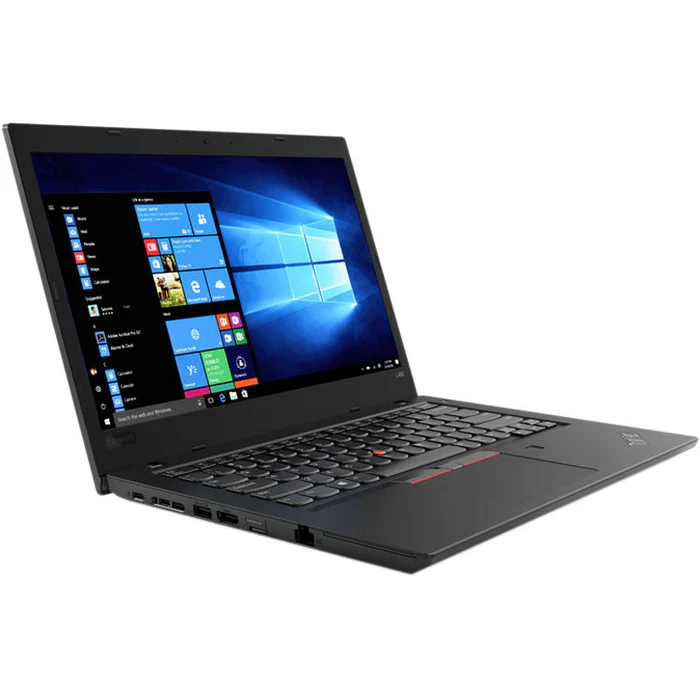
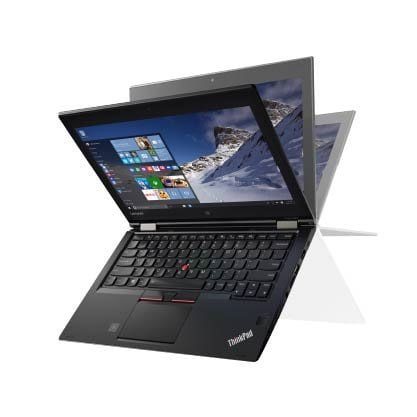
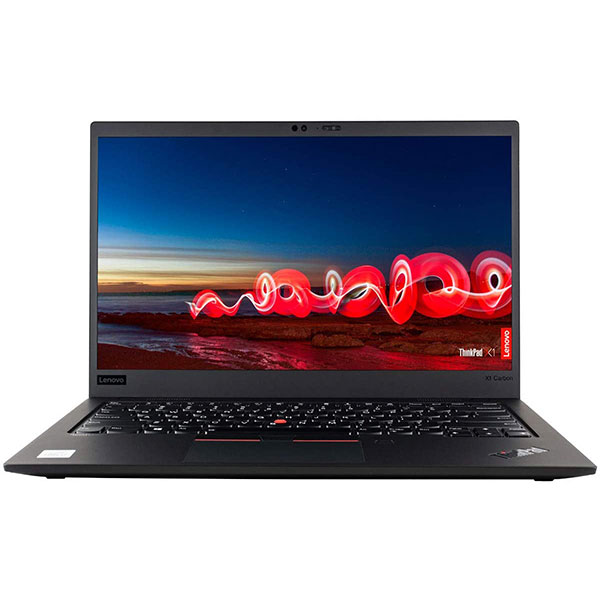
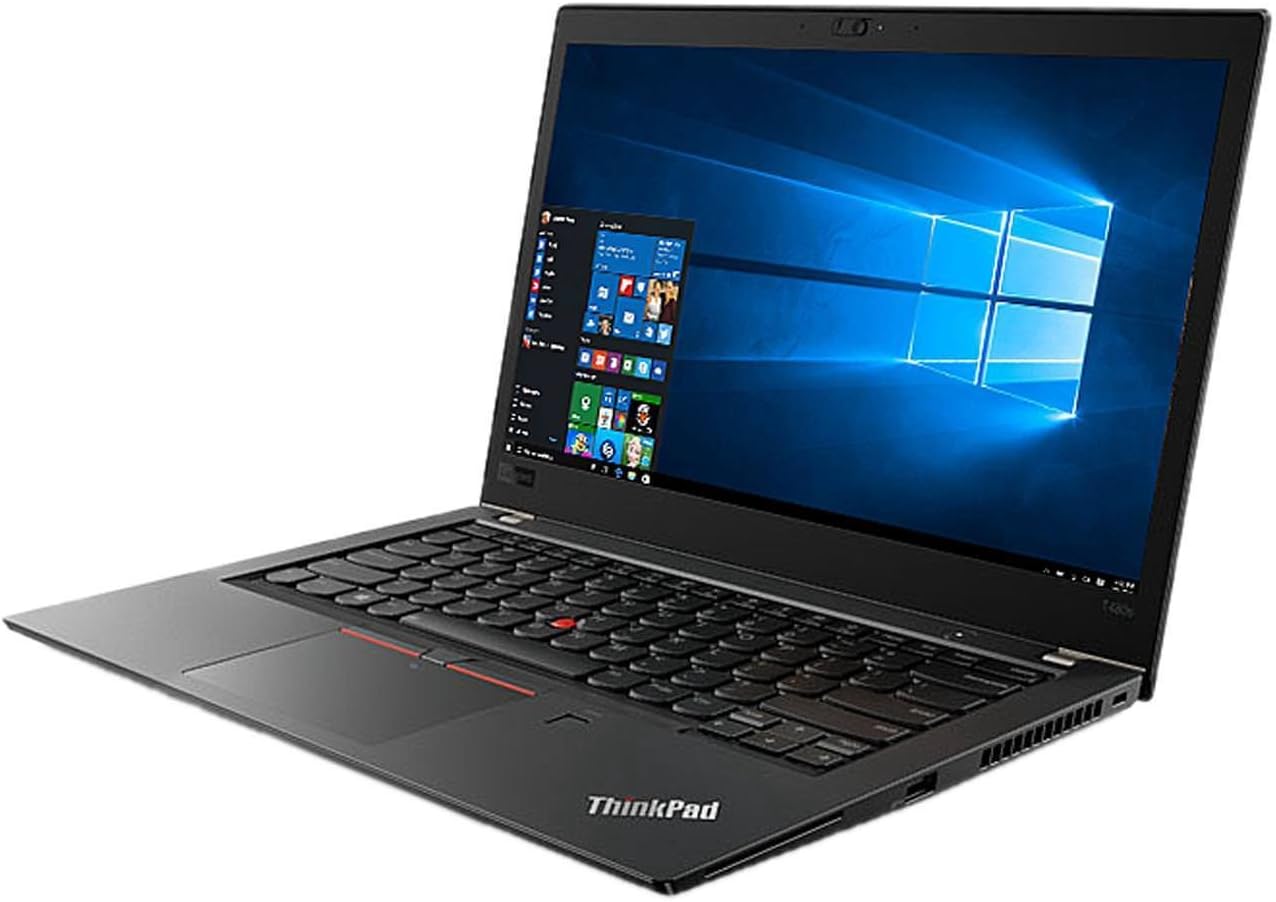
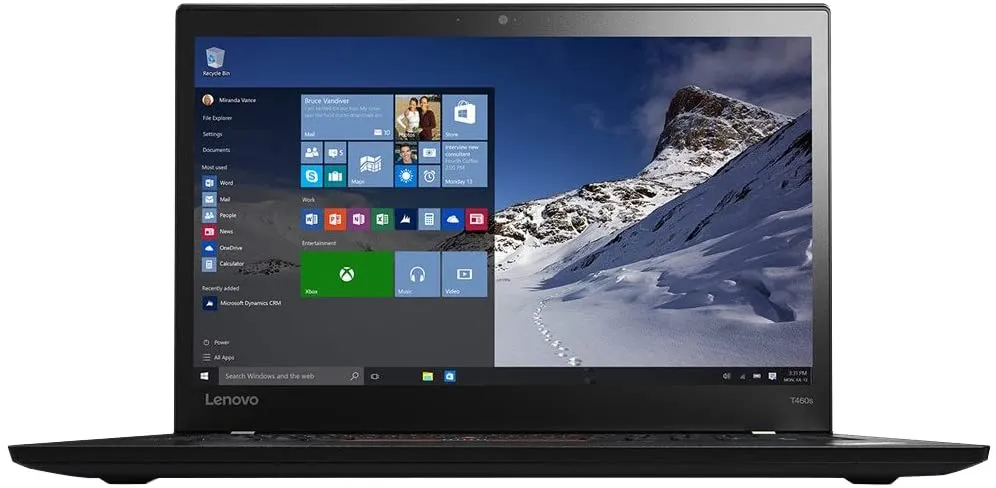
The Lenovo ThinkPad X260 represents the refinement of Lenovo's 12.5-inch ultraportable business laptop formula, offering near-identical performance to its X270 successor but with a slightly different feature set and connectivity options. This Core i5/8GB/256GB configuration provides balanced performance for business productivity while maintaining the legendary ThinkPad durability and keyboard quality.
Detailed Specifications
1. Performance Configuration
- Processor: Intel Core i5-6300U (Skylake, 14nm)
- Identical CPU to X270: 2 cores, 4 threads with Hyper-Threading
- Base: 2.4GHz, Turbo Boost up to 3.0GHz
- 3MB L3 cache, 15W TDP
- Identical performance to X270 in same configuration
- Memory: 8GB DDR4-2133MHz (single channel)
- 1 SO-DIMM slot (user upgradable)
- Maximum: 32GB via single DDR4 module
- Identical memory configuration to X270
- Storage: 256GB SATA SSD
- Typically M.2 2242 or 2.5" SATA interface
- Read/write speeds: ~500MB/s (SATA III limitation)
- Identical storage performance to X270
- Upgradable to 1TB or 2TB SSD
- Graphics: Intel HD Graphics 520
- 24 execution units (identical to X270)
- Supports 4K video playback at 30Hz
- Identical graphics performance to X270
2. Display Options
- Available Configurations:
- HD (1366x768) TN - 220 nits (base model)
- HD (1366x768) IPS - 250 nits (better viewing angles)
- FHD (1920x1080) IPS - 300 nits (premium option)
- FHD Touchscreen IPS - 300 nits (rare)
- Display Comparison to X270:
- Identical display options and quality
- Same panel sizes and technologies
- FHD IPS recommended for best experience
- Key Consideration:
- Avoid HD TN panel if possible
- FHD IPS provides much better viewing experience
- Check display type before purchasing
3. Battery System (Identical to X270)
- Dual Battery Design:
- Internal 23Wh battery (vs X270's 24Wh)
- External hot-swappable batteries (23Wh, 48Wh, or 72Wh)
- Hot-swap capability without shutdown
- Battery Life Estimates:
- 23Wh + 23Wh: 8-10 hours typical use
- 23Wh + 48Wh: 12-15 hours typical use
- 23Wh + 72Wh: 16-20+ hours typical use
- Battery Compatibility:
- Uses same external batteries as X270
- Battery model: 68+ (23Wh), 68 (48Wh), 68+ (72Wh)
- Batteries are interchangeable between X260 and X270
4. Build Quality & Durability
- Chassis Construction:
- Magnesium roll cage reinforcement (identical to X270)
- Glass-fiber reinforced plastic
- Rubberized paint for grip
- Same hinge design and durability
- Durability Testing:
- MIL-STD-810G certified (same standards as X270)
- Spill-resistant keyboard with drainage channels
- Shock-mounted storage (on HDD models)
- Identical build quality to X270
- Dimensions & Weight:
- 12.03" x 8.21" x 0.8" (305.5mm x 208.5mm x 20.3mm)
- Starting weight: 2.9 lbs (1.31 kg) with 23Wh battery
- Identical size and weight to X270
5. Key Differences from X270
- Port Selection (Main Difference):
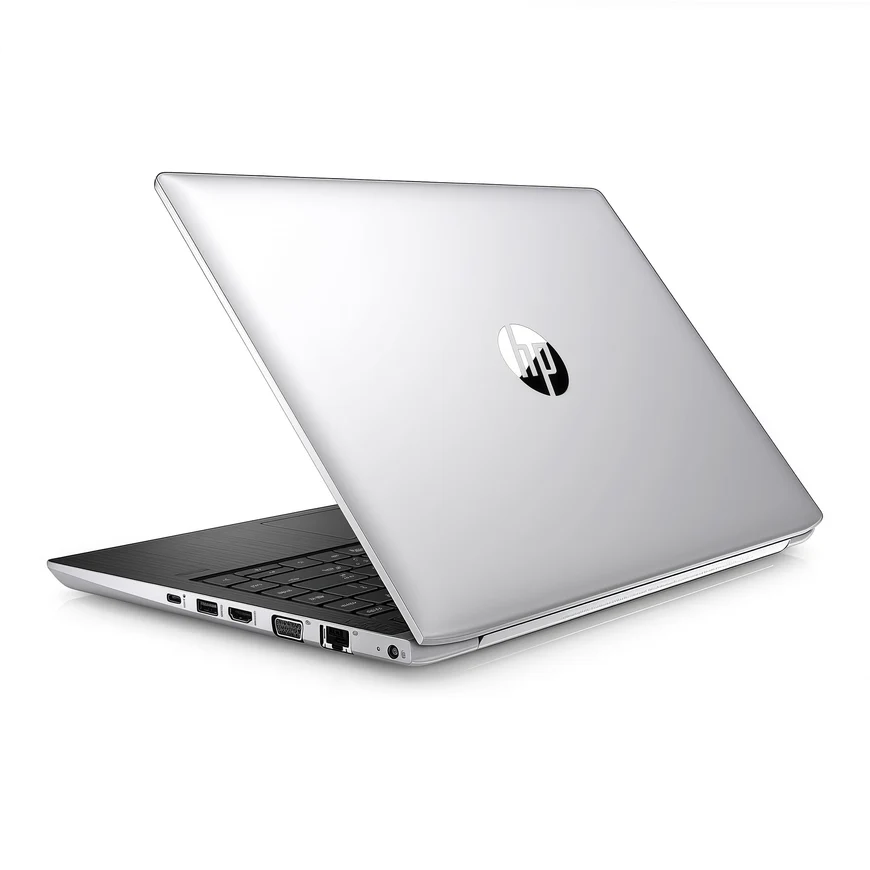
- X260 has: Mini DisplayPort (native)
- X260 lacks: USB-C port, native HDMI
- X260 has: Full-sized DisplayPort or HDMI via adapter only
- X270 has: Native HDMI, USB-C with DisplayPort
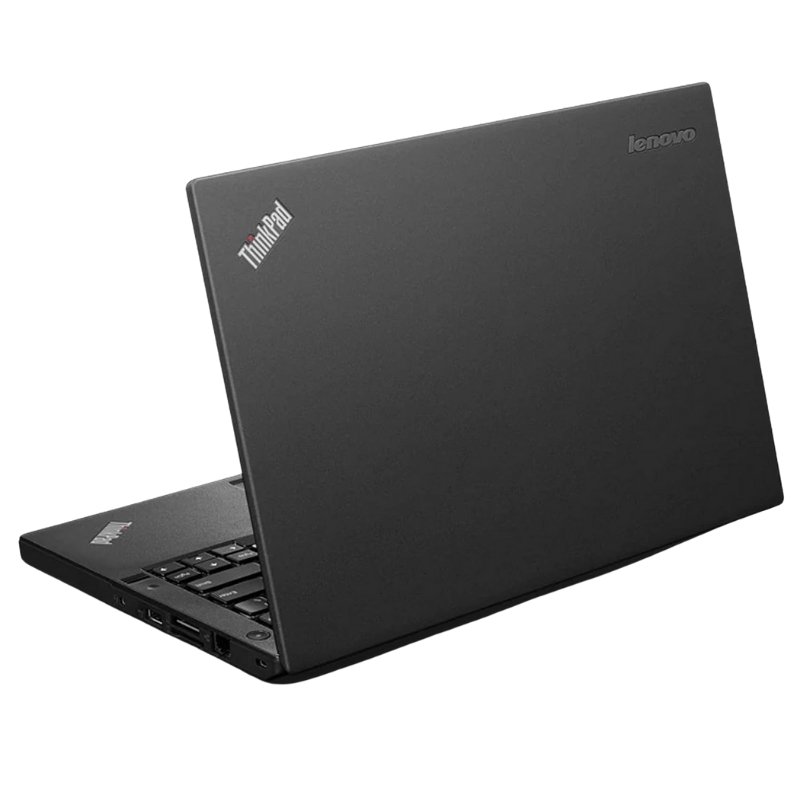
- Left Side Ports (X260):
- 2 x USB 3.0 (one with always-on charging)
- Mini DisplayPort
- VGA port (on some models, via adapter)
- Headphone/mic combo jack
- Right Side Ports (X260):
- 1 x USB 3.0
- Gigabit Ethernet
- Kensington lock slot
- SD card reader (full size)
- Smart Card reader (optional)
- Wireless Connectivity:
- Wi-Fi: Intel 8260 AC (2x2, 867Mbps max) - slightly older than X270's 8265
- Bluetooth 4.2 (same as X270)
- Optional: 4G LTE WWAN
6. Keyboard & Input (Identical to X270)
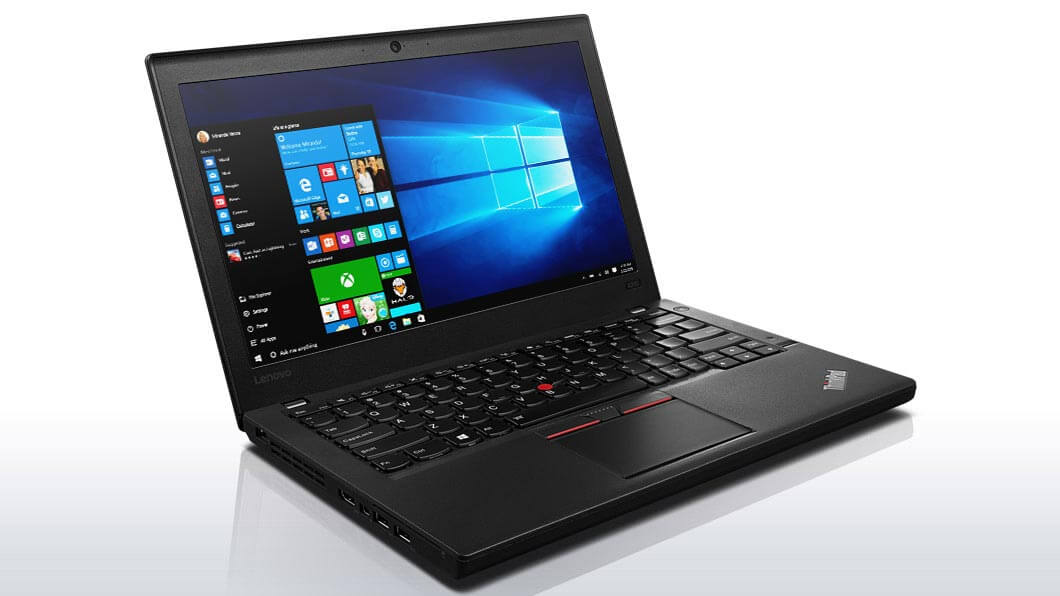
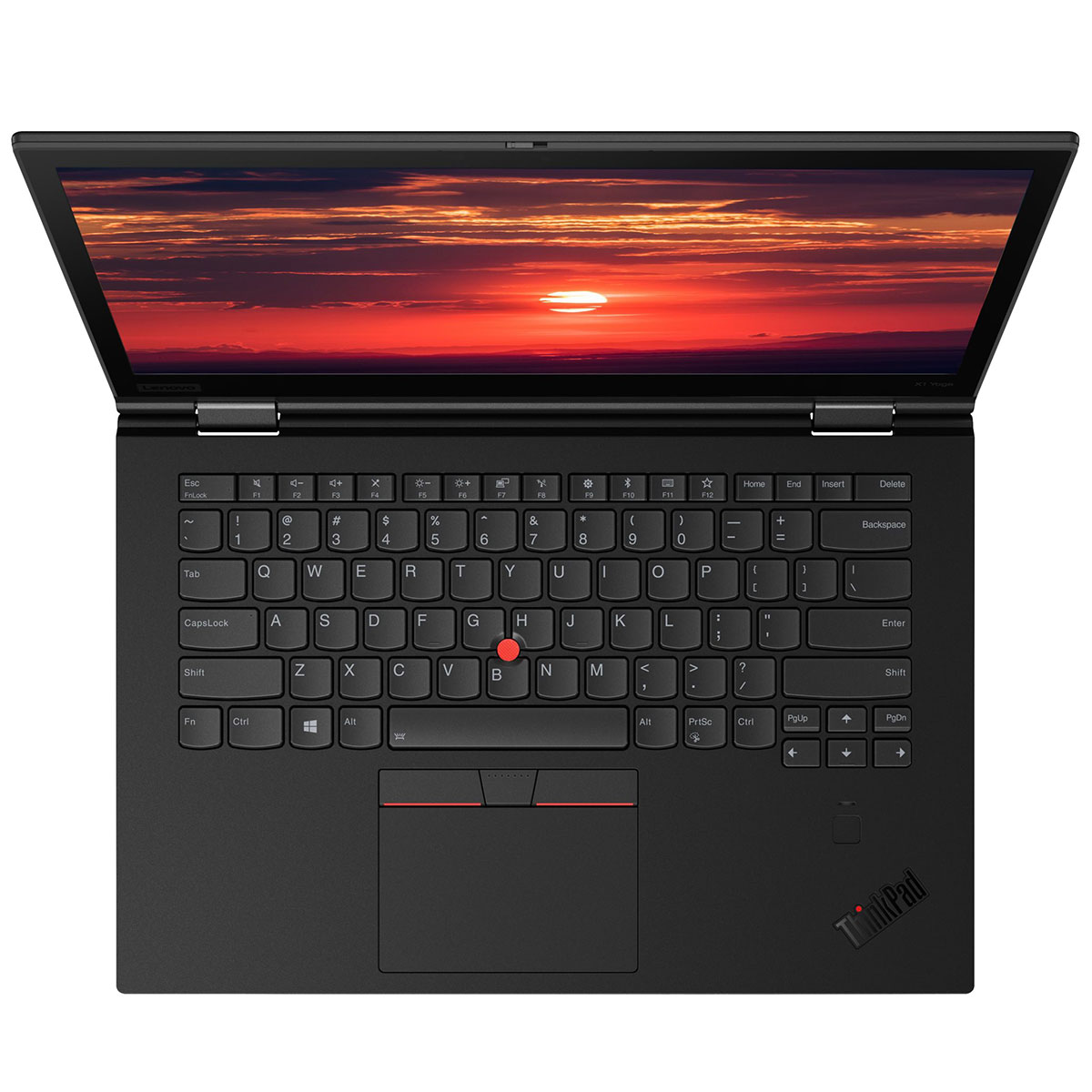
- ThinkPad Keyboard:
- 1.8mm key travel (excellent tactile feedback)
- Spill-resistant with drainage system
- Backlit option (two-level illumination)
- Identical typing experience to X270
- TrackPoint System:
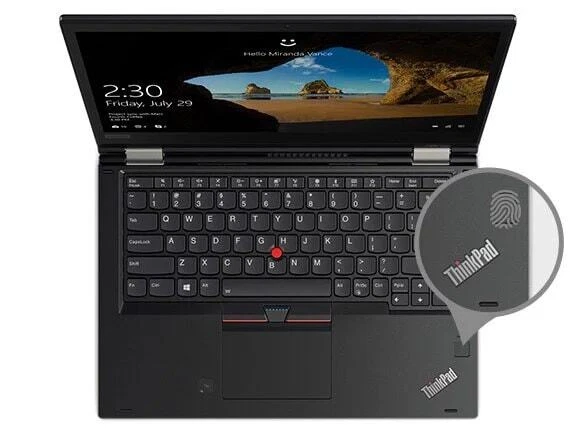
- Red rubber TrackPoint pointing stick
- Three dedicated physical buttons above trackpad
- Same implementation as X270
- Trackpad:
- 5-point multi-touch ClickPad
- Integrated left/right click buttons
- Slightly different feel but functionally identical
Performance Comparison: X260 vs X270
Identical Performance Areas
- CPU Performance: Same i5-6300U processor
- Memory Performance: Same 8GB DDR4-2133
- Storage Performance: Same 256GB SATA SSD
- Graphics Performance: Same HD Graphics 520
- Battery Life: Identical with same battery configurations
- Display Options: Identical panel choices
- Keyboard Experience: Identical typing feel
- Build Quality: Same MIL-STD durability
Key Differences Summary
- X260 Advantages:
- Typically $20-50 cheaper on used market
- Mini DisplayPort (preferred by some professionals)
- Functionally identical for most users
- X270 Advantages:
- Native HDMI port (more convenient for most users)
- USB-C port (more future-proof connectivity)
- Slightly newer Wi-Fi chip (8265 vs 8260)
- Internal battery: 24Wh vs 23Wh (negligible difference)
Current Market Value (2024)
- Price Comparison (X260 vs X270):
- X260: $130 - $250
- Basic config (HD TN): $130-170
- Good config (FHD IPS): $170-220
- Excellent config (FHD IPS, upgrades): $220-250
- X270: $150 - $300 (typically $20-50 more than equivalent X260)
- Value Assessment:
- X260 offers better value for money
- Performance is identical to X270
- Only pay premium for X270 if you need HDMI or USB-C
Upgrade Recommendations
- Essential Upgrades:
- 16GB RAM (~$30-40) - significant improvement
- FHD IPS display (if not already equipped)
- Recommended Upgrades:
- 512GB or 1TB SSD (~$40-80)
- 72Wh external battery (~$50-80)
- New internal battery if degraded (~$40-60)
- Connectivity Solutions:
- Mini DisplayPort to HDMI adapter (~$10)
- Mini DisplayPort to DisplayPort cable (~$10)
- USB 3.0 to Ethernet adapter if needed (~$15)
Who Should Choose X260 Over X270
- Choose X260 if:
- You want to save $20-50 for identical performance
- You prefer Mini DisplayPort over HDMI
- USB-C connectivity isn't important to you
- You already have Mini DisplayPort monitors/cables
- You're on a tighter budget
- Choose X270 if:
- You need native HDMI connectivity
- You want USB-C for future peripherals
- The small price difference doesn't matter to you
- You frequently connect to HDMI displays/projectors
Pros & Cons
Advantages (Same as X270)
- Exceptional battery flexibility with hot-swappable batteries
- Best-in-class keyboard for typing comfort
- Good port selection (though different from X270)
- Excellent durability (MIL-STD tested)
- Good upgradeability (RAM, storage, battery)
- Compact and portable at under 3 lbs
- Great Linux compatibility
- Better value than X270
Limitations
- No native HDMI (requires adapter)
- No USB-C port (less future-proof)
- Dual-core CPU shows age with modern applications
- Base HD display is poor (check configuration)
- Windows 11 officially unsupported
- Integrated graphics only
- Proprietary charger
Final Recommendation
Rating: 7.5/10 for Target Users | 6.0/10 for General Use
The ThinkPad X260 offers virtually identical performance and user experience to the X270 at a typically lower price point, making it an even better value proposition for budget-conscious buyers. The core experience—legendary keyboard, dual-battery flexibility, MIL-STD durability, and compact form factor—is exactly the same as its successor.
The main differentiators are the port selection: X260 offers Mini DisplayPort instead of HDMI and lacks USB-C. For many users, this is a negligible difference, especially with cheap adapters readily available. The performance, battery life, display options, and build quality are identical.
The X260 represents exceptional value for:
- Budget-focused buyers who want ThinkPad quality at minimum cost
- Users who prefer Mini DisplayPort or don't need HDMI
- Anyone who doesn't require USB-C connectivity
- All the same user profiles as the X270 (travelers, writers, field workers, etc.)
The purchasing decision between X260 and X270 comes down to:
- Budget: X260 is typically cheaper
- Port preferences: HDMI/USB-C vs Mini DisplayPort
- Price difference: Usually $20-50 more for X270
Bottom line:
If you find a good X260 configuration (preferably with FHD IPS display) at a better price than an equivalent X270, buy it without hesitation. You're getting the same core ThinkPad experience with minor connectivity differences that are easily addressed with affordable adapters.