Executive Summary
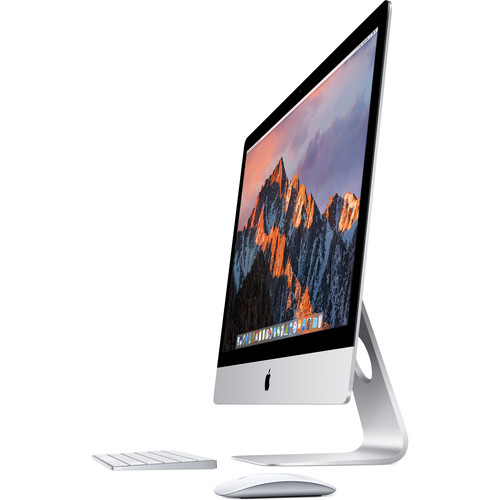
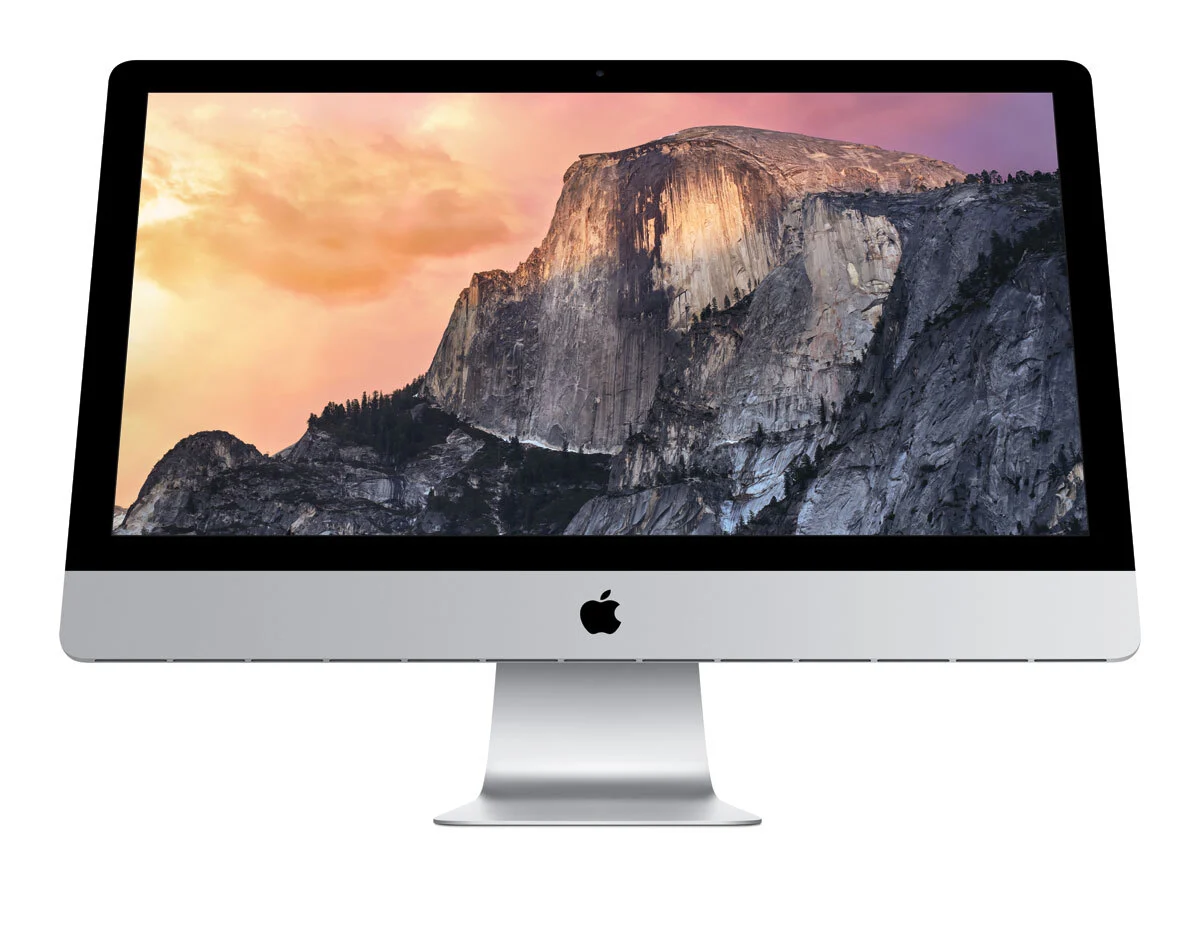
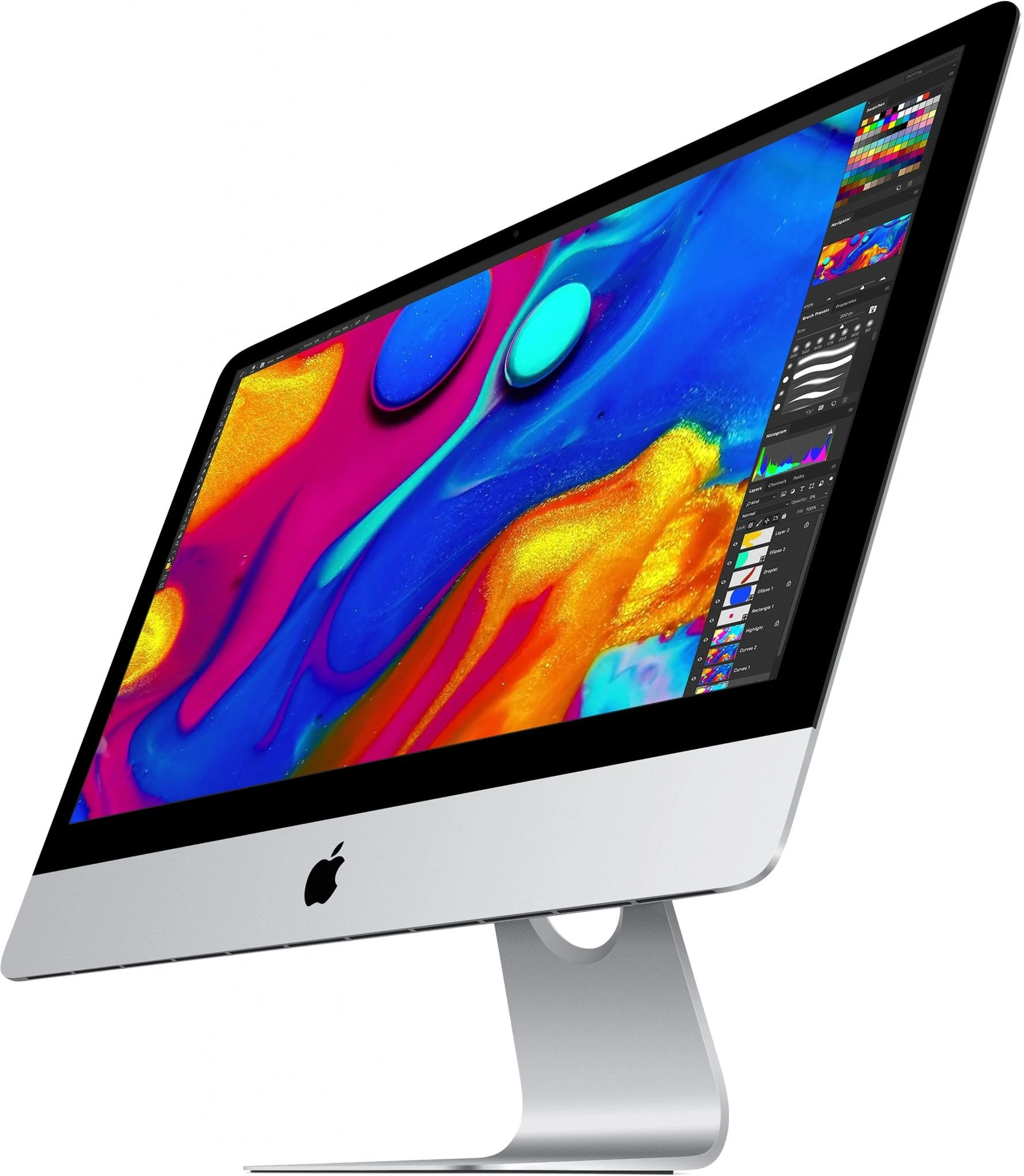
The 2015 21.5-inch iMac represents a pivotal moment in Apple's desktop evolution, offering the first Retina 4K display in the smaller iMac form factor while maintaining some of the last user-upgradeable components before Apple's shift toward fully integrated designs. This model bridges the gap between consumer-friendly accessibility and professional-grade performance, featuring a stunning 4096 x 2304 Retina display (on higher configurations) that delivers exceptional pixel density and color accuracy. With its sleek aluminum unibody design measuring just 5mm at the edges, the iMar combines aesthetic elegance with practical functionality. The 2015 edition is particularly notable as the final 21.5-inch model to offer user-accessible RAM slots (on non-Retina models) and the last to include a standard hard drive option alongside SSD configurations, making it a versatile choice for users seeking a balance between performance, upgradability, and Apple's renowned design excellence.
Detailed Specifications
1. Display Technology
- Screen Size: 21.5-inch diagonal
- Available Resolutions:
- Retina 4K: 4096 x 2304 pixels (218 PPI)
- Non-Retina: 1920 x 1080 pixels (Full HD)
- Display Technology: IPS (In-Plane Switching) panel
- Brightness: Up to 400 nits
- Color Gamut:
- Standard: sRGB
- Wide Color (Retina models): P3 color space
- Viewing Angles: 178° both horizontal and vertical
- Anti-reflective Coating: Yes, on Retina 4K models
- Key Features:
- Retina display with 4.5x more pixels than 1080p
- True Tone technology (not available)
- 500:1 contrast ratio
- 10-bit color depth (1.07 billion colors)
2. Processor Options
- Base Configuration: Intel Core i5-5675R (3.1 GHz, turbo up to 3.6 GHz)
- Available Upgrades:
- Core i5-5575R (2.8 GHz, turbo up to 3.3 GHz)
- Core i7-5775R (3.3 GHz, turbo up to 3.8 GHz)
- Microarchitecture: Broadwell (5th Generation)
- Cores/Threads: 4 Cores, 4 Threads (i5) / 4 Cores, 8 Threads (i7)
- Cache:
- L3 Cache: 4MB (i5), 6MB (i7)
- L4 Cache (eDRAM): 128MB (for graphics)
- TDP: 65W
- Performance Features:
- Intel Turbo Boost Technology 2.0
- Intel Hyper-Threading (i7 only)
- Intel Iris Pro Graphics 6200 (integrated)
- AVX2 instruction set
3. Memory Configuration
- Standard RAM: 8GB DDR3L 1867MHz (two 4GB modules)
- Maximum RAM: 32GB (officially supported)
- Memory Slots: 2 SO-DIMM slots (user-accessible on non-Retina models)
- Memory Specifications:
- Type: DDR3L (low voltage)
- Speed: 1867 MHz
- Timings: CL13
- Dual-channel architecture
- Upgrade Considerations:
- Non-Retina models: User-upgradeable via small access panel
- Retina 4K models: RAM is soldered to logic board (not user-upgradeable)
- Recommended upgrade: 16GB for modern macOS versions
4. Storage Options
- Available Configurations:
- 1TB 5400-rpm Hard Drive
- 1TB Fusion Drive (128GB SSD + 1TB HDD)
- 256GB PCIe-based SSD
- 512GB PCIe-based SSD
- 1TB PCIe-based SSD
- Fusion Drive Details:
- 128GB flash storage for frequently used files
- 1TB 5400-rpm hard drive for bulk storage
- Automatic file management by macOS
- SSD Performance:
- Interface: PCIe 2.0 x4
- Read speeds: Up to 1,800 MB/s
- Write speeds: Up to 1,200 MB/s
- Apple proprietary blade SSD design
- Storage Upgrade Options:
- Hard drive models: Can be upgraded to SSD (difficult)
- Fusion Drive: Can be converted to full SSD
- External Thunderbolt/USB 3.0 storage recommended for expansion
5. Graphics Performance
- Base Configuration: Intel Iris Pro Graphics 6200
- Discrete GPU Options:
- AMD Radeon R9 M380 with 2GB GDDR5
- AMD Radeon R9 M390 with 2GB GDDR5
- AMD Radeon R9 M395 with 2GB GDDR5 (special order)
- Intel Iris Pro 6200 Specifications:
- Execution Units: 48 EUs
- Base Frequency: 300 MHz
- Max Dynamic Frequency: 1.15 GHz
- eDRAM: 128MB
- Video Memory: Shared system memory
- AMD Radeon R9 M390 Specifications:
- Architecture: GCN 2.0
- Stream Processors: 1,280
- Core Clock: 958 MHz
- Memory: 2GB GDDR5 @ 5,000 MHz
- Memory Interface: 256-bit
- Memory Bandwidth: 160 GB/s
Real-World Performance:
- Intel Iris Pro: Suitable for everyday tasks, light photo editing
- AMD R9 M390: Capable of 4K video editing, moderate gaming
- External GPU Support: Possible via Thunderbolt 2 (with adapter)
6. Design & Build Quality
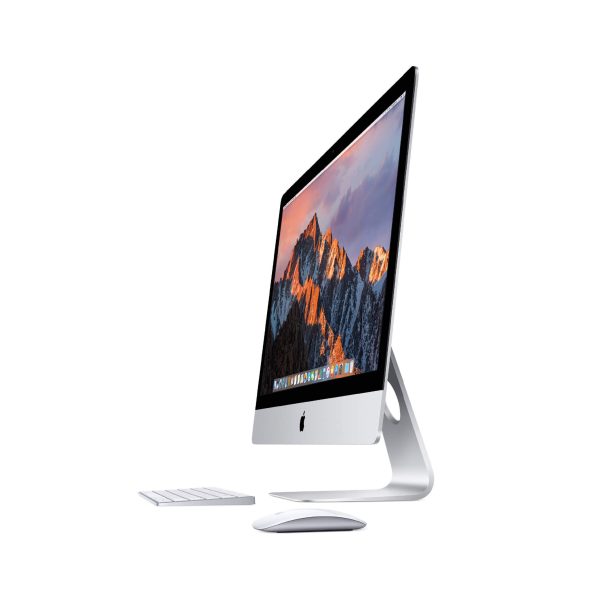
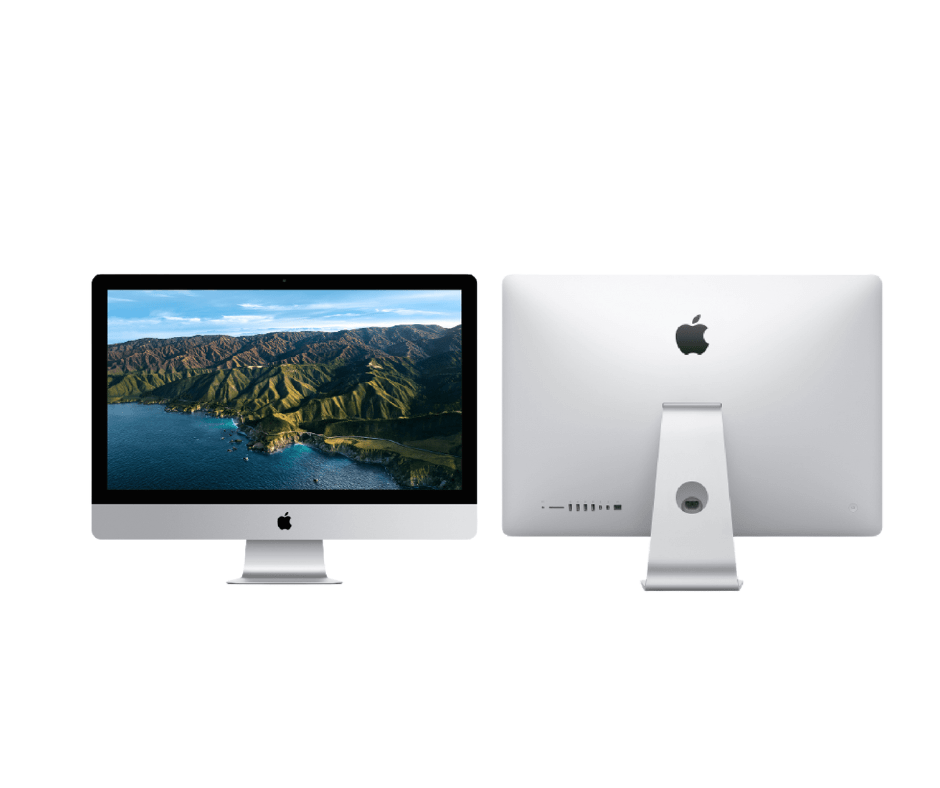
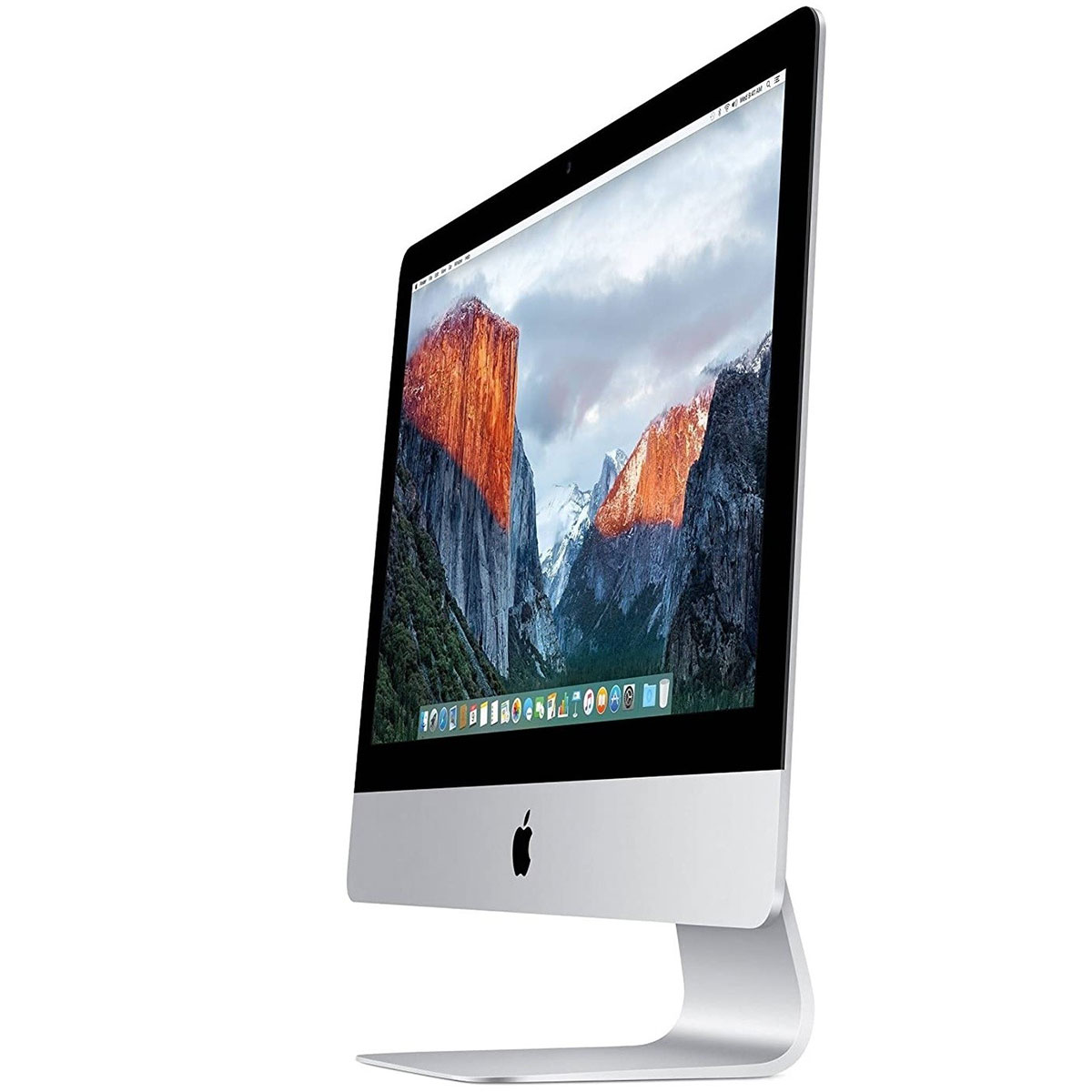
- Materials: Aluminum unibody construction
- Dimensions:
- Height: 52.8 cm (20.8 inches)
- Width: 68.0 cm (26.8 inches)
- Depth: 20.3 cm (8.0 inches) at thickest point
- Edge thickness: 5 mm (0.2 inches)
- Weight: 12.5 pounds (5.68 kg)
- Color: Silver aluminum with black bezel
- Stand: Aluminum stand with -5° to 25° tilt adjustment
- VESA Mount: Optional VESA mount adapter available
- Environmental Features:
- Arsenic-free display glass
- Mercury-free LED backlight
- BFR-free and PVC-free components
- Recyclable aluminum enclosure
7. Connectivity & Ports
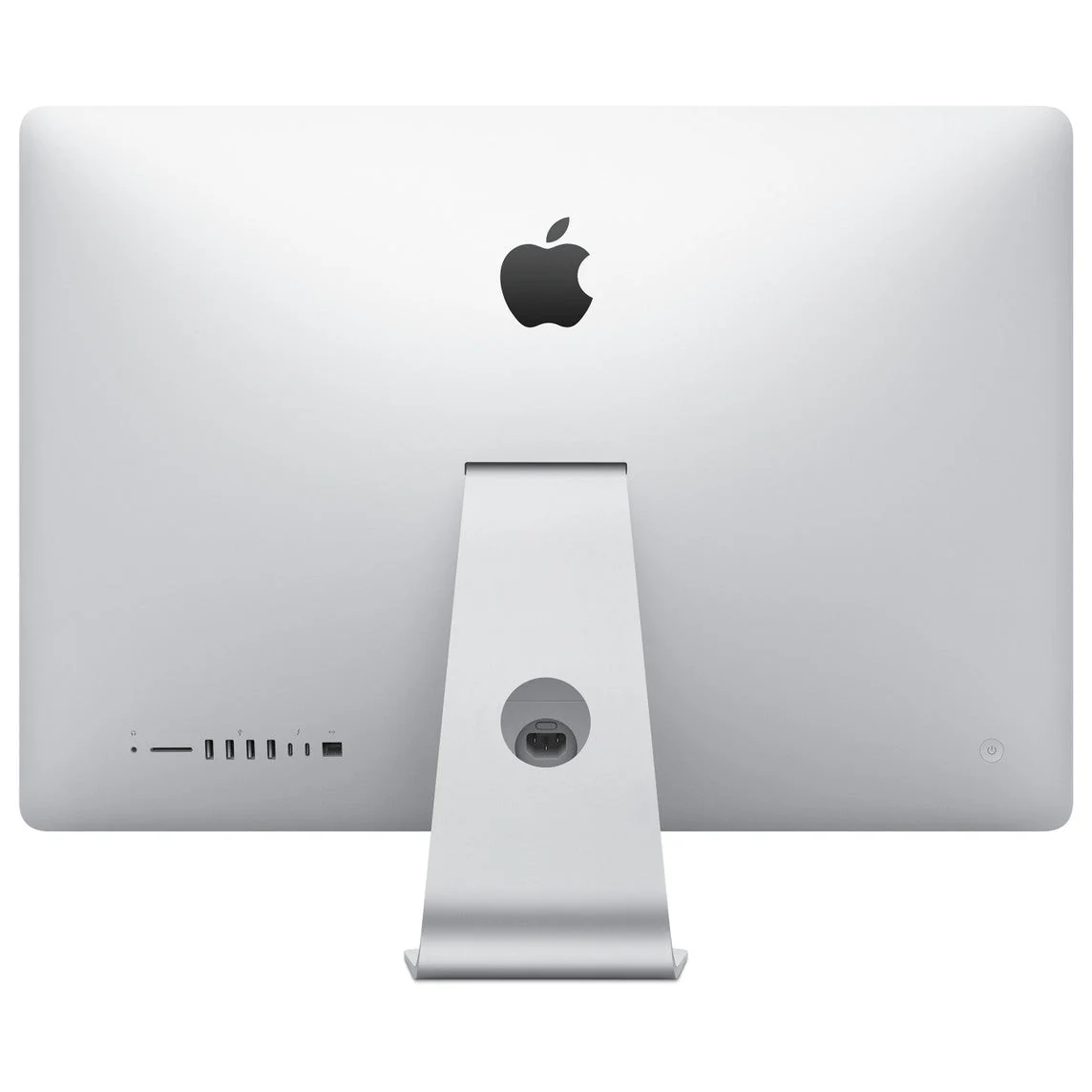
- Rear Ports:
- 4 x USB 3.0 (5 Gbps)
- 2 x Thunderbolt 2 ports (20 Gbps each)
- 1 x Gigabit Ethernet (10/100/1000BASE-T)
- 1 x SDXC card slot (UHS-I)
- 1 x 3.5mm headphone jack
- Kensington lock slot
- Wireless Connectivity:
- Wi-Fi: 802.11a/b/g/n/ac (Wi-Fi 5)
- Bluetooth: 4.0
- Display Output:
- Thunderbolt 2 supports Mini DisplayPort 1.2
- Native resolution support up to 3840 x 2160 @ 60Hz
- Dual display support (one via Thunderbolt, one via USB 3.0 adapter)
- Audio Connectivity:
- 3.5mm headphone/optical digital audio output
- Built-in microphone/headphone port supports Apple headphones with remote
8. Audio & Video Capabilities
- Webcam: FaceTime HD camera (720p)
- Microphones: Dual microphones with noise reduction
- Speakers: Stereo speakers with dual bass radiators
- Audio Technology:
- Wide stereo sound
- Support for Dolby Digital audio playback
- 3.5mm audio output supports digital audio
- Video Support:
- Hardware-accelerated H.264 and HEVC decoding
- 4K video playback capable
- HDCP 2.2 support for 4K content
9. Software & Operating System
- Original OS: macOS 10.11 El Capitan
- Latest Supported macOS: macOS 12 Monterey (via patchers)
- Officially Supported macOS: Up to macOS 11 Big Sur
- Included Software (Original):
- macOS with Photos, iMovie, GarageBand, Pages, Numbers, Keynote
- iLife and iWork suites
- Siri (from macOS Sierra onward)
- Boot Camp: Supports Windows 10 installation
- Virtualization: Compatible with Parallels, VMware Fusion
10. Power & Environmental
- Power Supply: Internal 240W power supply
- Voltage: 100-240V AC, 50-60Hz
- Power Consumption:
- Idle: 30W
- Typical use: 65W
- Maximum: 150W
- Energy Efficiency: ENERGY STAR 6.1 certified
- Operating Conditions:
- Temperature: 10° to 35° C (50° to 95° F)
- Relative humidity: 5% to 90% non-condensing
- Maximum operating altitude: 3,000 meters (10,000 feet)
Performance Analysis
CPU Performance (Geekbench 5 Scores):
- Core i5-5675R:
- Single-Core: 800-850
- Multi-Core: 2,900-3,100
- Core i7-5775R:
- Single-Core: 850-900
- Multi-Core: 3,400-3,600
- Modern Comparison: Roughly equivalent to 8th-gen Core i3 in single-core, 7th-gen i5 in multi-core
GPU Performance:
- Intel Iris Pro 6200:
- Light gaming at 1080p (Low settings)
- 4K video playback capable
- Basic photo editing in Lightroom/Photoshop
- AMD R9 M390:
- 1080p gaming at Medium-High settings
- 4K video editing in Final Cut Pro
- Light 3D rendering and CAD work
Storage Performance:
- Fusion Drive:
- Boot time: 25-30 seconds
- Application launch: Good for frequently used apps
- Large file transfers: Limited by HDD speed (100-120 MB/s)
- PCIe SSD:
- Boot time: 10-15 seconds
- Application launch: Near-instant
- File transfers: 800-1200 MB/s read/write
Target Market & Use Cases
Ideal Users:
- Home Users: Family computer, multimedia consumption
- Students: Research, papers, creative projects
- Creative Professionals: Photographers, graphic designers, video editors
- Office Workers: Remote work, productivity tasks
- Apple Ecosystem Users: iPhone/iPad integration, Continuity features
Recommended Applications:
- Productivity: Microsoft Office, web browsing, email (8GB RAM, any storage)
- Photo Editing: Lightroom, Photoshop (16GB RAM, SSD recommended)
- Video Editing: Final Cut Pro, iMovie (16GB RAM, SSD required, R9 GPU preferred)
- Music Production: Logic Pro, GarageBand (16GB RAM, SSD recommended)
- Light Gaming: Casual games, older titles (R9 GPU recommended)
Modern Viability:
- Still Capable For: Web browsing, office work, media consumption
- Limitations: Latest macOS features, intensive applications
- Expected Useful Life: 3-5 more years with upgrades
Upgrade Paths & Modifications
RAM Upgrades:
- Non-Retina Models: Easy upgrade via rear access panel
- Retina Models: Not user-upgradeable (soldered)
- Recommended RAM: 16GB DDR3L 1866MHz (2x8GB)
- Maximum RAM: 32GB (2x16GB) though not officially supported
Storage Upgrades:
- Professional Service Required: Display must be removed
- SSD Options: Apple proprietary blade SSD or SATA SSD with adapter
- Recommended: 512GB or 1TB SATA SSD with adapter cable
- External Solutions: Thunderbolt 2 SSD for fast external storage
Other Upgrades:
- Wi-Fi/Bluetooth: Can be upgraded to 802.11ac/Bluetooth 4.2 with compatible card
- Thermal Paste: Reapplication can improve cooling
- Cleaning: Internal dust removal improves performance
Comparison with Other Models
vs. iMac 21.5" (2014):
- 2015 Advantages: Retina 4K option, faster processors, better graphics
- 2014 Advantages: Lower cost, similar performance for basic tasks
vs. iMac 21.5" (2017):
- 2015 Advantages: User-upgradeable RAM (non-Retina), lower cost
- 2017 Advantages: Newer processors, better graphics, longer macOS support
vs. iMac 27" (2015):
- 21.5" Advantages: More compact, lower cost
- 27" Advantages: User-upgradeable RAM, more powerful options
vs. Windows All-in-One PCs:
- iMac Advantages: Better display, macOS ecosystem, build quality
- Windows Advantages: More upgrade options, gaming performance, lower cost
Common Issues & Solutions
1. Hard Drive Failure (Fusion Drive models):
- Symptoms: Slow performance, clicking sounds, boot failures
- Solution: Replace with SSD, use external storage
- Prevention: Regular backups, consider SSD upgrade
2. GPU Issues (AMD R9 models):
- Symptoms: Screen artifacts, kernel panics, overheating
- Solution: Clean internal fans, reapply thermal paste
- Long-term: Consider external GPU via Thunderbolt 2
3. Wi-Fi/Bluetooth Problems:
- Symptoms: Intermittent connections, slow speeds
- Solution: Reset SMC/PRAM, update macOS, replace Wi-Fi card
4. macOS Compatibility:
- Issue: Limited to macOS 11 Big Sur officially
- Solution: Use OpenCore Legacy Patcher for newer macOS versions
- Risk: Some features may not work perfectly
Environmental Impact & Sustainability
Green Features:
- Energy Efficient: ENERGY STAR 6.1 certified
- Materials: Recyclable aluminum enclosure
- Components: Mercury-free, arsenic-free, BFR-free, PVC-free
- Packaging: 100% recyclable materials
Longevity & E-Waste:
- Expected Lifespan: 7-10 years with proper maintenance
- Repairability: Moderate (display removal required for internal access)
- Recyclability: High - Apple offers recycling programs
Warranty & Support History
Original Warranty:
- Standard: 1-year limited warranty
- AppleCare+: Available for 3 years total coverage
- Repair Programs: Some models had repair programs for specific issues
Current Support Status:
- Vintage: Apple considers this model vintage (5-7 years old)
- Obsolete: Not yet obsolete (7+ years)
- Repair Availability: Limited parts availability from Apple
- Third-Party Support: Good - many repair shops have experience
Cost Analysis & Value Proposition
Original Pricing (2015):
- Base Model (1080p, 1TB HDD): $1,099
- Mid-range (4K, 1TB Fusion): $1,499
- High-end (4K, 512GB SSD, R9 M390): $1,799
Current Market Value (Used):
- Base Model (1080p): $250-$350
- 4K with Fusion Drive: $350-$500
- 4K with SSD: $500-$700
- Fully Loaded (i7, SSD, R9): $700-$900
Value Assessment:
- Excellent Value If: You find one under $400 with 4K display
- Good Value If: You need macOS for specific applications
- Poor Value If: You need latest performance or macOS features
Pros & Cons Summary
Advantages:
- Stunning Retina 4K display (on higher models)
- Sleek, timeless aluminum design
- Good performance for everyday tasks
- Quiet operation (fanless during light use)
- Excellent macOS integration
- Upgradeable RAM (on non-Retina models)
- Solid build quality that lasts
- Good selection of ports including Thunderbolt 2
Disadvantages:
- Aging hardware (8+ years old)
- Limited macOS support (officially up to Big Sur)
- Difficult internal repairs/upgrades
- Soldered RAM on Retina models
- Slow hard drive in base/Fusion models
- Limited gaming capability
- No USB-C/Thunderbolt 3
- Heating issues under heavy load
Final Recommendation & Verdict
Buy the iMac 21.5" (2015) If:
- You need an affordable entry into the macOS ecosystem
- You prioritize display quality over raw performance
- Your computing needs are moderate (web, office, media)
- You find a good deal (under $500 for 4K model)
- You're comfortable with potential upgrades/repairs
- You don't need the latest macOS features
- You appreciate Apple's design and build quality
Consider Alternatives If:
- You need latest macOS support (consider M1 Mac mini or newer iMac)
- You perform intensive tasks (video editing, gaming)
- You want easy upgradability (consider Mac mini or Windows PC)
- You need USB-C/Thunderbolt 3 connectivity
- Your budget allows for newer Apple Silicon Macs
- You're not comfortable with potential hardware issues
Overall Assessment:
7.5/10 for Specific Use Cases in 2024
The 2015 21.5" iMac occupies a unique position in today's market—it's old enough to be affordable yet new enough to remain useful for many tasks. Its Retina 4K display (on configured models) remains its strongest feature, offering pixel density and color quality that rivals much newer computers. The aluminum unibody design has aged gracefully, and the overall build quality is typically superior to similarly priced Windows all-in-ones. However, its age shows in performance limitations, particularly with the base hard drive configurations and the approaching end of official macOS support.
Best Configurations to Look For:
- 4K Retina display with 512GB/1TB SSD and 16GB RAM - The sweet spot for longevity
- 4K Retina with Fusion Drive - Good if you plan to upgrade to SSD
- Non-Retina with 1TB HDD - Only if you plan significant upgrades
Long-Term Outlook:
With an SSD upgrade and 16GB of RAM (where possible), the 2015 iMac can provide several more years of capable service for everyday computing. Its display quality ensures it won't feel obsolete visually, and the macOS experience remains polished. However, users should be prepared for eventual software limitations and have a plan for data migration when the time comes to upgrade. For the right user at the right price, this iMac represents a cost-effective way to enjoy Apple's design and ecosystem while acknowledging the compromises that come with aging technology.
Final Thought:
This iMac is a testament to Apple's ability to create products that age gracefully. While no longer cutting-edge, it continues to offer a premium experience that surpasses many newer budget computers. For students, casual users, or as a secondary computer in a home office, it remains a compelling option—provided expectations are calibrated to its age and limitations.