Executive Summary
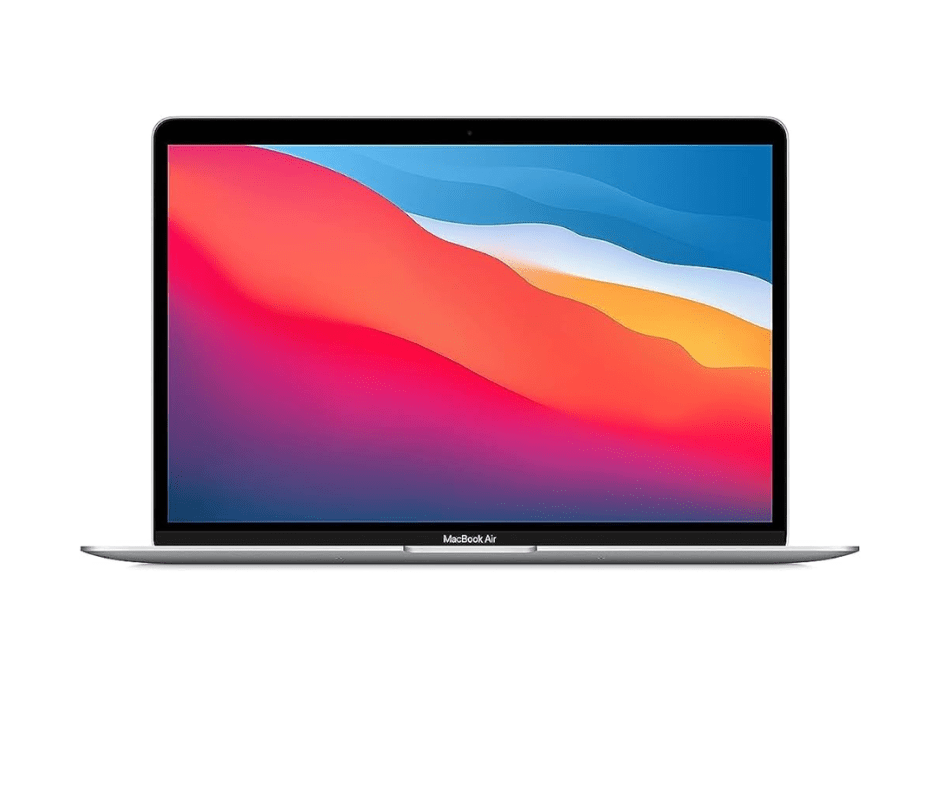
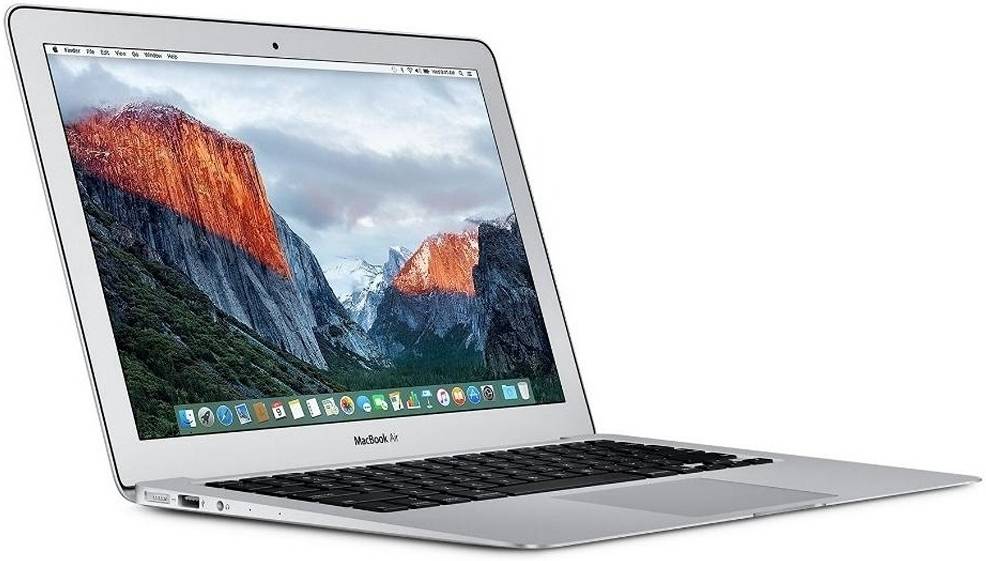
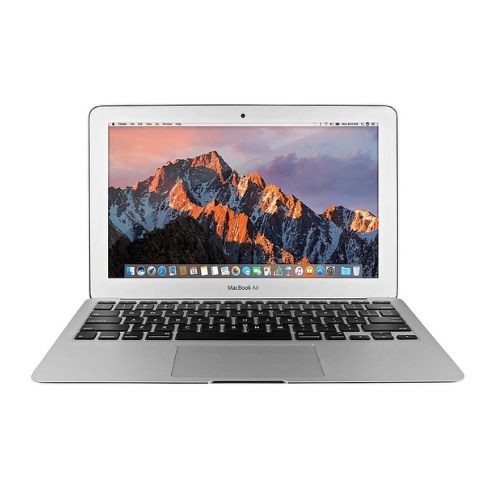
The Apple MacBook Air (M1, 2020) represents one of the most significant computing breakthroughs in recent history, marking Apple's revolutionary transition from Intel processors to its own custom-designed Apple Silicon. As the first Mac to feature the groundbreaking M1 chip, this laptop fundamentally redefined performance and efficiency expectations for ultraportable computers. The M1's system-on-a-chip architecture integrates CPU, GPU, Neural Engine, memory, and controllers into a single piece of silicon, delivering unprecedented performance-per-watt that surpasses many traditional laptops while operating completely silently in a fanless design. With up to 3.5x faster CPU performance, up to 5x faster graphics, and machine learning acceleration up to 9x faster than previous Intel-based MacBook Air models, this machine transformed what users could expect from a thin-and-light laptop. Its exceptional 18-hour battery life, instant wake from sleep, and ability to run iOS/iPadOS apps natively created a new category of ultraportable computing that remains highly relevant years after its release.
Detailed Specifications
1. Apple M1 System-on-Chip Architecture
- Chip Design: Apple M1 (5nm process, 16 billion transistors)
- CPU Configuration: 8-core (4 high-performance + 4 high-efficiency cores)
- Performance Cores: Firestorm architecture, 3.2GHz max frequency
- Efficiency Cores: Icestorm architecture, optimized for low-power tasks
- Intelligent workload distribution between core types
- GPU Configuration:
- Base Model: 7-core GPU
- Upgraded Model: 8-core GPU
- Unified memory architecture (shares memory with CPU)
- 128 execution units total
- Neural Engine: 16-core design (11 trillion operations per second)
- Memory Architecture: Unified Memory (shared between CPU, GPU, Neural Engine)
- Configurations: 8GB or 16GB
- Type: LPDDR4X-4266 (high bandwidth, low power)
- Bandwidth: 68.25 GB/s
- Media Engine:
- Hardware-accelerated H.264, HEVC, ProRes, ProRes RAW
- Video encode/decode engines
- ProRes encode and decode
2. Display Technology
- Screen Size: 13.3-inch diagonal (diagonal viewable area)
- Resolution: 2560 x 1600 pixels (Retina)
- Pixel Density: 227 pixels per inch (PPI)
- Aspect Ratio: 16:10 (ideal for productivity)
- Display Technology: IPS (In-Plane Switching) LED-backlit
- Brightness: 400 nits
- Color Gamut: P3 wide color gamut
- Color Depth: Millions of colors
- Contrast Ratio: 1100:1
- Viewing Angles: 178° horizontal and vertical
- True Tone Technology: Yes - automatically adjusts white balance to ambient light
- Refresh Rate: 60Hz (fixed)
- Anti-reflective Coating: Yes
- Key Features:
- Retina resolution provides sharp text and images
- P3 wide color for accurate color reproduction
- True Tone for comfortable viewing in different lighting
- Same display panel as higher-end MacBook Pro 13"
3. Performance Benchmarks
- CPU Performance (Geekbench 5):
- Single-Core: 1700-1800 (comparable to high-end desktop CPUs)
- Multi-Core: 7500-8000 (outperforms many Intel 8-core laptops)
- Improvement vs Intel MacBook Air (2020): 3-3.5x faster
- GPU Performance (Geekbench 5 Metal):
- 7-core GPU: 18000-20000 points
- 8-core GPU: 21000-23000 points
- Improvement vs Intel MacBook Air: 5-6x faster
- Real-World Performance:
- Video Editing: Can edit multiple streams of 4K ProRes
- Photo Editing: Instant previews in Lightroom, fast Photoshop filters
- Development: Fast compilation, smooth Xcode performance
- Gaming: Capable of 60fps in many games at moderate settings
- Power Efficiency:
- Performs similarly to previous MacBook Air at 1/4 the power
- Can sustain performance without thermal throttling (fanless)
- Exceptional performance per watt
4. Memory & Storage
- Memory Configuration: Unified Memory Architecture
- Options: 8GB or 16GB (soldered, choose at purchase)
- Type: LPDDR4X-4266
- Bandwidth: 68.25 GB/s
- Shared between CPU, GPU, and Neural Engine
- Memory Recommendations:
- 8GB: Suitable for web browsing, office apps, light creative work
- 16GB: Recommended for developers, photo/video editing, multitasking
- Note: Due to memory swapping efficiency, 8GB often feels like 16GB on Intel
- Storage Options:
- 256GB PCIe-based SSD (base)
- 512GB PCIe-based SSD (recommended)
- 1TB PCIe-based SSD (for professionals)
- 2TB PCIe-based SSD (maximum)
- Storage Performance:
- Read speeds: Up to 3,000 MB/s
- Write speeds: Up to 2,200 MB/s
- Boot time: 10-15 seconds
- Application launch: Near-instant for optimized apps
- Note: 256GB models have single NAND chip (slower than higher capacities)
5. Thermal Design (Fanless Innovation)
- Cooling System: Passive cooling only (no fans)
- Heat spreader distributes heat across aluminum chassis
- Chassis acts as heatsink
- Completely silent operation
- Thermal Performance:
- Sustains performance better than Intel MacBook Air with fans
- No thermal throttling under normal workloads
- May throttle slightly during sustained heavy GPU workloads
- Chassis gets warm under heavy load but not uncomfortably hot
- Power Efficiency Advantage:
- M1 chip is so efficient it generates minimal heat
- Efficiency cores handle background tasks with near-zero power
- Performance cores only activate when needed
6. Battery & Power Management
- Battery Capacity: 49.9Wh lithium-polymer
- Battery Life (Apple claimed):
- Wireless web: Up to 15 hours
- Apple TV app movie playback: Up to 18 hours
- Improvement vs Intel model: Up to 2x longer
- Real-World Battery Life:
- Web browsing: 10-14 hours
- Video playback: 12-16 hours
- Office work: 10-12 hours
- Video editing: 6-8 hours
- Idle/sleep: Weeks of standby time
- Charging:
- 30W USB-C Power Adapter included
- Optional 61W adapter available
- Fast charging capable with higher-wattage adapters
- MagSafe not available (USB-C charging only)
- Power Efficiency Features:
- Instant wake from sleep (like iPhone/iPad)
- Extremely low power sleep mode
- Intelligent power management between performance/efficiency cores
7. Connectivity & Ports
- Ports:
- 2 x Thunderbolt 3 / USB 4 ports (left side only)
- 3.5mm headphone jack (high-impedance headphone support)
- Thunderbolt 3 Capabilities:
- 40 Gbps bandwidth per port
- Supports USB 3.1 Gen 2 (10 Gbps)
- DisplayPort 1.4 (can drive 6K display at 60Hz)
- Power Delivery (up to 100W charging)
- Daisy-chain up to 6 devices
- Note: Both ports share bandwidth (not fully independent)
- Wireless Connectivity:
- Wi-Fi 6 (802.11ax) with 2x2 MIMO
- Bluetooth 5.0
- Excellent wireless performance and range
- Display Support:
- Native resolution via Thunderbolt 3
- One external display up to 6K at 60Hz
- Or multiple displays via DisplayLink adapters
- No native support for dual external displays
8. Keyboard, Trackpad & Input
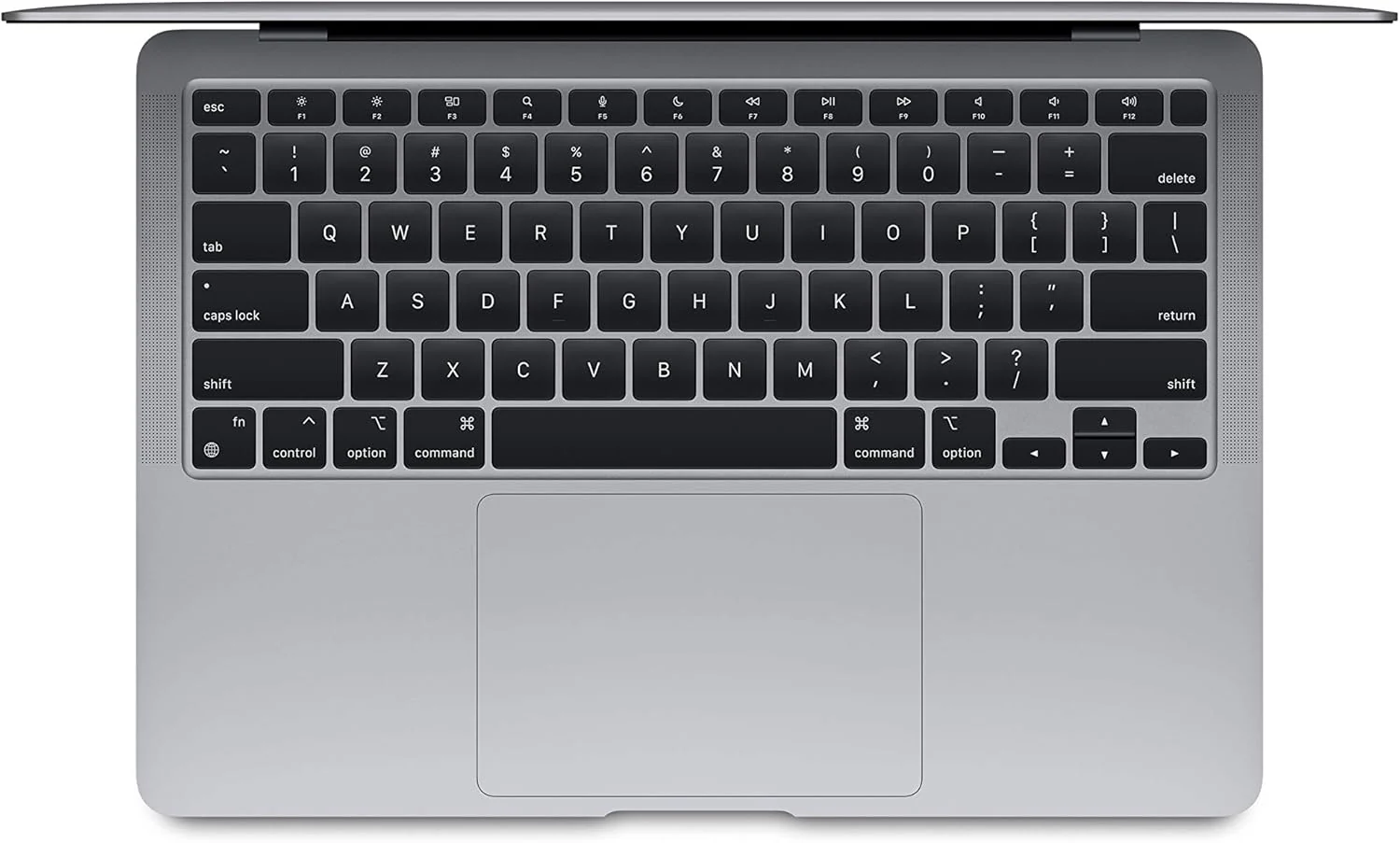
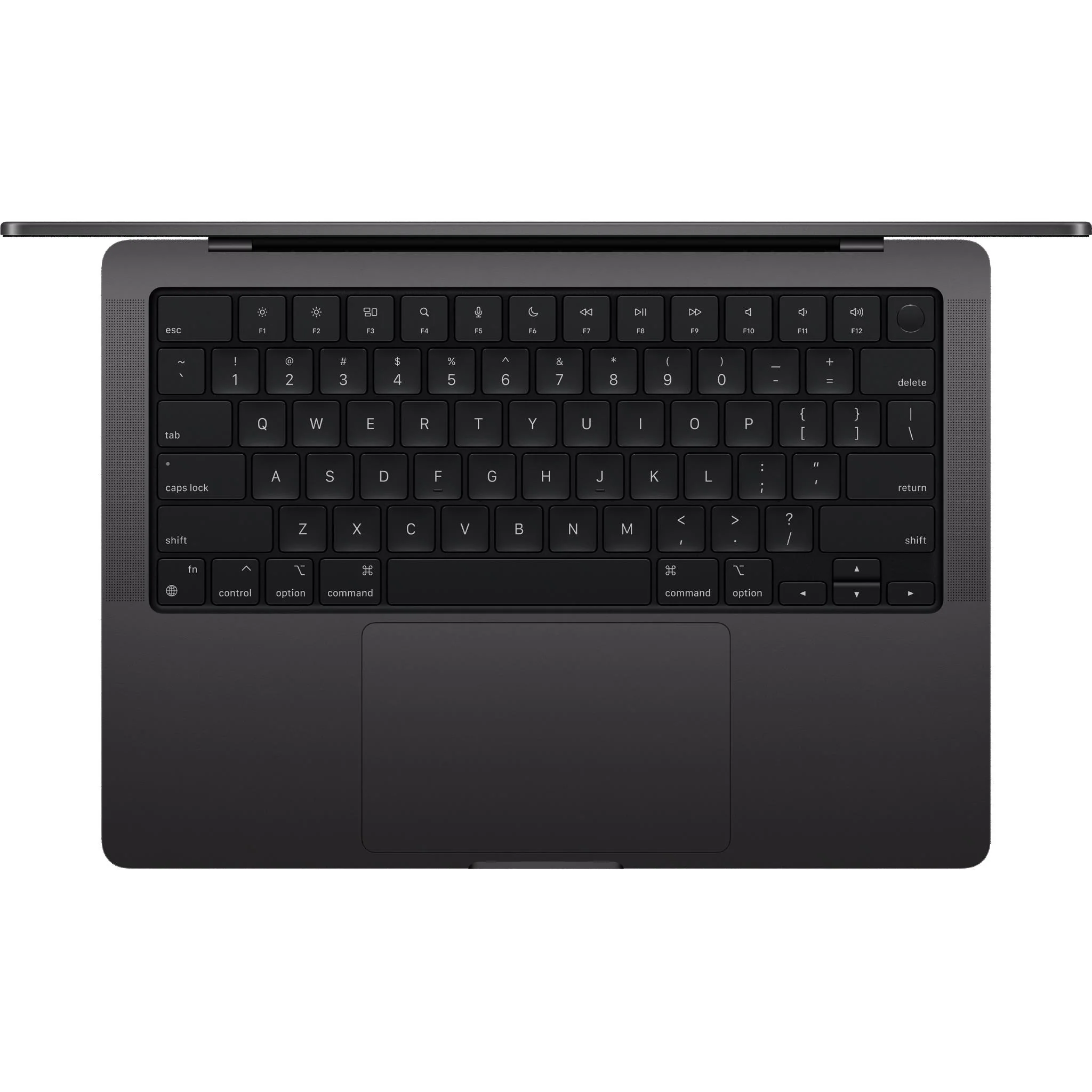
- Keyboard: Magic Keyboard
- Scissor mechanism (1mm key travel)
- Backlit with ambient light sensor
- Inverted-T arrow keys
- Touch ID sensor in power button
- Dramatically improved reliability over butterfly keyboard
- Trackpad: Force Touch trackpad
- Glass surface with force sensors
- Haptic feedback simulates click (no physical mechanism)
- Pressure sensitivity for "Force Click" features
- Multi-touch gesture support
- Large size for comfortable use
- Touch ID: Integrated fingerprint sensor
- Fast, secure authentication
- Apple Pay support for online purchases
- Password autofill in Safari and apps
- Webcam & Microphones:
- 720p FaceTime HD camera (same as previous models)
- Three-microphone array with directional beamforming
- Studio-quality microphone for recording and calls
9. Design & Build Quality
- Materials: 100% recycled aluminum enclosure
- Dimensions:
- Height: 1.61 cm (0.63 inch)
- Width: 30.41 cm (11.97 inches)
- Depth: 21.24 cm (8.36 inches)
- Weight: 1.29 kg (2.8 lbs) - identical to Intel model
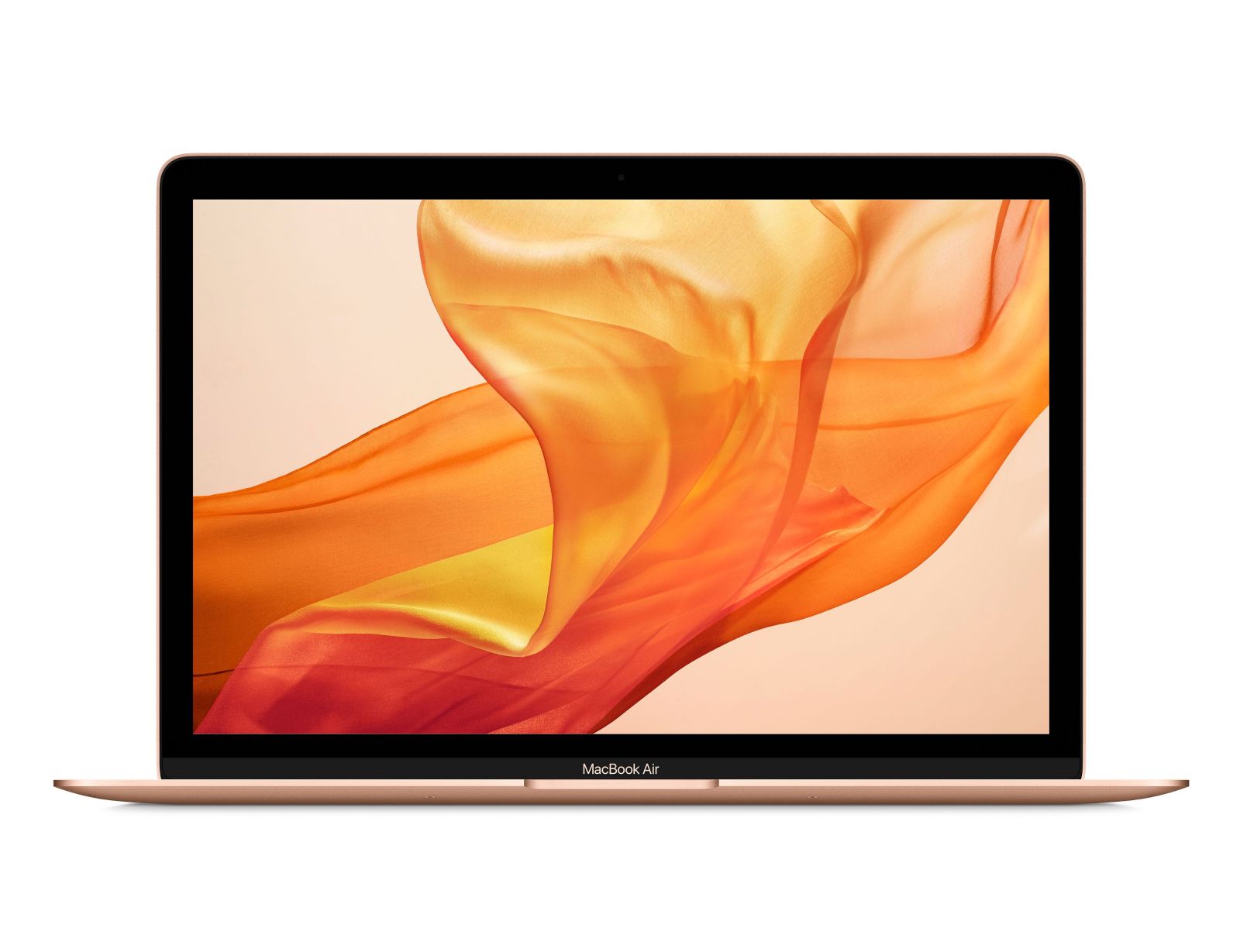
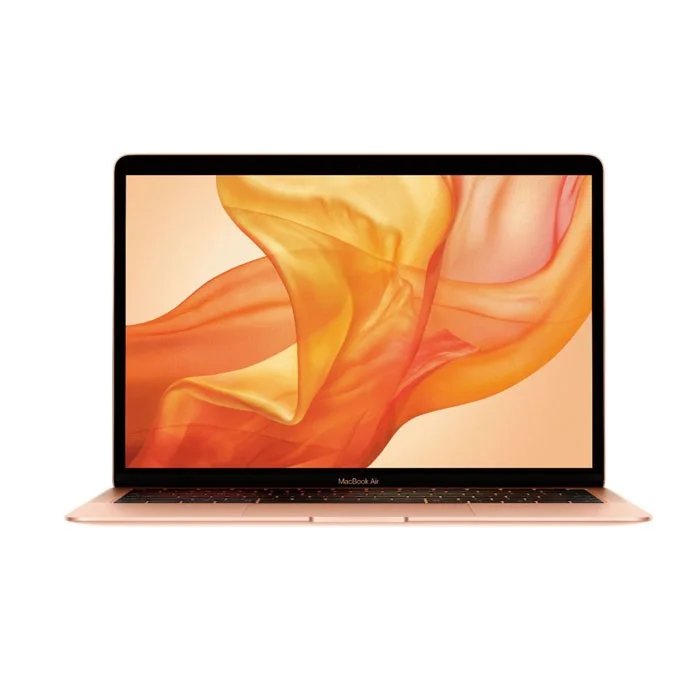
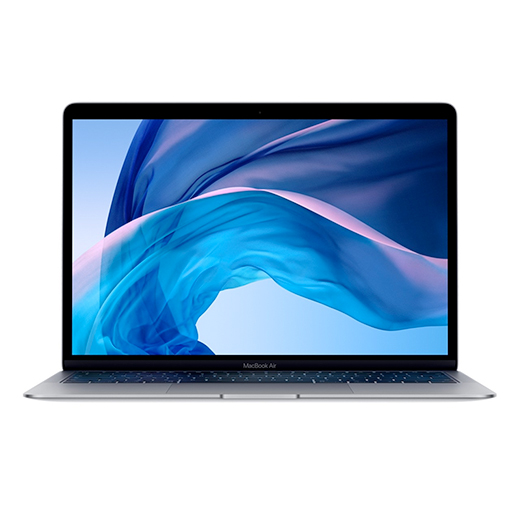
- Color: Silver, Space Gray, Gold
- Design Language: Classic wedge-shaped design
- Tapered from 1.61 cm to 0.41 cm
- Iconic MacBook Air silhouette
- Minimalist Apple design
- Environmental Features:
- 100% recycled aluminum in enclosure
- Arsenic-free display glass
- Mercury-free, BFR-free, PVC-free, beryllium-free
- Responsibly sourced materials
10. Software & Compatibility
- Original OS: macOS Big Sur 11.0
- Latest Supported macOS: macOS Sonoma 14.x (as of 2024)
- Expected Support: Likely through macOS 18-19 (2027-2028)
- Rosetta 2: Built-in translation for Intel apps
- Runs most Intel Mac apps seamlessly
- One-time translation at first launch
- Generally excellent performance for translated apps
- iOS/iPadOS App Support:
- Can run iPhone and iPad apps natively
- Availability depends on developer opt-in
- Great for certain mobile-first applications
- Professional Software Compatibility:
- Adobe Creative Cloud fully optimized (Photoshop, Lightroom, etc.)
- Final Cut Pro and Logic Pro optimized for Apple Silicon
- Microsoft Office native Apple Silicon versions
- Most development tools (Xcode, VS Code, etc.) optimized
Revolutionary Features
Apple Silicon Advantages:
- Performance per Watt: Unmatched efficiency enabling fanless design
- Unified Memory: Eliminates copying between CPU and GPU memory
- Neural Engine: Accelerates machine learning tasks
- Media Engine: Hardware-accelerated video encode/decode
- Secure Enclave: Dedicated security subsystem
User Experience Improvements:
- Instant Wake: Wakes immediately from sleep like iPhone
- Cool and Quiet: Never gets hot or loud (fanless)
- All-Day Battery: Legitimate full-day usage on single charge
- iOS App Support: Access to mobile app ecosystem
Target Market & Use Cases
Ideal Users:
- Students: All-day battery, portable, capable performance
- Professionals: Business users, writers, consultants
- Creative Beginners: Photo editing, light video work, design
- Developers: Software development, web development
- Casual Users: Web browsing, media consumption, office work
- Travelers: Lightweight, long battery, reliable
Not Recommended For:
- Professional video editors working with 8K footage
- Hardcore gamers needing high refresh rates
- Users needing multiple external displays natively
- Those requiring Boot Camp for Windows
- Maximum upgradability seekers (everything soldered)
Comparison with Other Models
vs. MacBook Air (Intel, 2020):
- M1 Advantages: 3-5x faster, 2x battery, fanless, runs iOS apps
- Intel Advantages: Boot Camp for Windows, dual external display support
vs. MacBook Pro 13" (M1, 2020):
- Air Advantages: Fanless (silent), lighter, cheaper, same performance for most tasks
- Pro Advantages: Active cooling (sustained performance), Touch Bar, brighter display, better speakers
vs. MacBook Air (M2, 2022):
- M1 Advantages: Cheaper, often better value, fanless wedge design
- M2 Advantages: Slightly faster, new design, MagSafe, better webcam
vs. Windows Ultrabooks:
- M1 Advantages: Much better battery, faster performance, better trackpad, macOS
- Windows Advantages: More ports, touch screens, wider software compatibility
Common Questions
Memory: 8GB vs 16GB?
- 8GB: Sufficient for 90% of users due to memory swapping efficiency
- 16GB: Recommended for developers, photo/video editors, heavy multitaskers
- Note: 8GB M1 often outperforms 16GB Intel Macs
Storage: 256GB vs 512GB?
- 256GB: Okay if you use cloud storage and external drives
- 512GB: Recommended for most users, faster performance
- Note: 256GB models have single NAND chip (slower writes)
7-core vs 8-core GPU?
- 7-core: Base model, still excellent performance
- 8-core: 10-15% faster in GPU tasks, worth it for light gaming/creative work
Long-Term Outlook
Expected Lifespan:
- Hardware: 5-7 years with normal use
- Software Support: Likely through 2027-2028 (7-8 years total)
- Performance Relevance: Will remain capable for years due to efficient architecture
Resale Value:
- Exceptional resale value (typical for Apple products)
- M1 transition makes it historically significant
- High demand in used market
Pros & Cons Summary
Advantages:
- Revolutionary performance and efficiency
- Exceptional battery life (up to 18 hours)
- Completely silent fanless operation
- Cool running (never gets hot under normal use)
- Instant wake from sleep
- Excellent performance for the price
- Runs iOS/iPadOS apps
- Improved keyboard reliability
- Lightweight and portable
- Strong resale value
Disadvantages:
- Limited to 2 ports (both on left side)
- Only supports one external display natively
- 720p webcam (dated by modern standards)
- No Boot Camp (cannot run Windows natively)
- Everything soldered (non-upgradeable)
- Base 256GB storage has slower write speeds
- No MagSafe charging
- No Touch Bar (some users prefer it)
Current Market Value (2024)
Original Pricing (2020):
- Base Model (7-core GPU, 8GB, 256GB): $999
- Upgraded (8-core GPU, 8GB, 512GB): $1,249
- Fully Loaded (8-core GPU, 16GB, 2TB): $2,049
Used Market Value (2024):
- Base Model (8/256): $500-$650
- Mid-range (8/512): $600-$750
- High-end (16/512): $700-$900
- Factors: Battery cycles, physical condition, included accessories
Value Assessment:
- Exceptional value in $500-$700 range
- Often outperforms newer Windows laptops at similar price
- Apple Silicon ensures continued relevance
- One of the best laptop values available used
Final Recommendation
Buy the MacBook Air M1 (2020) If:
- You want the best value in the Mac ecosystem
- Battery life is a top priority
- You prefer silent operation (no fan noise)
- Your workload is light to moderate (web, office, light creative work)
- You find one under $700 with good battery health
- You're a student or budget-conscious professional
- You're transitioning from Windows and want to try macOS
Consider Newer Models If:
- You need multiple external displays
- You work with very large video files regularly
- You want a better webcam (1080p)
- You prefer MagSafe charging
- Your budget allows for M2/M3 models
- You need maximum future-proofing
Best Configurations to Buy Used:
- 8-core GPU, 16GB RAM, 512GB SSD - Sweet spot for performance and value
- 8-core GPU, 8GB RAM, 512GB SSD - Great for most users
- 7-core GPU, 16GB RAM, 256GB SSD - If you need RAM more than storage
Essential Checks Before Buying Used:
- Battery Cycle Count: Under 300 ideal, under 500 acceptable (check in About This Mac → System Report → Power)
- Keyboard Condition: Test all keys, look for shine or wear
- Display: Check for dead pixels, image retention, coating wear
- Body Condition: Look for dents, scratches, port damage
- Performance Test: Run a few apps to ensure no slowdowns
- Activation Lock: Ensure Find My Mac is disabled
Overall Assessment:
9.5/10 for Most Users (Considering Performance, Value, and Impact)
The MacBook Air M1 (2020) is arguably one of the most important and successful laptops ever released. It fundamentally changed expectations for what an ultraportable laptop could achieve, delivering desktop-class performance with unprecedented battery life in a fanless design. Even years after its release, it remains remarkably capable and represents exceptional value in the used market.
For students, professionals, casual users, and even many creatives, the M1 MacBook Air offers more than enough performance while providing the benefits of the Apple ecosystem. Its fanless design ensures completely silent operation, the battery life genuinely lasts all day, and the build quality is typical Apple excellence.
While it has limitations (port selection, single external display support, 720p webcam), these are acceptable trade-offs for most users given its strengths. In the $500-$700 used price range, it's arguably the best laptop value available, offering better performance and battery life than many new Windows laptops at similar prices.
The M1 MacBook Air isn't just a good laptop—it's a historically significant one that set a new standard for the industry. For anyone needing a reliable, capable, portable computer without breaking the bank, it remains an outstanding choice that will likely remain relevant for years to come.