Executive Summary
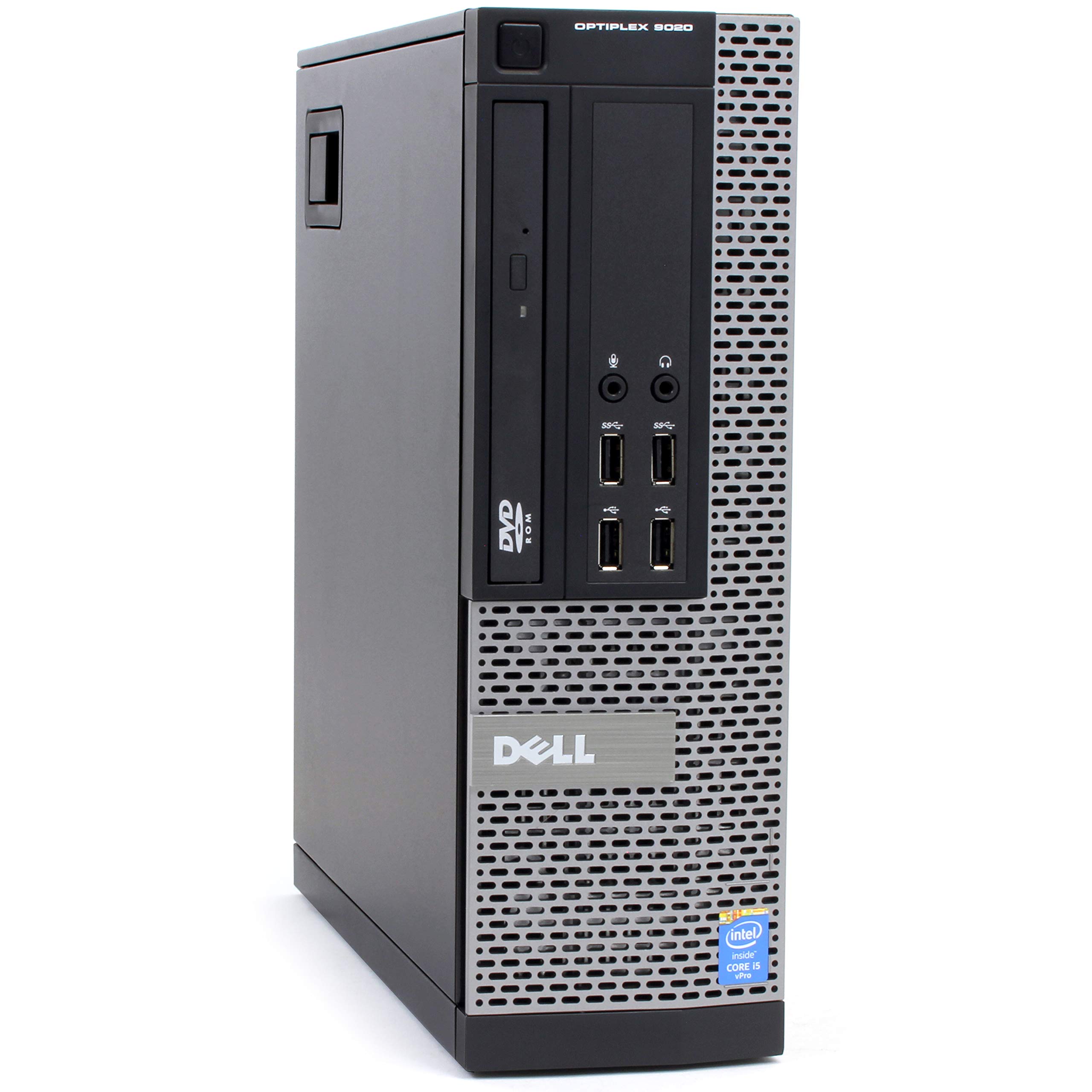
The Dell OptiPlex 7040 Small Form Factor (SFF) is a transitional business desktop from Dell's mid-2010s lineup, bridging the gap between Windows 7 and Windows 10 deployments with 6th Generation Intel Skylake processors. Representing a significant technological leap from its predecessors, the 7040 introduced DDR4 memory and NVMe storage support to Dell's mainstream business offerings.
Detailed Specifications
1. Processor (CPU)
Generation: 6th Generation Intel Core (Skylake)
Core Architecture:
- 14nm Process: First generation 14nm desktop processors from Intel
- Improved IPC: Approximately 10-15% performance improvement over Haswell
- Thermal Design Power: 65W standard desktop processors
- Integrated Memory Controller: DDR4 support for the first time in mainstream desktop
Common Configurations:
- Intel Core i5-6500 (4 cores, 4 threads, 3.2-3.6 GHz) - Most Common
- Intel Core i7-6700 (4 cores, 8 threads, 3.4-4.0 GHz)
- Intel Core i3-6100 (2 cores, 4 threads, 3.7 GHz)
- Intel Core i5-6600T (4 cores, 4 threads, 2.7-3.5 GHz) - Low Power Variant
- Intel Pentium G4400 (2 cores, 2 threads, 3.3 GHz) - Entry Level
Business Features: Intel vPro with Active Management Technology on select configurations
2. Memory (RAM)
- Type: DDR4 SDRAM (first generation DDR4 support in OptiPlex)
- Speed: 2133 MHz (some configurations support 2400 MHz)
- Slots: 4 DIMM slots (standard)
- Maximum Capacity: 64GB (4x16GB) - though 16GB modules were rare/expensive at launch
- Standard Configurations: 4GB, 8GB, or 16GB
- Dual Channel: Supported for optimal performance
- Backward Compatibility: DDR3 memory NOT supported due to different physical and electrical specifications
3. Storage
- Primary Storage: 2.5-inch SATA SSD/HDD or M.2 PCIe NVMe SSD (option)
- Secondary Storage: Optional 2.5-inch bay or optical drive
- Interface Support:
- PCIe 3.0 x4 for NVMe SSDs (first generation NVMe support in OptiPlex)
- SATA III (6 Gbps) for 2.5-inch drives
Common Configurations:
- 500GB/1TB 7200RPM SATA HDD
- 128GB/256GB SATA SSD
- 256GB PCIe NVMe SSD (premium option at launch)
- 128GB NVMe SSD + 1TB SATA HDD (dual storage configurations)
Storage Notes: Early NVMe support, but with Gen3 x2 limitations on some configurations
4. Graphics
- Integrated: Intel HD Graphics 530 (on 6th Gen CPUs)
- Dedicated Options: Supports half-height, low-profile dedicated GPUs including:
- AMD Radeon R5 430 (2GB DDR3)
- NVIDIA NVS 310 (512MB DDR3)
- AMD FirePro W2100 (2GB GDDR3)
- Display Support: Up to 3 displays (with appropriate GPU)
- Video Outputs: DisplayPort 1.2, HDMI 1.4, VGA (on some configurations)
- Integrated Graphics Performance: ~30% improvement over previous HD Graphics 4600
5. Connectivity & Ports
Front Ports:
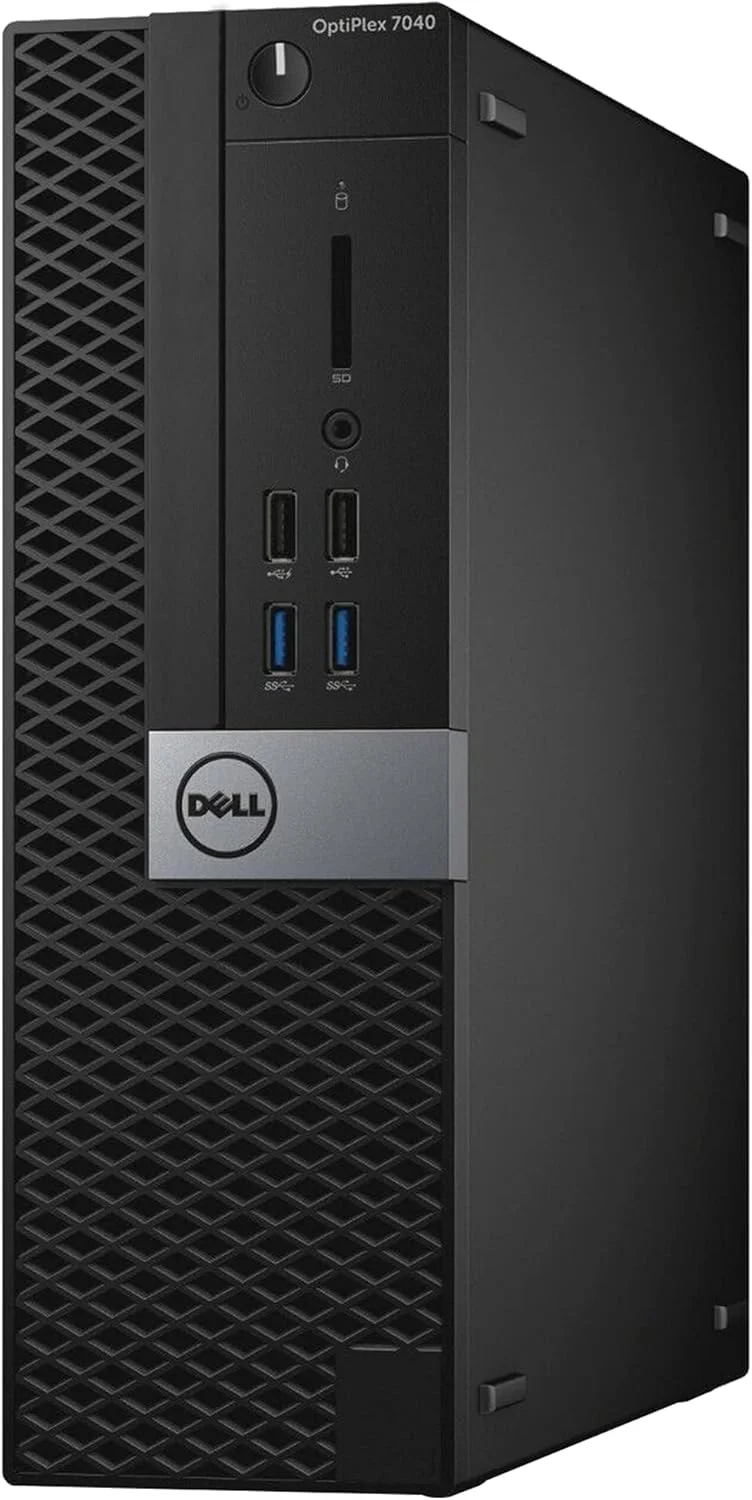
- 2 x USB 3.0 Type-A (5 Gbps)
- 1 x USB 2.0 Type-A (some configurations)
- Headphone/Microphone combo jack
- 9-in-1 media card reader (optional)
Rear Ports:
- 4 x USB 3.0 Type-A
- 2 x USB 2.0 Type-A
- 1 x DisplayPort 1.2
- 1 x HDMI 1.4
- 1 x VGA port (standard on most models)
- 1 x RJ-45 Gigabit Ethernet (Intel I219-LM)
- Audio line-out, line-in, and microphone jacks
- Serial port (optional on some configurations)
Wireless: Intel Dual Band Wireless-AC 8260 (802.11ac 2x2) + Bluetooth 4.2 (optional)
6. Expansion & Form Factor
- Chassis Size: ~292 x 290 x 92.6 mm (11.5 x 11.4 x 3.6 inches)
- Expansion Slots:
- 1 x PCIe 3.0 x16 slot (half-height/low-profile)
- 1 x PCIe 3.0 x4 slot (in x16 physical slot, half-height)
- 1 x PCIe 3.0 x1 slot
- Drive Bays:
- 1 x 2.5-inch SATA bay (primary)
- 1 x M.2 2280 slot (PCIe NVMe or SATA)
- 1 x 5.25-inch optical drive bay (optional, convertible to additional storage)
- Power Supply: 180W or 240W 80 PLUS Bronze efficient
- Tool-less Design: Tool-free access to internal components for service
7. Security & Manageability
- Security Chip: TPM 1.2 (most common) or TPM 2.0 (on later production units)
- Dell ControlVault 2.0: Advanced authentication and encryption subsystem
- Authentication: Optional Smart Card Reader, optional Fingerprint Reader
- Physical Security: Kensington lock slot, chassis intrusion detection
- Management: Dell Client Command Suite, Intel AMT (on vPro models)
- Encryption: Dell Data Protection | Encryption, Microsoft BitLocker support
- Secure Boot: UEFI BIOS with Secure Boot and Dell SafeBIOS
8. Power & Environmental
- Power Supply: 80 PLUS Bronze efficiency (85% efficiency at typical load)
- Power Consumption: Typical 45W, Maximum 130W (without discrete GPU)
- Certifications: ENERGY STAR 6.1, EPEAT Silver
- Operating Temperature: 10°C to 35°C (50°F to 95°F)
- Acoustics: < 32 dB under typical office load
- Materials: 25% post-consumer recycled plastics
9. Operating System & Support
- Original OS: Windows 7 Professional 64-bit (with Windows 10 upgrade rights)
- Windows 10 Compatibility: Officially supported and optimized
- Windows 11 Compatibility: Potentially compatible but not officially supported (requires TPM 2.0 and CPU check)
- Alternative OS: Windows 8.1 Pro, Ubuntu Linux (certified)
- Recovery: Dell Backup and Recovery, Dell ImageAssist
- Warranty: 3-year ProSupport standard (now expired on all units)
Key Features & Target Audience
Unique Selling Points:
- First DDR4 Support: Introduced DDR4 memory to Dell's mainstream business lineup
- Early NVMe Adoption: Among first business desktops with PCIe NVMe SSD support
- Windows 10 Optimized: Designed during Windows 10 transition with optimal support
- Improved Efficiency: 14nm Skylake architecture offered better performance per watt
- Transition Platform: Supported both Windows 7 and Windows 10 deployments
Ideal For:
- Corporate environments transitioning from Windows 7 to Windows 10
- Educational institutions during the mid-2010s refresh cycles
- Healthcare facilities needing modern but cost-effective workstations
- Government offices with specific Windows 7/10 dual requirements
- Small to medium businesses during 2015-2018 technology refresh
Limitations:
- Windows 11 Uncertain: TPM 1.2 on most units and older CPU generation limit Windows 11 support
- Four-Core Maximum: No six-core options (introduced in 8th Generation)
- Limited GPU Support: Half-height cards only with power constraints
- Aging Platform: 8-9 years old at time of assessment
- Early DDR4: Slower 2133/2400 MHz vs. modern 3200+ MHz standards
Modern Use Assessment (2024)
- Basic Computing Capable: Adequate for light office work with SSD upgrade
- Windows 10 Recommended: Windows 10 remains the optimal OS choice
- SSD Mandatory: Requires SSD (preferably NVMe) for acceptable performance
- Memory Considerations: 8GB minimum, 16GB recommended for modern use
- End-of-Life Status: Outside standard support lifecycle for both hardware and Windows 10
Critical Upgrade Recommendations:
- SSD Installation: NVMe SSD if available, otherwise SATA SSD essential
- RAM Upgrade: Minimum 8GB, preferably 16GB for Windows 10
- OS Clean Install: Fresh Windows 10 installation for best performance
- TPM Check: Verify TPM version for potential Windows 11 compatibility
Comparison with Successors:
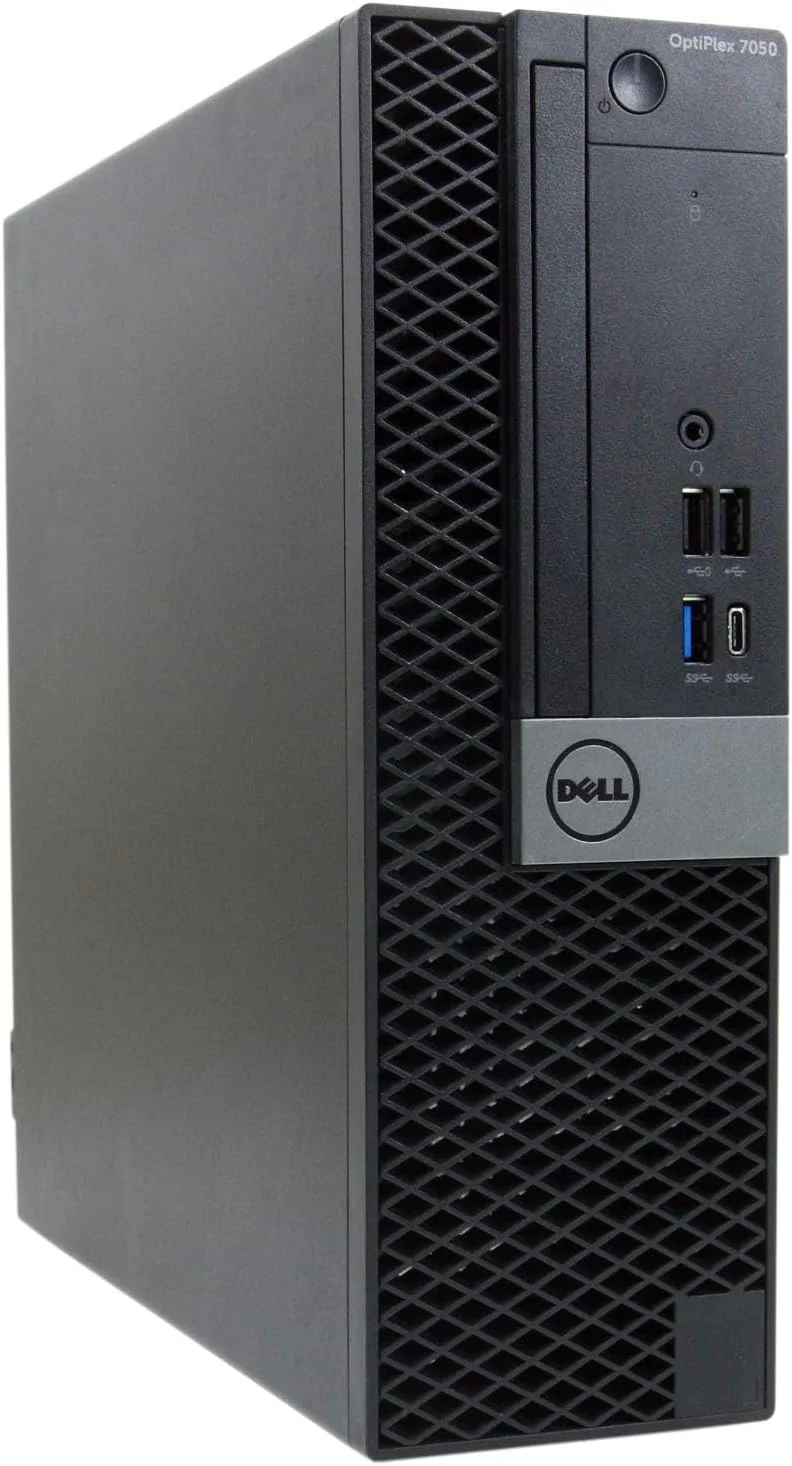
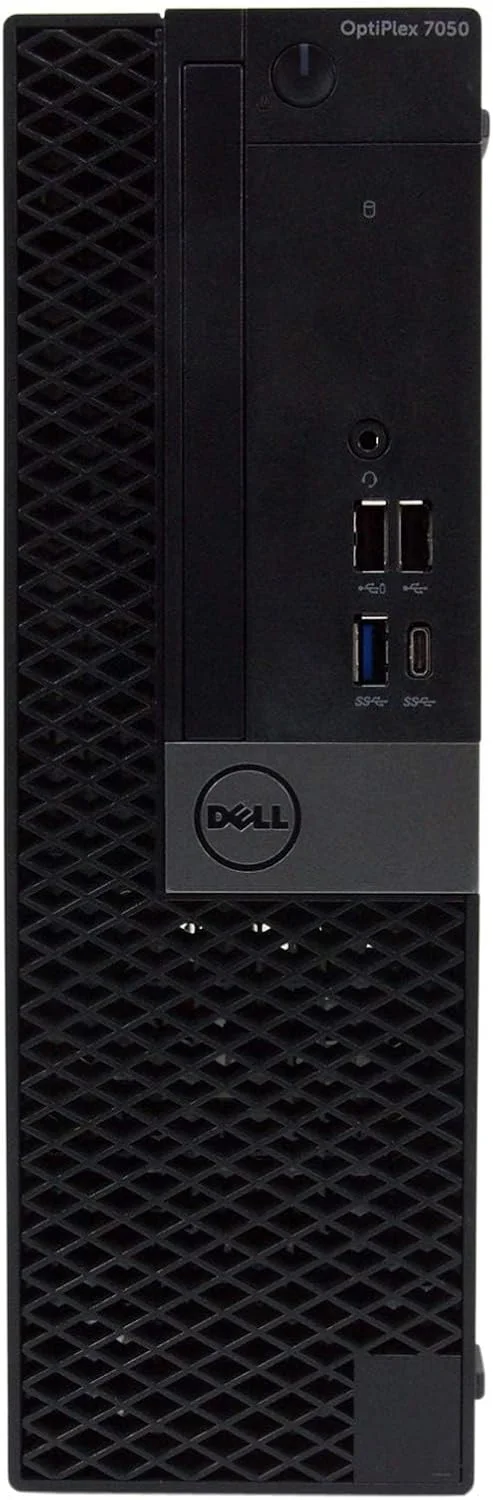
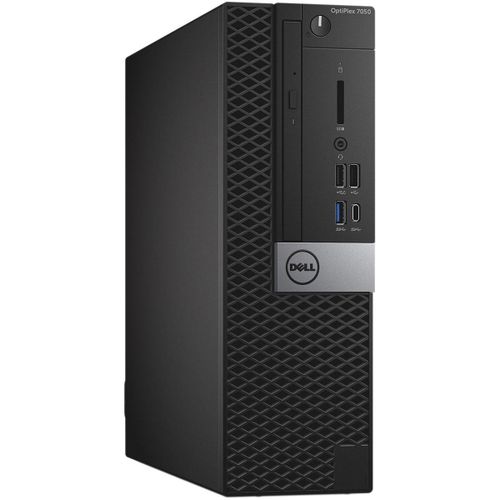
- vs. OptiPlex 7050: Similar but with 7th Gen Kaby Lake processors
- vs. OptiPlex 7060: Significant leap with 8th Gen 6-core processors
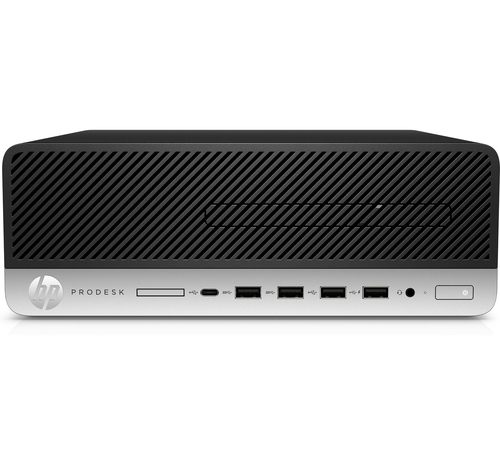
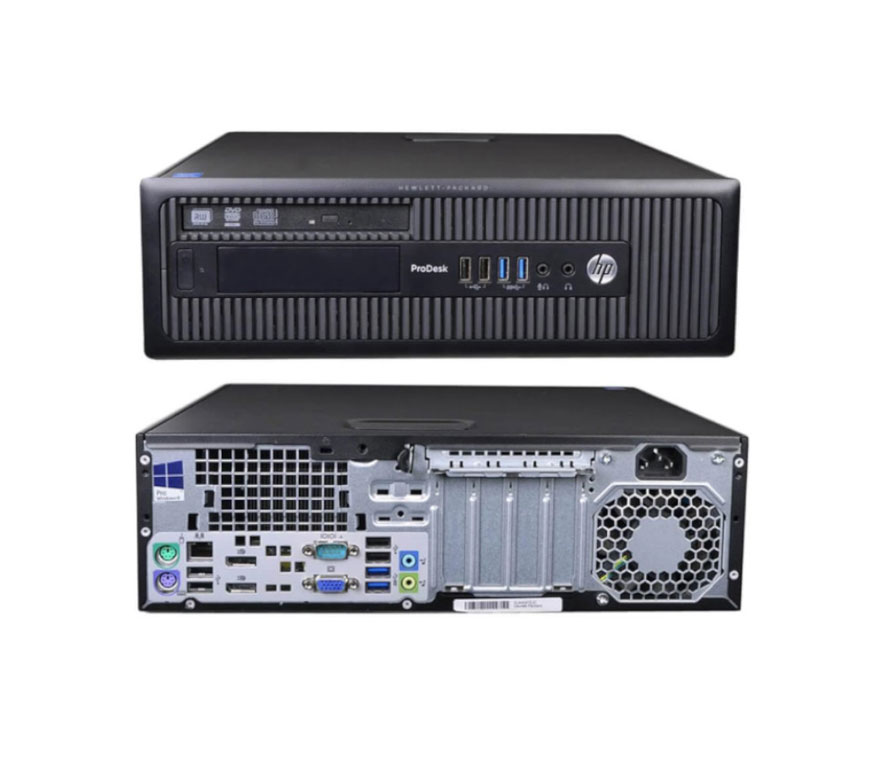
- vs. HP ProDesk 600 G3: Comparable generation with similar capabilities
Final Verdict:
The Dell OptiPlex 7040 SFF is a historically significant but now aging business desktop that represented a technological leap forward when released. As the first in Dell's lineup to feature DDR4 memory and NVMe storage support, it was well-positioned for the Windows 7 to Windows 10 transition era. However, by 2024 standards, it's suitable only for basic computing tasks, legacy environments, or extremely budget-constrained scenarios.