Executive Summary
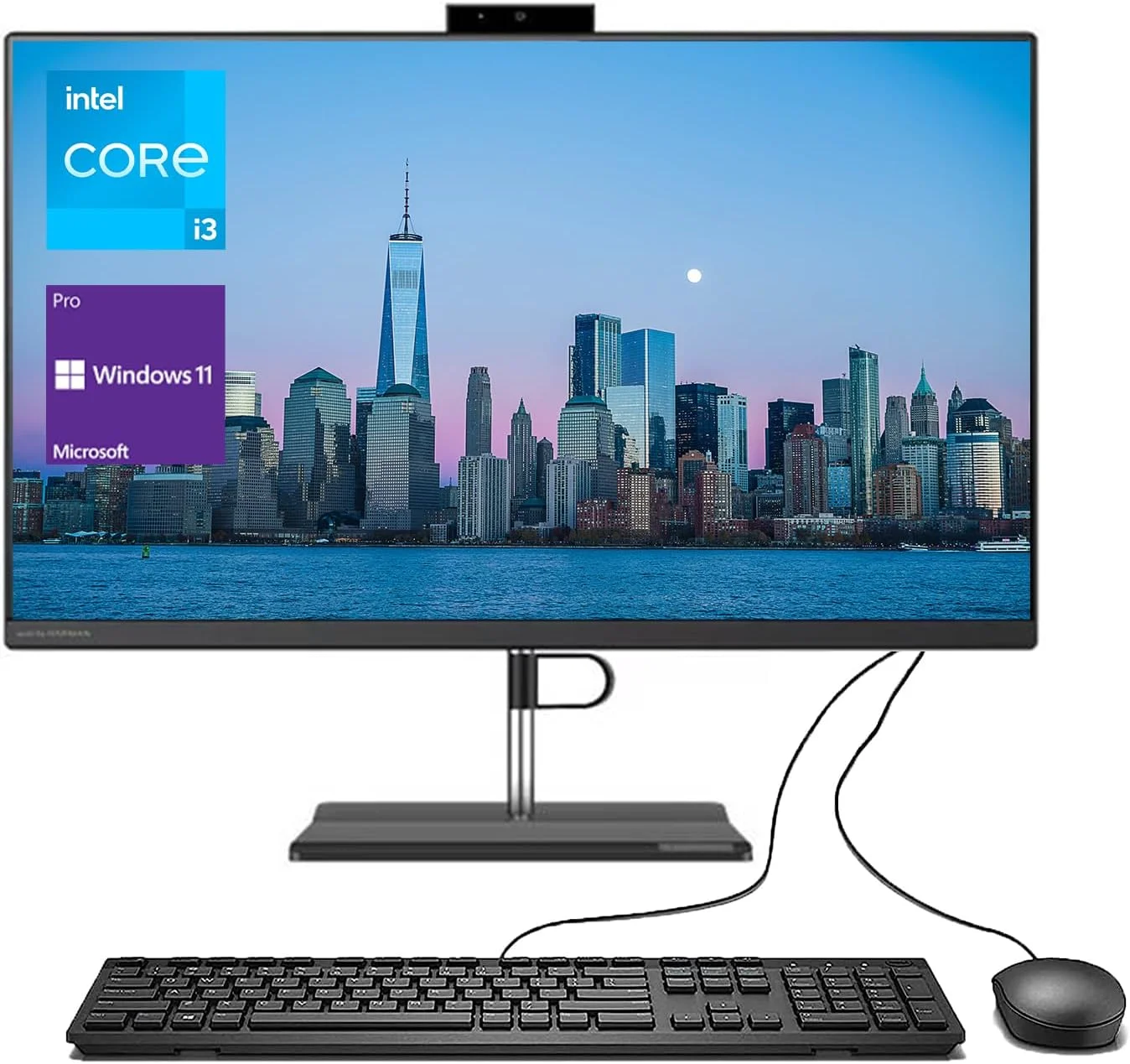
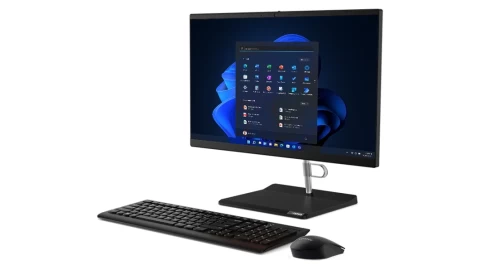
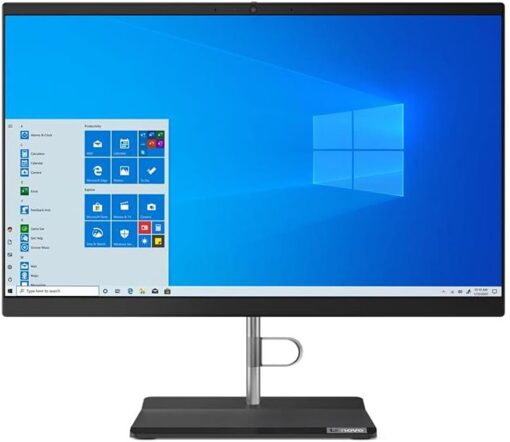
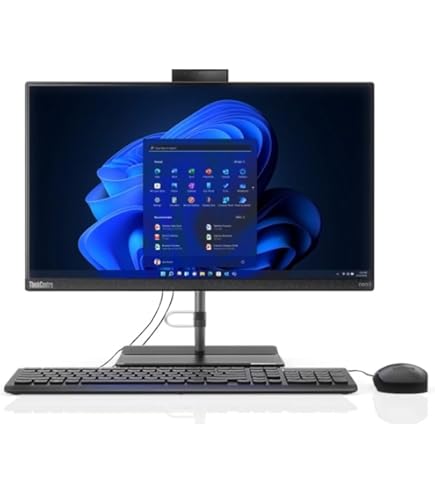
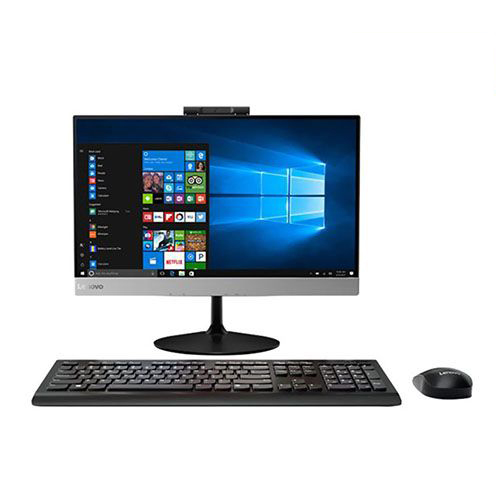
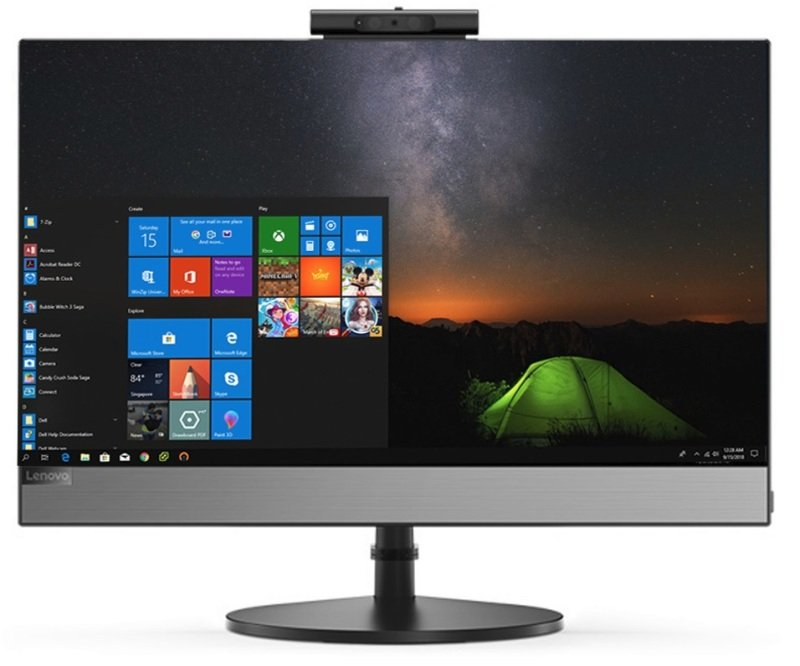
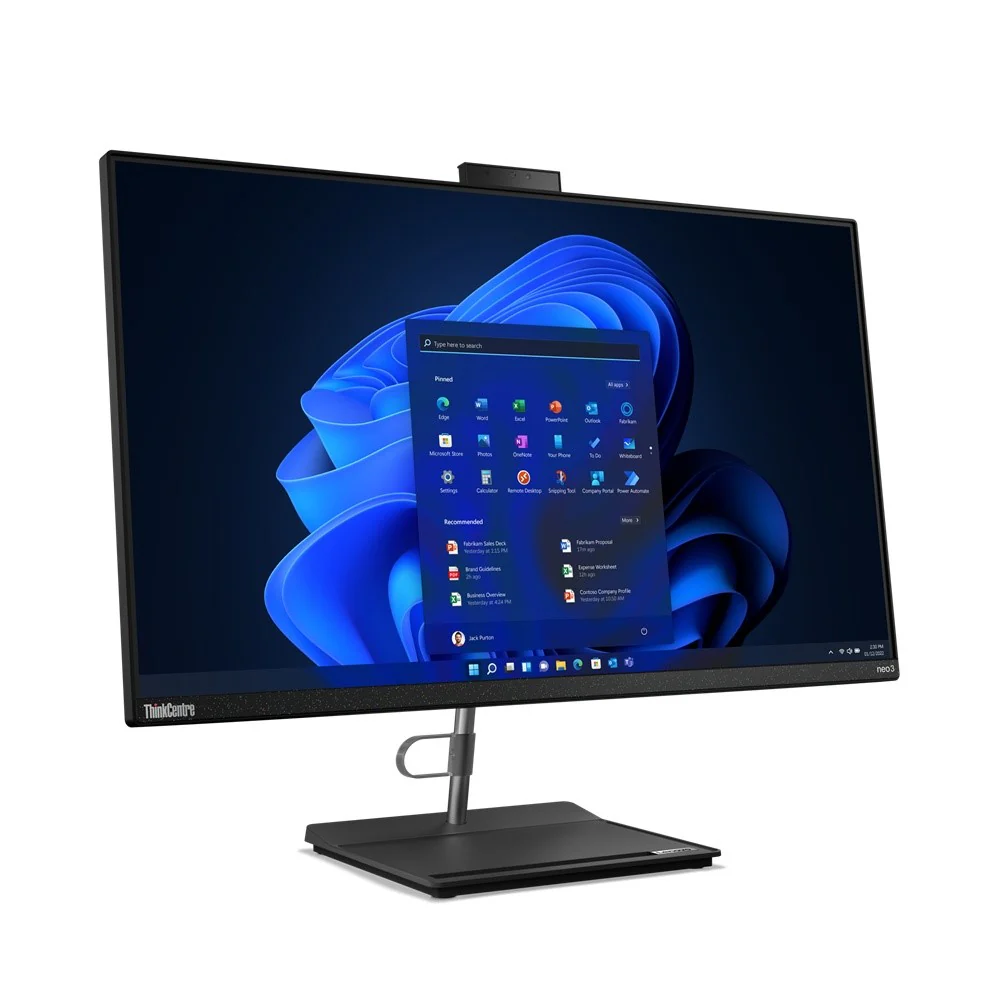
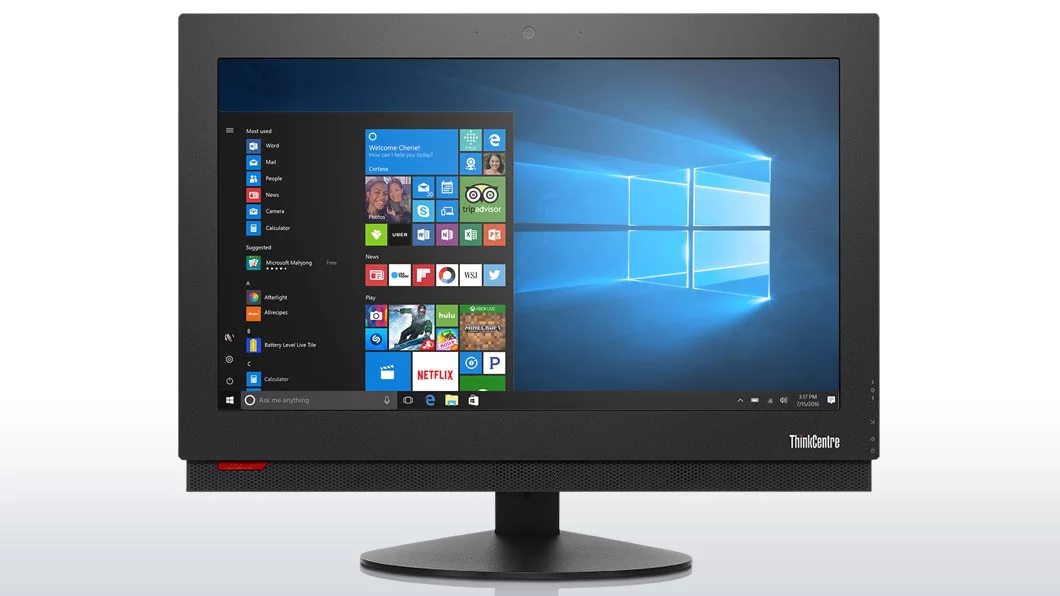
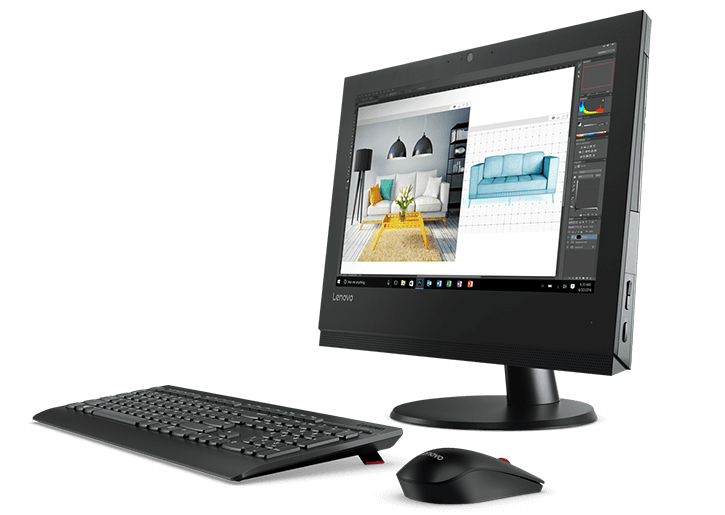
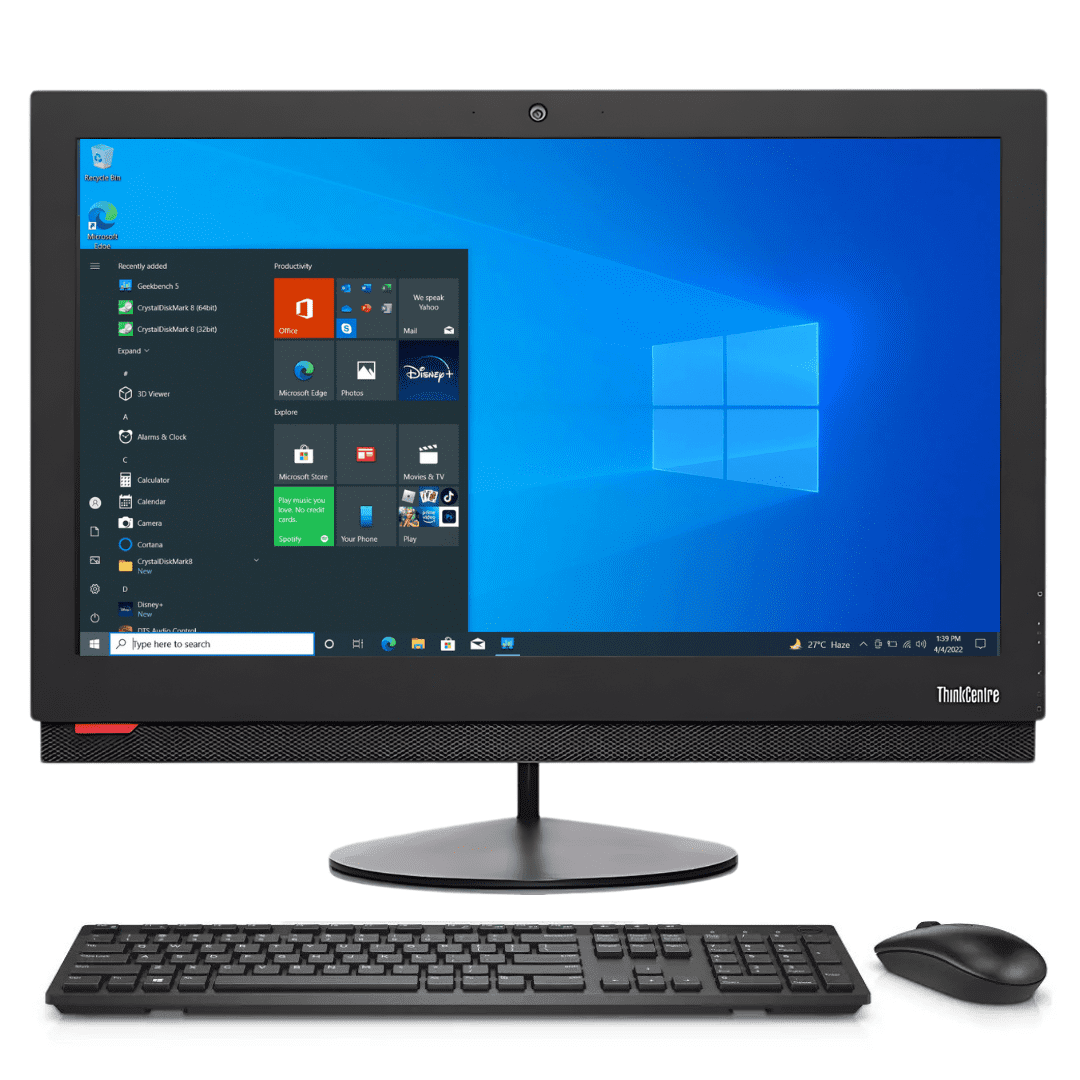
The Lenovo V30a-22ITL represents an entry-level business all-in-one designed for cost-conscious organizations needing basic computing functionality in a space-efficient package. Built around Intel's 10th Generation Core i3 processor with 4 cores and 8 threads, this system delivers competent performance for fundamental office tasks while maintaining the clean, professional appearance expected in business environments.
Detailed Specifications
1. Performance Hardware: 10th Gen Intel i3 Platform
- Processor: Intel Core i3-10100T (Comet Lake architecture, 14nm)
- 4 cores, 8 threads with Intel Hyper-Threading
- Base frequency: 3.0 GHz, Turbo Boost up to 3.8 GHz
- 6MB Intel Smart Cache
- 35W TDP (low-power variant for thermal efficiency)
- Memory Configuration:
- 4GB DDR4-3200 MHz (single 4GB module)
- 2 SO-DIMM slots total (1 free for expansion)
- Maximum supported: 16GB (2x8GB)
- Single-channel operation in stock configuration
- Storage System:
- 1TB 7200RPM SATA HDD (2.5" form factor)
- Sequential read/write: ~120-150 MB/s
- 540MB/s SATA III interface
- No SSD cache or acceleration
- Traditional hard drive with moving parts
- No Solid State Drive: System boots and runs from HDD only
- Longer boot times compared to SSD systems
- Slower application loading
- More susceptible to performance degradation over time
- Graphics: Intel UHD Graphics 630 (integrated)
- 24 execution units, 350-1100 MHz dynamic frequency
- Supports DirectX 12, OpenGL 4.5
- Hardware acceleration for 4K video playback
- Can drive internal display plus one external via HDMI
2. Display & Visual Experience
- Panel Specifications:
- 21.5-inch diagonal, Full HD (1920 x 1080) resolution
- IPS (In-Plane Switching) technology
- Anti-glare coating reduces reflections in office lighting
- 250 nits brightness (adequate for typical indoor office use)
- 178° viewing angles (consistent from various positions)
- 16:9 aspect ratio (standard for business applications)
- Display Quality:
- Color gamut: 45% NTSC (~62% sRGB) - basic color reproduction
- Contrast ratio: 1000:1 (typical for budget IPS)
- Response time: 5ms gray-to-gray
- Flicker-free technology with low blue light mode
- Adjustability & Mounting:
- Tilt adjustment: -5° to +22°
- No height adjustment, swivel, or pivot
- VESA mount compatible (100x100mm) with optional bracket
- Can be wall-mounted or used with monitor arms
- External Display Support:
- HDMI 1.4 output port
- Supports dual displays (internal + external)
- Maximum external resolution: 1920x1080 @ 60Hz
3. Design & Build Quality
- Chassis Construction:
- Plastic construction with textured finish
- Business-appropriate dark gray or black color
- Minimalist design with functional aesthetics
- Stand provides stable base with integrated cable management
- Dimensions & Form Factor:
- With stand: 20.1" W x 14.7" H x 7.1" D (510mm x 373mm x 180mm)
- Panel thickness: Approximately 0.9" (23mm) at edges
- Weight: 14.3 lbs (6.5 kg) total
- Footprint: Compact base saves desk space
- Aesthetic Features:
- Professional, understated appearance suitable for offices
- Discreet Lenovo branding on front bezel
- Cable management channel conceals power and connection cables
- Ventilation slots on rear for airflow
- LED power indicator on front edge
- Build Quality:
- Business-grade durability for office environments
- Sturdy stand prevents wobbling during use
- Materials chosen for cost-effectiveness and reliability
4. Connectivity & Ports
- Rear Ports (primary connectivity):
- 2 x USB 3.2 Gen 1 (5Gbps) Type-A
- 1 x HDMI 1.4 output
- 1 x RJ-45 Gigabit Ethernet
- 1 x Power connector
- Kensington lock slot
- Side Ports (convenient access):
- 2 x USB 3.2 Gen 1 (5Gbps) Type-A
- 1 x USB 2.0 Type-A (ideal for keyboard/mouse dongles)
- 1 x 3.5mm audio combo jack (headphones/microphone)
- Wireless Connectivity:
- Wi-Fi 5 (802.11ac) 2x2 with dual-band support (2.4GHz & 5GHz)
- Bluetooth 5.0
- No Wi-Fi 6 on this budget model
- Network Features:
- Gigabit Ethernet (10/100/1000 Mbps)
- Realtek or Intel wireless chipset (model dependent)
- Wake-on-LAN support for remote management
5. Audio & Multimedia Features
- Audio System:
- Stereo speakers (2x 2W)
- HD audio codec
- Built-in digital microphone
- Basic audio tuning for voice calls
- No premium audio enhancements (Dolby, etc.)
- Webcam:
- 720p HD webcam (1280x720 resolution)
- Fixed focus lens
- Manual privacy shutter (physical slider)
- Single microphone for voice capture
- No Windows Hello facial recognition
- Video Calling Capability:
- Adequate for basic video conferencing
- Camera positioned at top bezel
- Microphone captures voice from typical seating distance
- Suitable for Microsoft Teams, Zoom, Skype basic usage
6. Software & Management
- Operating System:
- Windows 10 Pro 64-bit (original installation)
- Windows 11 Pro compatible (free upgrade eligible)
- Recovery partition for system restoration
- Pre-installed Software:
- Lenovo Vantage (system management and updates)
- McAfee LiveSafe (trial version - 30 days)
- Microsoft Office trial (30-day)
- Basic Lenovo utilities
- Business Management Features:
- Windows 10 Pro for business deployment tools
- TPM 2.0 chip for security and encryption
- UEFI BIOS with basic IT admin features
- Compatible with MDM solutions (Intune, etc.)
- Warranty & Support:
- Standard: 1-year limited warranty
- Optional: Extended warranty upgrades available
- Lenovo business support options
Performance Analysis
Business Application Performance
- Office Productivity: Adequate for basic office tasks
- Microsoft Office applications (Word, Excel, PowerPoint) run acceptably
- Web browsing with limited tabs (10-15 maximum recommended)
- Email clients and basic calendar applications
- Performance Limitations:
- 4GB RAM: Major bottleneck for modern computing
- Windows 10/11 uses 2-3GB at idle
- Limited memory for applications and browser tabs
- Frequent disk swapping to HDD slows performance
- HDD Storage: Significant impact on system responsiveness
- Boot time: 45-60 seconds (vs 10-15 seconds with SSD)
- Application loading noticeably slow
- System feels sluggish during multitasking
- Multitasking Capability:
- Limited to 2-3 applications simultaneously
- Browser tab management crucial for acceptable performance
- Not suitable for memory-intensive applications
Technical Benchmarks
- CPU Performance (Geekbench 5):
- Single-core: 1,000-1,100 points
- Multi-core: 3,500-4,000 points
- Competent processor limited by RAM and storage
- Storage Performance:
- HDD: 120-150 MB/s sequential read/write
- Random access: 0.5-1 ms (very slow compared to SSD)
- Overall system responsiveness: Poor due to HDD bottleneck
- Graphics Capabilities:
- 1080p video playback (streaming and local files)
- Basic photo viewing and editing
- Not suitable for gaming or graphic-intensive applications
Thermal and Acoustic Performance
- Thermal Design:
- Efficient cooling for 35W TDP processor
- Single fan and heatpipe design
- Maintains performance without thermal throttling
- Noise Levels:
- HDD audible during read/write operations
- Fan typically quiet during office use
- Moderate noise under sustained CPU load
- Power Consumption:
- Typical: 20-40W during office use
- Maximum: ~75W under full load
- Energy efficient design
Target Markets & Use Cases
Ideal Business Environments
- Front Desks/Reception: Basic computer for checking emails, simple data entry
- Call Centers: Terminal for CRM software with limited requirements
- Educational Institutions: Computer labs for basic computing courses
- Retail: Point-of-sale systems with minimal computing needs
- Kiosks/Information Stations: Single-application environments
- Backup/Secondary Workstations: Occasional use computers
Specific Use Case Advantages
- Budget-Constrained Deployments: Low acquisition cost for multiple units
- Space-Efficient Offices: All-in-one design saves desk space
- Simplified IT Management: Single unit versus multiple components
- Basic Computing Tasks: Adequate for specific, limited applications
Comparison with Alternatives
vs. Traditional Budget Desktop
- V30a Advantages: Space saving, fewer cables, integrated webcam/speakers
- Traditional Desktop Advantages: Easier upgrades, better value at same price point
vs. Other Entry-Level All-in-Ones
- Dell OptiPlex 3280 AiO: Similar specs, often better build quality
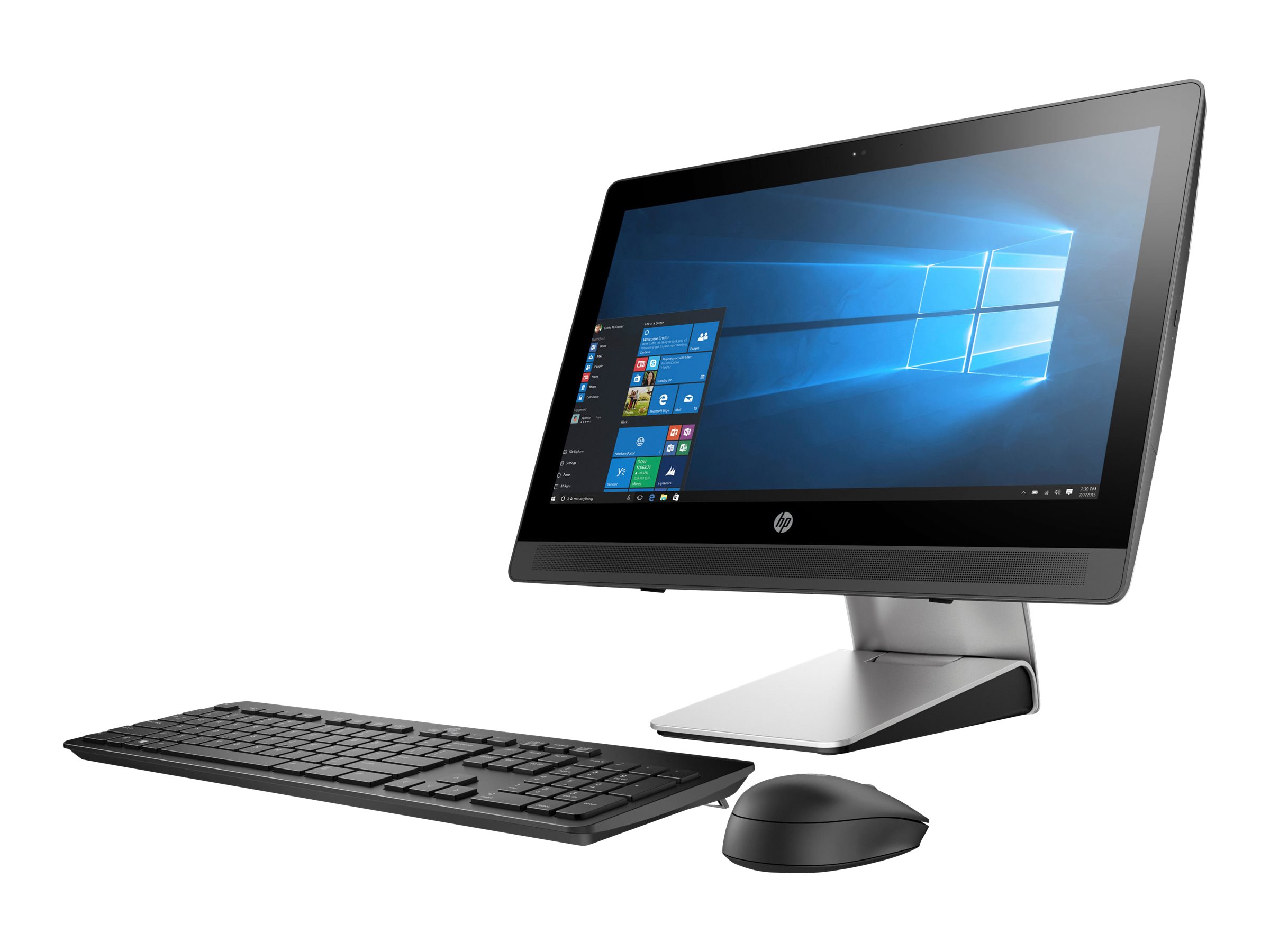
- HP ProOne 400 G6: Comparable, sometimes includes SSD options
- Acer Aspire C22: Consumer alternative with similar limitations
Cost Analysis
- V30a-22ITL Price (refurbished 2024): $250-$350
- Essential Upgrades Cost:
- 8GB RAM: $20-$30
- 256GB SSD: $25-$35
- Total upgrade cost: $45-$65
- Total with Upgrades: $295-$415
Critical Limitations & Required Upgrades
Primary Performance Bottlenecks
- 4GB RAM: Insufficient for modern Windows 10/11
- Impact: Constant disk swapping, slow performance
- Solution: Upgrade to minimum 8GB (preferably 16GB)
- HDD-Only Storage: Major responsiveness issue
- Impact: Slow boot, slow application loading, sluggish system feel
- Solution: Add SSD (replace HDD or add M.2 if slot available)
Essential Upgrade Recommendations
- Memory Upgrade (Priority 1):
- Add 4GB module for 8GB total ($20-$25)
- Or replace with 2x8GB for 16GB total ($40-$50)
- Immediately improves multitasking capability
- Storage Upgrade (Priority 2):
- Option A: Replace HDD with 512GB/1TB SSD ($30-$50)
- Option B: Add M.2 SSD if slot available (check model)
- Transforms system responsiveness
- Consider Total Cost: Base system + upgrades may exceed better pre-configured options
Pros & Cons
Advantages
- Space-Efficient Design: All-in-one saves desk space and reduces cable clutter
- Low Initial Cost: Affordable purchase price for basic computing
- Business Features: Windows 10 Pro, TPM 2.0, professional appearance
- Adequate Processor: 4-core/8-thread i3 handles basic tasks competently
- Ample Storage Capacity: 1TB HDD provides plenty of space for documents
- Upgrade Potential: RAM and storage can be upgraded to improve performance
- Reliable Brand: Lenovo business-grade build quality
Limitations
- Insufficient RAM: 4GB is below minimum for acceptable Windows 10/11 performance
- No SSD: HDD-only storage makes system feel sluggish and unresponsive
- Basic Display: 250 nits brightness and 45% NTSC color gamut are minimal
- Limited Connectivity: No USB-C, Wi-Fi 5 (not Wi-Fi 6)
- Minimal Audio: Basic speakers without enhancements
- Poor Out-of-Box Experience: Will feel slow and frustrating without upgrades
- Hidden Costs: Requires additional investment to be usable for most tasks
Upgrade Paths & Maintenance
User-Upgradeable Components
- Memory:
- Add second 4GB module for 8GB total (minimum recommended)
- Maximum: 2x8GB for 16GB total
- Requires opening rear panel (special tools recommended)
- Storage:
- Replace 2.5" HDD with SSD (SATA interface)
- Check for M.2 slot (may be present but unpopulated)
- Consider dual storage if both SATA and M.2 available
- Wireless Card:
- Can potentially be upgraded to Wi-Fi 6
- M.2 form factor with CNVi interface
Non-Upgradeable Components
- Processor: Soldered to motherboard
- Graphics: Integrated, no discrete GPU option
- Display: Fixed panel
- Webcam: Fixed resolution and features
Maintenance Recommendations
- Immediate Upgrades: RAM and SSD essential before deployment
- Software Optimization: Disable unnecessary startup programs
- Regular Maintenance: Disk defragmentation (HDD), Windows updates
- Professional Service: Upgrades may require technical skill
Current Market Position (2024)
Pricing & Value Assessment
- Original Price (2020-2021): $500-$650
- 2024 Refurbished Price: $250-$350
- Corporate off-lease units: $250-$300
- Refurbished with warranty: $300-$350
- Complete with keyboard/mouse: $275-$325
- True Cost with Essential Upgrades: $295-$415
- Value Proposition: Questionable without upgrades, reasonable with upgrades
Competitive Alternatives at Similar Price
- Refurbished Business Desktops: Better performance at same price
- Entry-level Mini-PCs: More flexible, require separate monitor
- Chromebox/Chromebase: Different ecosystem but better performance at price point
Purchase Recommendations
Who Might Consider This System
- IT Departments with Upgrade Capability: Can add RAM and SSD in bulk
- Single-Application Environments: Kiosks, POS, dedicated function stations
- Extremely Budget-Constrained Organizations: Absolute minimum computing
- Educational Computer Labs: Basic computing instruction only
- Temporary/Backup Systems: Short-term or occasional use
Who Should Avoid This System
- General Office Workers: Will be frustrated by slow performance
- Modern Web Users: Browser tab limitations will be problematic
- Video Conferencing Users: Limited RAM affects call quality
- Anyone Expecting "Ready-to-Use": Requires immediate upgrades
- Value-Conscious Buyers: Better options available at true total cost
Buying Checklist
- Factor Upgrade Costs: Add $50-$100 for essential RAM and SSD upgrades
- Check Upgrade Compatibility: Verify RAM type and storage interfaces
- Consider Total Cost of Ownership: Base price + upgrades + time/effort
- Evaluate Alternatives: Compare with pre-configured systems at similar total cost
- Plan for Immediate Upgrades: Budget and schedule upgrades before deployment
Alternative Recommendations
Similar Budget with Better Configuration
- Look for: 8GB RAM + 256GB SSD minimum in all-in-one form factor
- Expected Price: $350-$450 for similar generation
- Advantage: Ready to use without immediate upgrades
Traditional Desktop at Same Budget
- Configuration: Refurbished business desktop + basic monitor
- Expected Performance: Typically better specs at same price
- Consideration: More desk space required
Increase Budget Slightly
- Target: $400-$500 range for all-in-one
- Expected: 8GB RAM, SSD, better processor
- Result: Much better user experience