Executive Summary
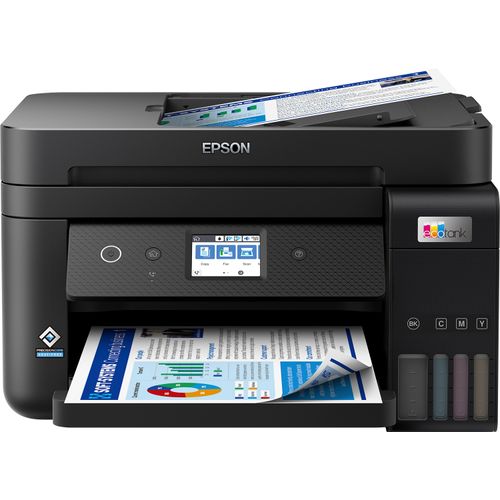
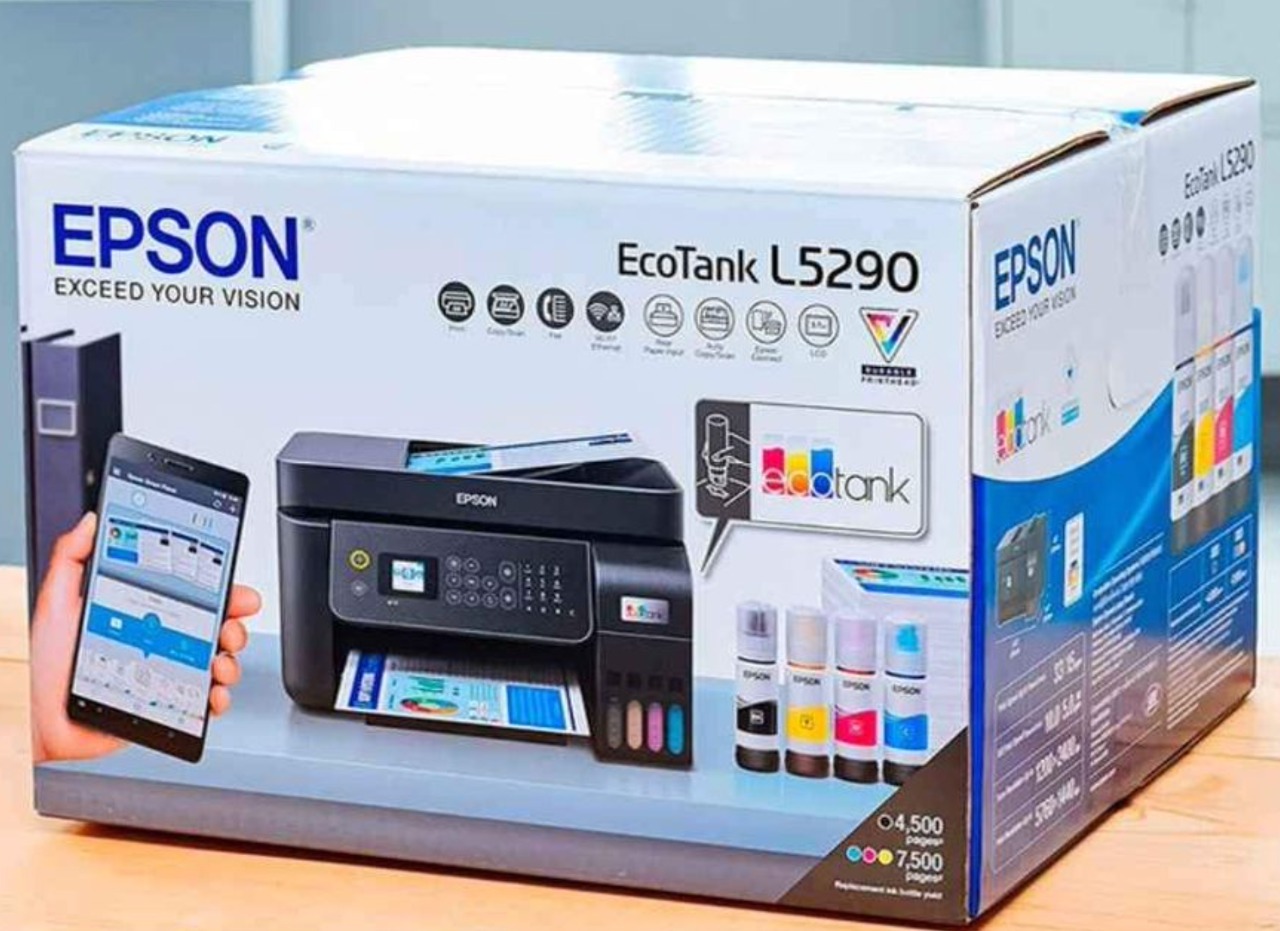
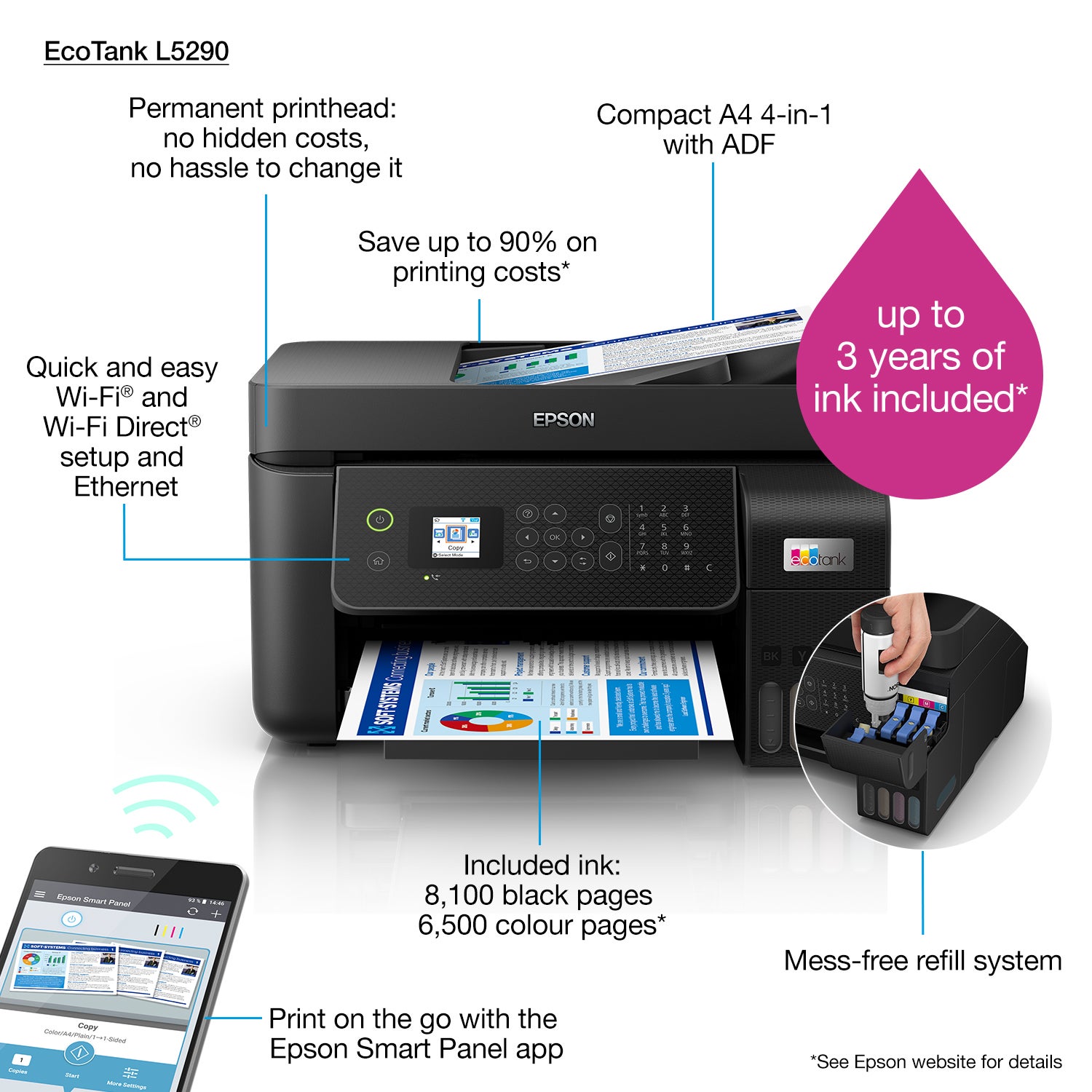
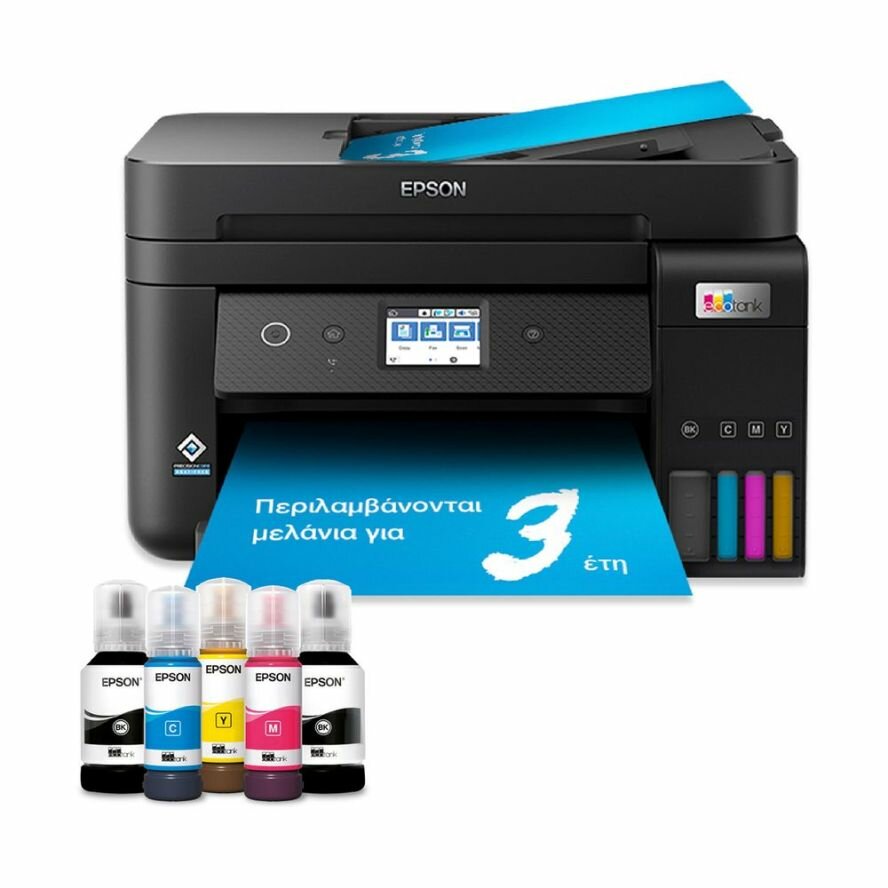
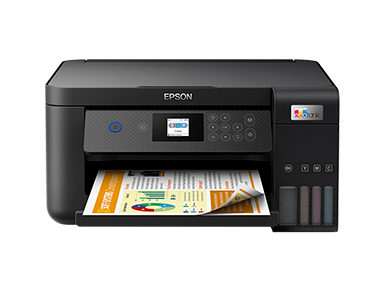
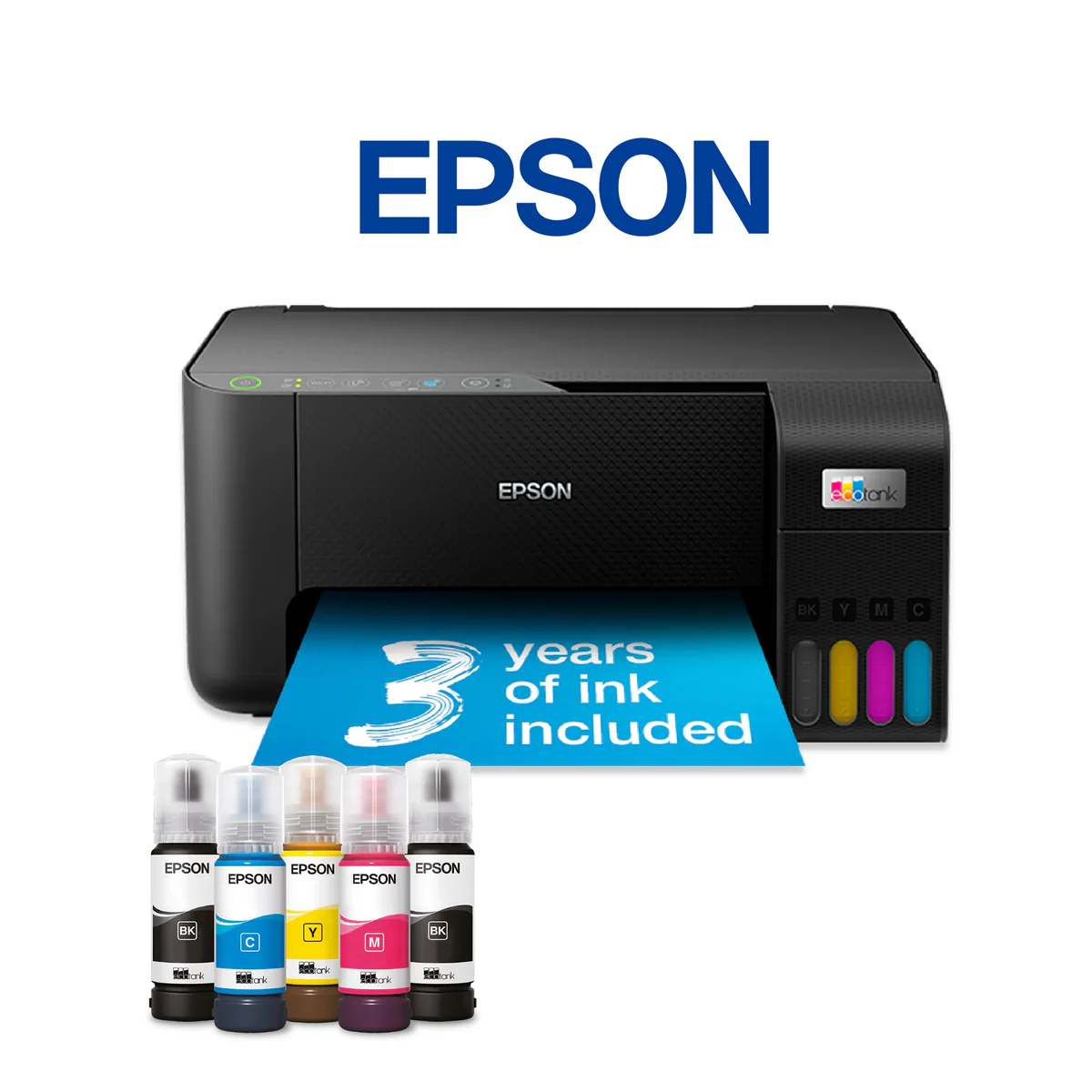
The Epson EcoTank L5290 is a high-volume, multi-function ink tank printer positioned as a cost-effective solution for home offices and small businesses with moderate printing needs. As part of Epson's L5 series, it builds upon the successful EcoTank formula with refillable ink tanks that include approximately 2 years' worth of ink in the box. Featuring Epson's PrecisionCore Heat-Free technology for energy-efficient, fast-start printing, along with a 30-page Auto Document Feeder (ADF) and automatic duplex printing, the L5290 offers professional features at a more accessible price point than its L6 series counterparts. This model targets users who need reliable all-in-one functionality with the legendary cost savings of the EcoTank system.
Detailed Specifications
1. Printing Technology
- Technology: Epson PrecisionCore Heat-Free Technology
- Print Head: MicroTFP (Thin Film Piezo) print chip
- Nozzle Configuration: 400 nozzles per color
- Key Advantage: Heat-free technology provides:
- Up to 85% lower energy consumption compared to laser printers
- Fast first page out (as quick as 5 seconds)
- No warm-up time required
- Consistent print quality without heat-related deterioration
2. Print Performance
- Print Speed (ISO):
- Black: Up to 27 pages per minute
- Color: Up to 15 pages per minute
- First Print Out Time:
- Black: Approximately 5 seconds
- Color: Approximately 8 seconds
- Print Resolution:
- Maximum: 4800 x 1200 optimized dpi
- Standard: 5760 x 1440 dpi (with specific media)
- Print Quality Features:
- Epson Claria ET Premium Ink (DURABrite Ultra)
- Water, smudge, and fade resistant prints
- Up to 200 years color fastness (under specific conditions)
- Professional-quality text and graphics
3. Copy & Scan Functions
Copy Specifications:
- Copy Speed:
- Black: Up to 15 cpm (single), 3.5 cpm (duplex)
- Color: Up to 8 cpm (single), 2.5 cpm (duplex)
- Copy Resolution: Up to 600 x 600 dpi
- Copy Features:
- Reduce/Enlarge: 25% to 400%
- Auto Fit to Page
- N-up copying (2/4/8/16 pages per sheet)
- ID card copying (front and back on single page)
- Borderless copying (supported media only)
Scan Specifications:
- Scanner Type: Flatbed + ADF (Automatic Document Feeder)
- Scan Resolution:
- Optical: 1200 x 2400 dpi
- Enhanced: Up to 9600 dpi (software enhanced)
- ADF Capacity: 30 sheets (up to 52 g/m² to 105 g/m²)
- Scan Features:
- One-touch PDF/Email scanning
- OCR (Optical Character Recognition) capability
- Scan to Cloud services (Google Drive, Dropbox, Evernote)
- Scan to smartphone/tablet via Epson Smart Panel app
- Scan to USB (when connected)
4. Fax Capabilities
- Fax Type: Super G3 color fax
- Transmission Speed: Approximately 3 seconds per page
- Compression: MH/MR/MMR/JBIG
- Resolution: Standard/Fine/Superfine
- Memory Capacity: Up to 256 pages (when out of paper or ink)
- Broadcast Fax: Send to up to 120 locations
- Delayed Transmission: Program up to 10 different transmission times
- Auto Redial: Up to 3 times at 3-minute intervals
5. Paper Handling
- Input Capacity:
- Main tray: 150 sheets (A4/Legal/Letter)
- ADF: 30 sheets
- Output Capacity: 30 sheets (face-down)
- Supported Paper Sizes:
- A4, A5, A6, B5, Letter, Legal, Executive
- Envelopes: #10, DL, C6
- Custom sizes: 89 x 127 mm to 216 x 356 mm
- Supported Media Types:
- Plain paper
- Photo paper (Glossy, Matte, Semi-gloss)
- Envelopes
- Labels
- Card stock (up to 300 g/m²)
- Transparency films
- Automatic Duplex: Yes (2-sided printing)
- Borderless Printing: Yes (supported up to A4 size)
6. Ink System
- Technology: Epson EcoTank with refillable ink tanks
- Ink Bottles Included:
- Black: 140 ml bottle (1 included)
- Cyan, Magenta, Yellow: 70 ml bottles (1 each included)
- Page Yield (ISO standard):
- Black: Up to 7,500 pages
- Color: Up to 6,000 pages each
- Ink Type: Epson Claria ET Premium Ink (DURABrite Ultra)
- Key Features:
- Mess-free refilling system with color-coded bottles
- Integrated ink level indicators
- Nozzle check and head cleaning utilities
- Individual ink tanks (replace only what runs out)
- High-capacity tanks reduce refill frequency
7. Connectivity
- Wireless:
- Wi-Fi 802.11 b/g/n
- Wi-Fi Direct for device-to-printer connection
- WPS (Wi-Fi Protected Setup) support
- Wired:
- Ethernet (10/100 Base-TX)
- USB 2.0 Hi-Speed
- Mobile Printing:
- Epson Smart Panel App (iOS/Android)
- Epson Connect (Email Print, Remote Print)
- Apple AirPrint
- Mopria Print Service
- Google Cloud Print (until service discontinuation)
8. Display & Controls
- Display: 2.4-inch color touchscreen LCD
- Control Panel:
- Physical buttons: Power, Home, Back, Stop
- Touchscreen interface with icon-based navigation
- Ink level indicators on screen
- User Interface Features:
- Multi-language support
- Setup wizard for easy configuration
- Status monitoring and troubleshooting guides
- Ink purchase information accessible
9. Physical Specifications
- Dimensions (W x D x H):
- With paper support closed: 445 x 380 x 187 mm
- With paper support open: 445 x 503 x 187 mm
- Weight: 7.2 kg (without ink bottles)
- Power Consumption:
- Printing: Approx. 12W
- Copying: Approx. 12W
- Standby: Approx. 2.1W
- Sleep: Approx. 0.9W
- Auto-off: Approx. 0.3W
- Noise Level:
- Printing: Approx. 53 dB(A)
- Standby: Approx. 30 dB(A)
- Operating Conditions:
- Temperature: 10°C to 35°C
- Humidity: 20% to 80% RH (no condensation)
10. Software & Compatibility
- Operating Systems:
- Windows 10, 11 (32/64-bit)
- macOS 10.15 or later
- Linux (CUPS, LPD/LPRng)
- Included Software:
- Epson Smart Panel
- Epson Event Manager
- Epson Scan 2
- Epson Creative Print
- Epson Document Capture Pro (trial)
- Drivers: Full feature driver, Easy Photo Print, Web-to-Page
Cost Analysis & Value Proposition
Initial Investment vs. Long-term Savings:
- Higher Initial Cost: Compared to basic cartridge printers
- Included Ink Value: Approximately 2 years of ink for average users
- Cost Per Page:
- Black: Approximately $0.004 per page
- Color: Approximately $0.014 per page
- Savings Comparison: Up to 90% lower cost per page vs. cartridge printers
Replacement Ink Economics:
- Black Ink (140ml): $16-20 per bottle (7,500 pages)
- Color Ink (70ml each): $10-14 per bottle (6,000 pages each)
- Total Cost per Page: Less than $0.02 for full color page
Target Market & Use Cases
Ideal For:
- Home Office Professionals: Moderate printing volume (100-500 pages/month)
- Small Businesses: Offices needing all-in-one functionality with low operating costs
- Students & Families: School projects, documents, occasional photos
- Real Estate Professionals: High-quality document printing for listings
- Educational Settings: Teacher offices, small department use
Monthly Volume Recommendations:
- Optimal Range: 150-600 pages per month
- Maximum Sustainable: Up to 2,500 pages per month
- Duty Cycle: 30,000 pages per month (maximum rated)
Setup & Maintenance
Initial Setup Process:
- Ink Filling: 10-15 minutes (color-coded bottles prevent errors)
- Priming Process: Automatic after filling (5-10 minutes)
- Network Configuration: Guided setup via 2.4" touchscreen
- Software Installation: 15-20 minutes via USB or wireless
Ongoing Maintenance:
- Print Head Maintenance: Automatic cleaning cycles
- Nozzle Checks: Built-in utility for print quality maintenance
- Alignment: Automatic print head alignment
- Firmware Updates: Automatic via Epson Software Updater
Comparison with Similar Models
vs. Epson EcoTank L6290:
- L6290 Advantages: Larger 4.3" touchscreen, faster print speed (33 ppm black), slightly more compact
- L5290 Advantages: Lower cost, larger paper capacity (150 sheets), similar core features
vs. Epson EcoTank L6190:
- L5290 Advantages: Larger paper capacity, faster print speeds, more robust build
- L6190 Advantages: More compact design, lower price point
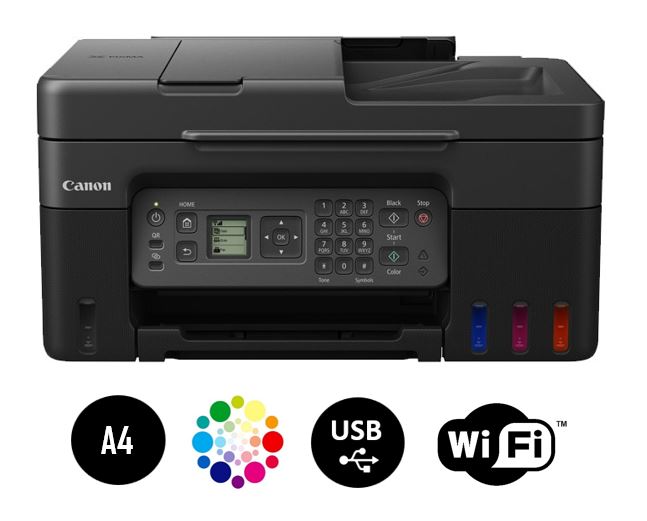
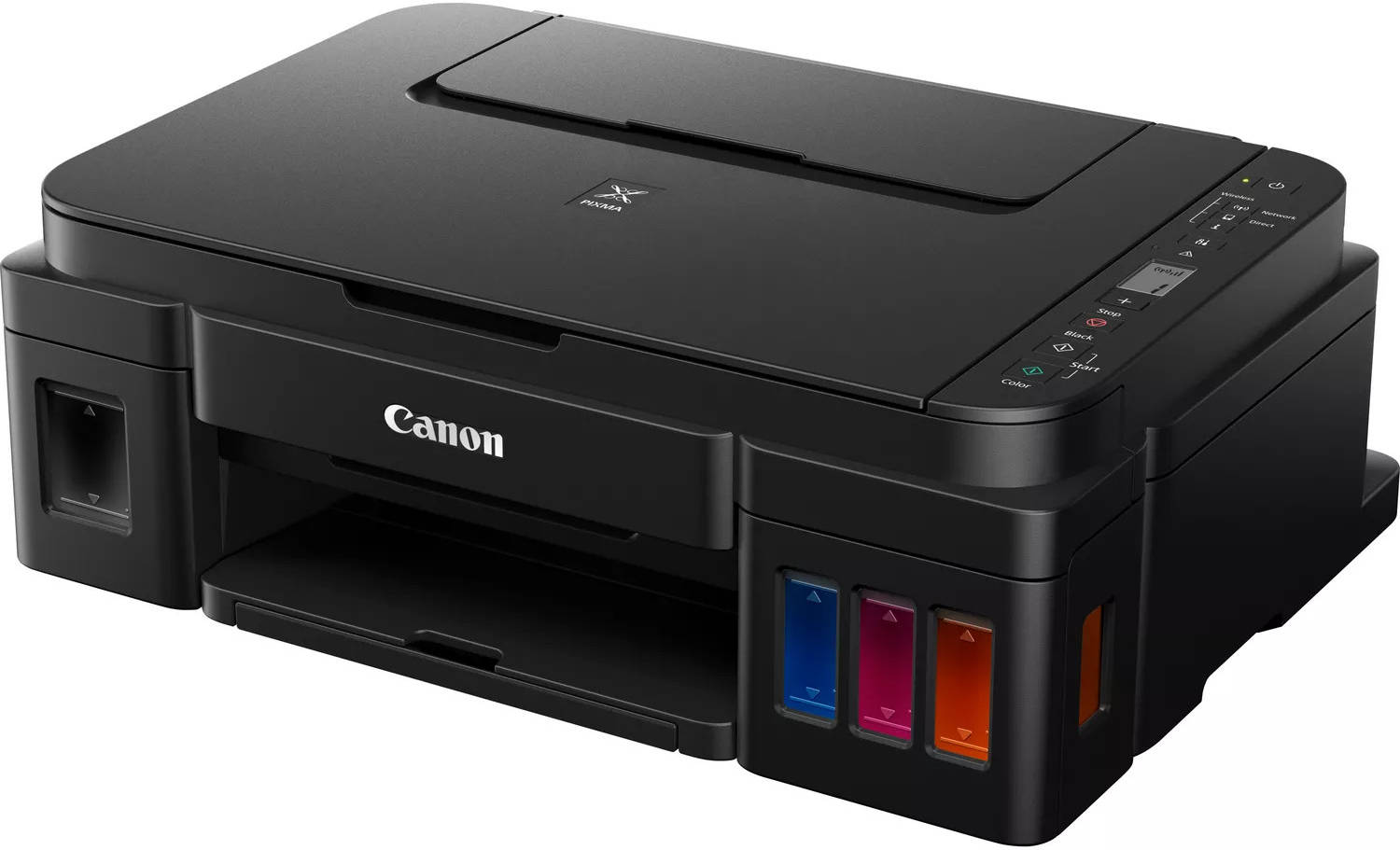
vs. Canon PIXMA G series:
- Epson Advantages: Heat-free technology, faster first prints, lower energy use
- Canon Advantages: Different print technology, sometimes better photo output
Common Issues & Troubleshooting
1. Print Quality Problems:
- Streaking/Banding: Run nozzle check and head cleaning utility
- Faded Output: Check ink levels, ensure genuine Epson ink used
- Misalignment: Perform automatic print head alignment
2. Connectivity Issues:
- Wi-Fi Connection Drops: Reset network settings, check router compatibility
- Mobile Printing Failures: Verify Epson Connect setup, check app updates
3. Paper Handling Problems:
- Paper Jams: Follow on-screen guidance for removal
- Multi-page Feeding: Ensure paper is not stuck together, use recommended paper
Environmental Benefits
Sustainability Features:
- Energy Efficiency: Up to 85% less energy than comparable laser printers
- Waste Reduction: 96% less plastic waste vs. cartridge-based systems
- Recyclable Components: Printer and ink bottles designed for recycling
- Heat-Free Technology: No heat generation means less energy consumption
Warranty & Support
Standard Coverage:
- Warranty Period: 2-year limited warranty (varies by region)
- Technical Support: Phone, email, and chat support available
- Online Resources: Knowledge base, driver downloads, troubleshooting guides
Service Options:
- Carry-In Service: Available at authorized service centers
- Extended Warranty: Optional Care Pack available for purchase
Final Recommendation
Buy the Epson EcoTank L5290 If:
- You print 150+ pages per month regularly
- You want to minimize ongoing ink costs significantly
- You need reliable scanning/copying with automatic document feeder
- You require automatic two-sided printing
- You have mixed needs (documents, occasional photos, graphics)
- You prefer wireless connectivity with mobile printing options
Consider Alternatives If:
- You print less than 50 pages per month (basic printer may suffice)
- You primarily print photos (dedicated photo printer recommended)
- You need enterprise-level volume (consider business-grade laser)
- Space is extremely limited (smaller EcoTank models available)
- You don't need fax functionality (lower-cost models available)
Bottom Line:
The Epson EcoTank L5290 represents exceptional value for home offices and small businesses with moderate printing needs. Its combination of extremely low operating costs, comprehensive all-in-one features, and professional-grade paper handling makes it a smart investment for anyone tired of high ink cartridge expenses. While the initial purchase price is higher than basic printers, the included 2 years of ink and remarkably low cost per page make it financially superior for most users printing more than 100 pages monthly. The Heat-Free technology ensures reliable performance with minimal energy use, and the 150-sheet paper capacity reduces refill frequency. For those seeking a capable, cost-effective all-in-one printer that won't break the bank on consumables, the L5290 is an excellent choice in its category.