Executive Summary
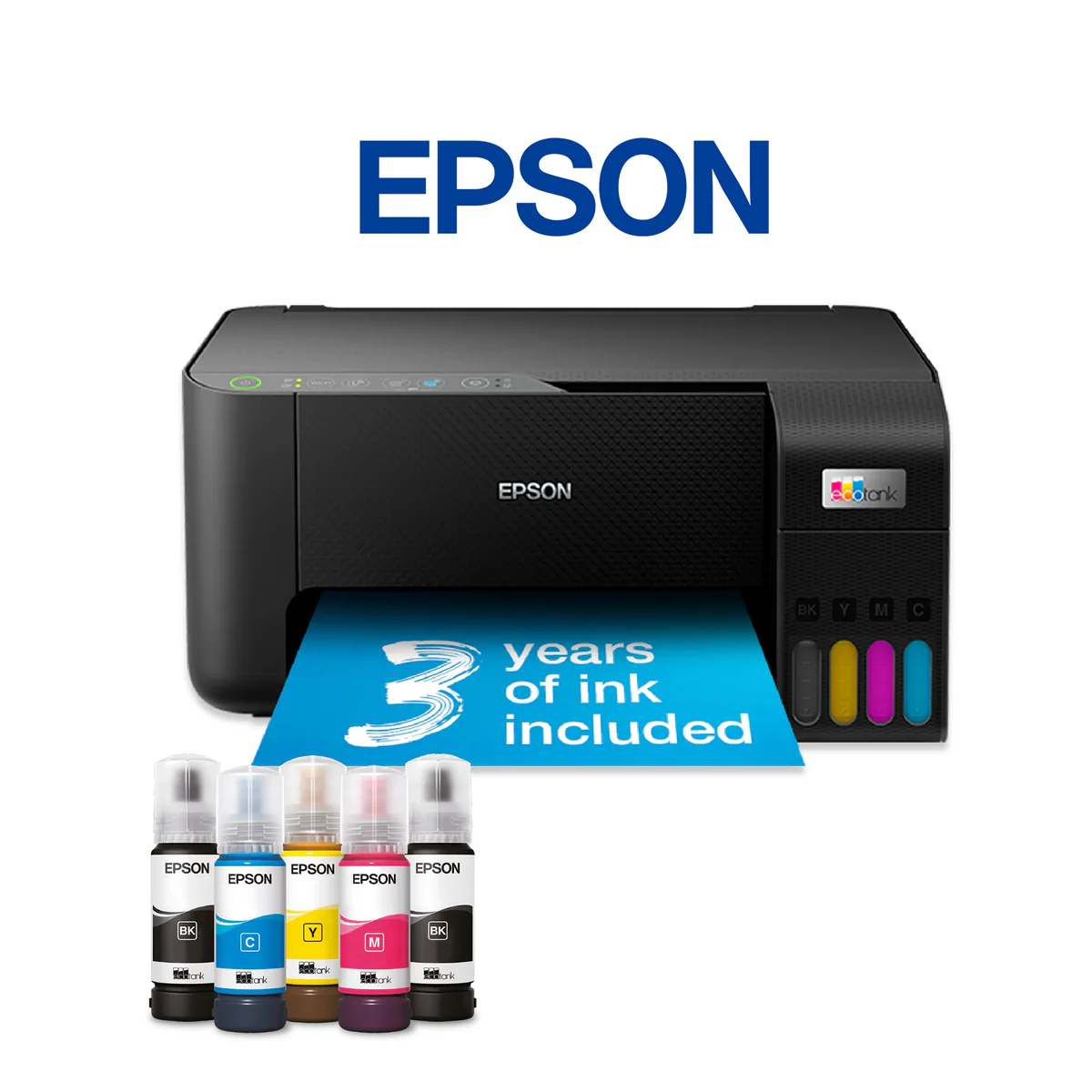
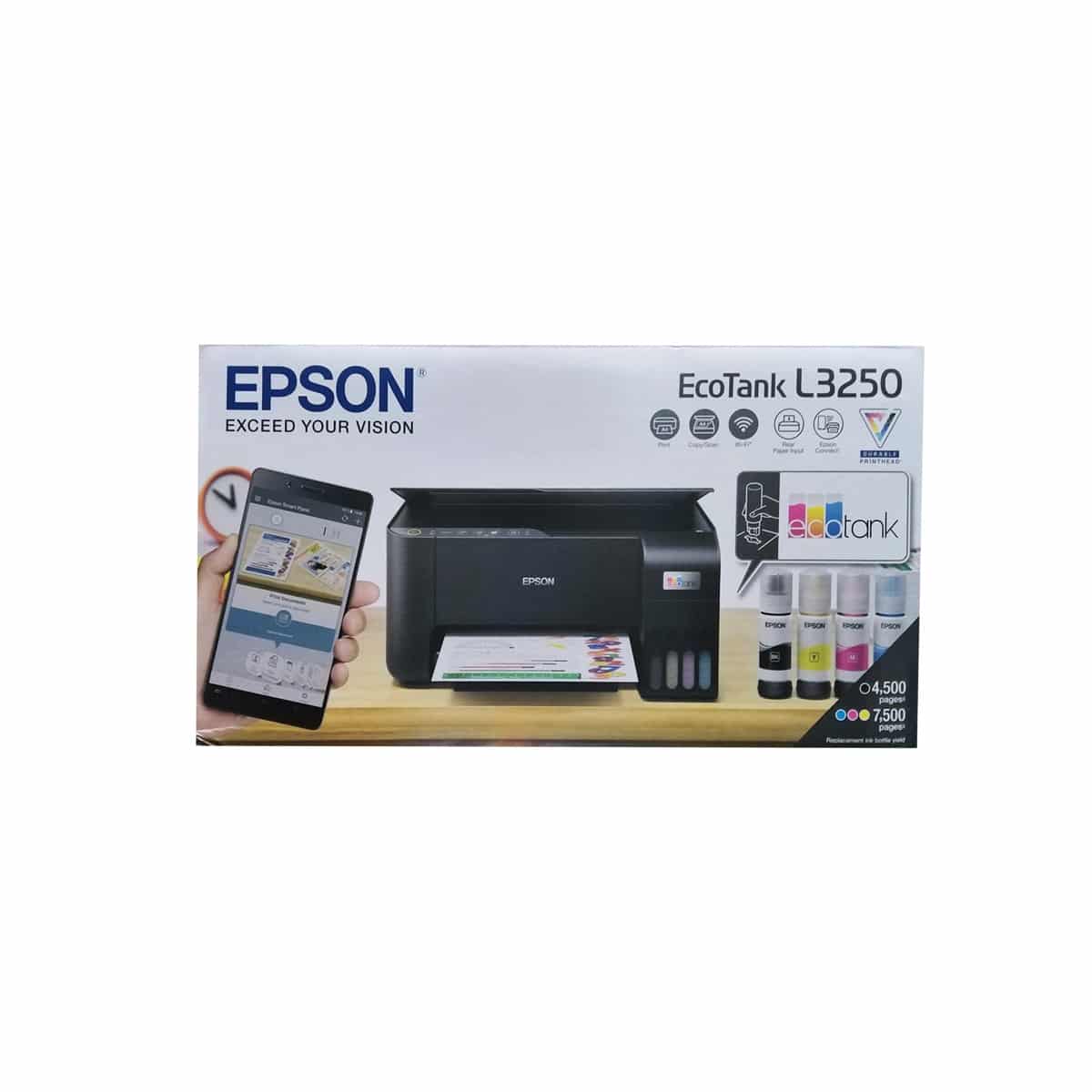
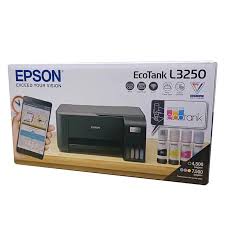
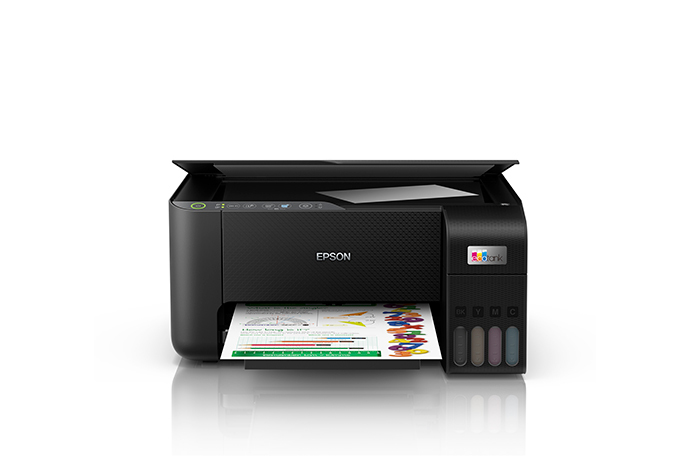
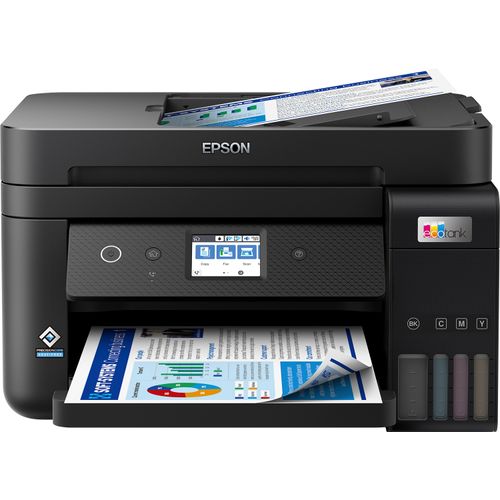
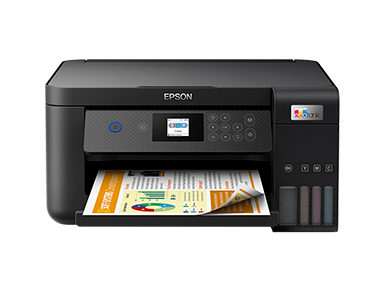
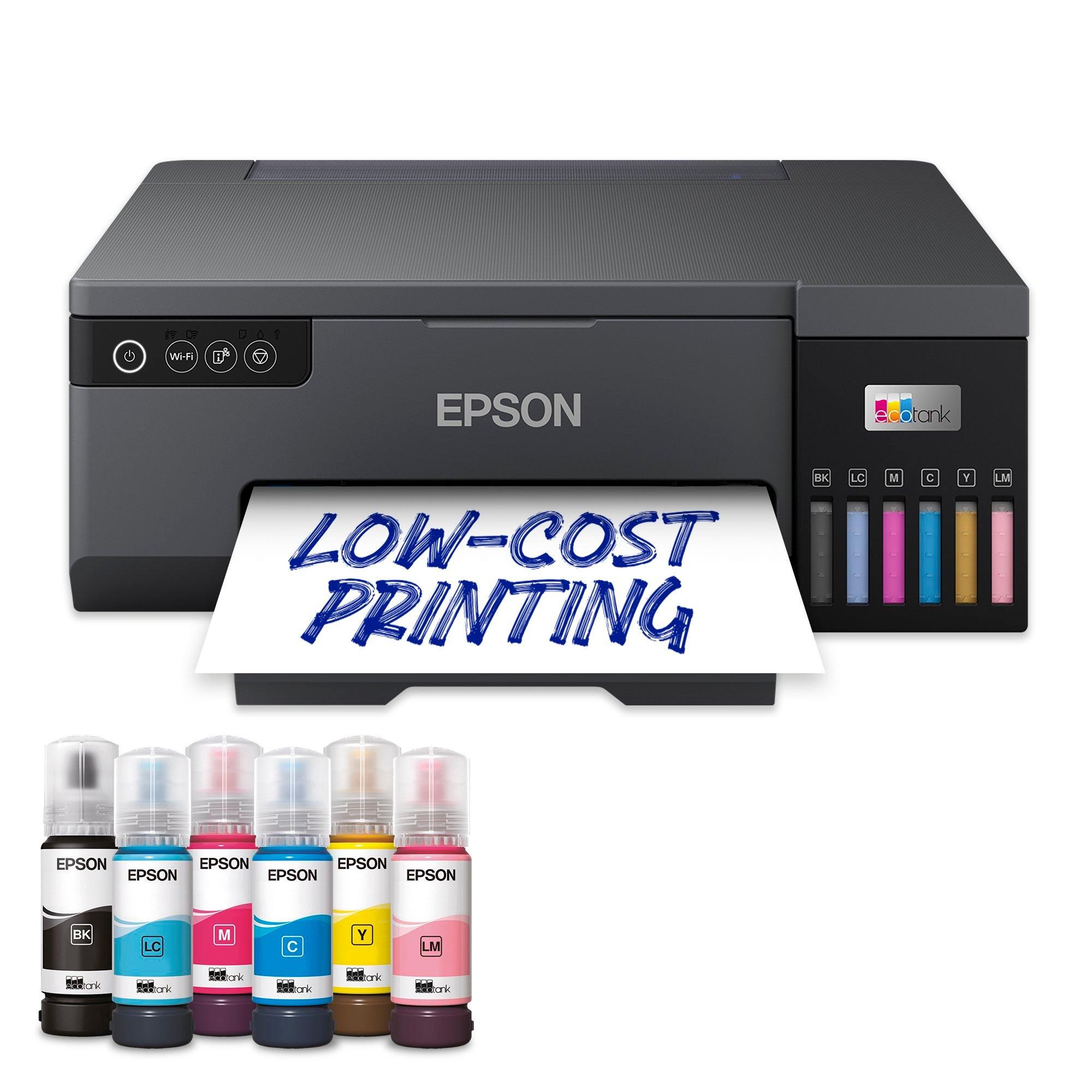
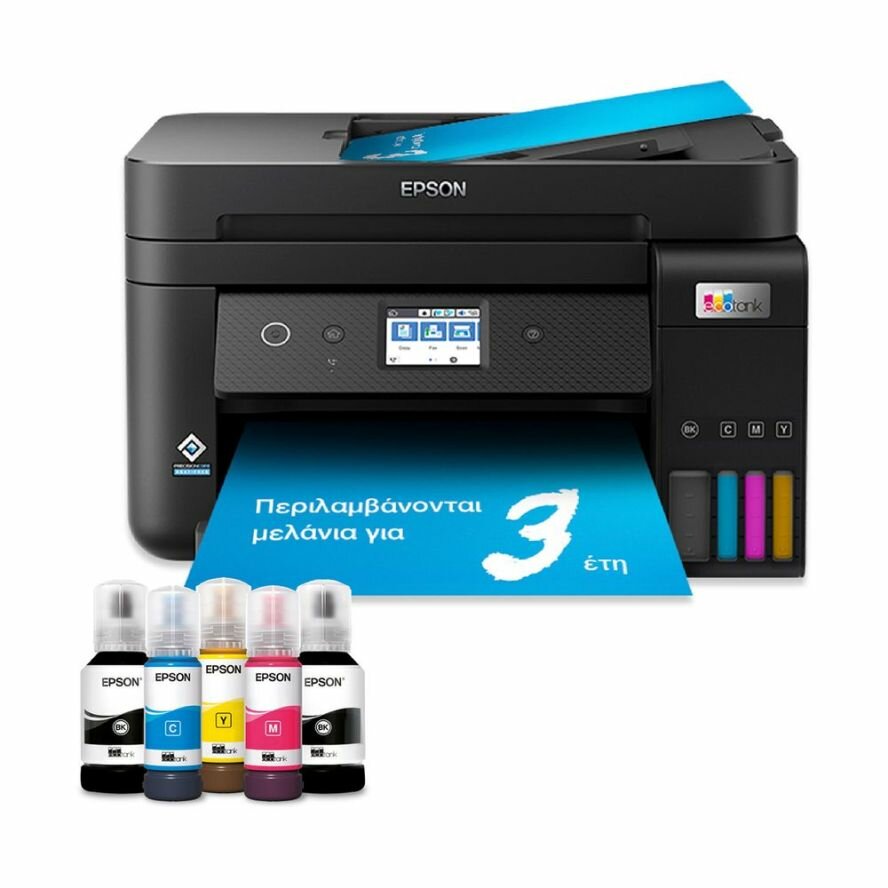
The Epson EcoTank L3250 is an entry-level all-in-one ink tank printer designed primarily for home users, students, and families with light to moderate printing needs. As the most affordable model in Epson's EcoTank lineup, it offers the core benefits of the refillable ink tank system at an accessible price point. The printer features Wi-Fi connectivity for wireless printing from computers and mobile devices, a flatbed scanner for document and photo scanning, and basic copy functionality. Despite its budget-friendly positioning, the L3250 maintains Epson's print quality standards with 5760 x 1440 dpi resolution and uses the same PrecisionCore technology found in more expensive models. This printer is ideal for users who want to escape the high cost of ink cartridges without needing advanced business features.
Detailed Specifications
1. Printing Technology
- Technology: Epson PrecisionCore
- Print Head: Micro Piezo technology
- Ink Colors: 4-color system (Cyan, Magenta, Yellow, Black)
- Key Advantage: Reliable printing with:
- Consistent print quality
- Energy-efficient operation
- Low maintenance requirements
- Long-lasting print head
2. Print Performance
- Print Speed (ISO):
- Black: Up to 10 pages per minute
- Color: Up to 5 pages per minute
- First Print Out Time:
- Black: Approximately 8 seconds
- Color: Approximately 11 seconds
- Print Resolution:
- Maximum: 5760 x 1440 optimized dpi
- Standard: 1440 x 720 dpi
- Print Quality Features:
- Epson DURABrite Ultra Ink
- Water and smudge resistant
- Suitable for documents and basic photos
- Clear text and graphics
3. Copy & Scan Functions
Copy Specifications:
- Copy Speed:
- Black: Up to 7 cpm
- Color: Up to 3 cpm
- Copy Resolution: Up to 600 x 600 dpi
- Copy Features:
- Reduce/Enlarge: 25% to 400%
- Copy quantity: Up to 20 copies
- Photo copy mode
Scan Specifications:
- Scanner Type: Flatbed color scanner
- Scan Resolution:
- Optical: 1200 x 2400 dpi
- Enhanced: Up to 12800 dpi (software enhanced)
- Scan Features:
- One-touch scanning to PDF/Email
- Scan to Cloud services
- Scan to smartphone via Epson Smart Panel app
- Basic photo restoration scanning
4. Paper Handling
- Input Capacity: 100 sheets (A4, Letter, A5, A6, B5, envelopes)
- Output Capacity: 30 sheets (face-down)
- Supported Paper Sizes:
- A4, A5, A6, B5, Letter, Legal
- Envelopes: DL, COM10, C6
- Photo sizes: 4x6", 5x7"
- Supported Media Types:
- Plain paper (64-90 g/m²)
- Photo paper (up to 275 g/m²)
- Envelopes
- Labels
- Automatic Duplex: No (manual 2-sided printing)
- Borderless Printing: Yes (supported up to A4 size)
5. Ink System
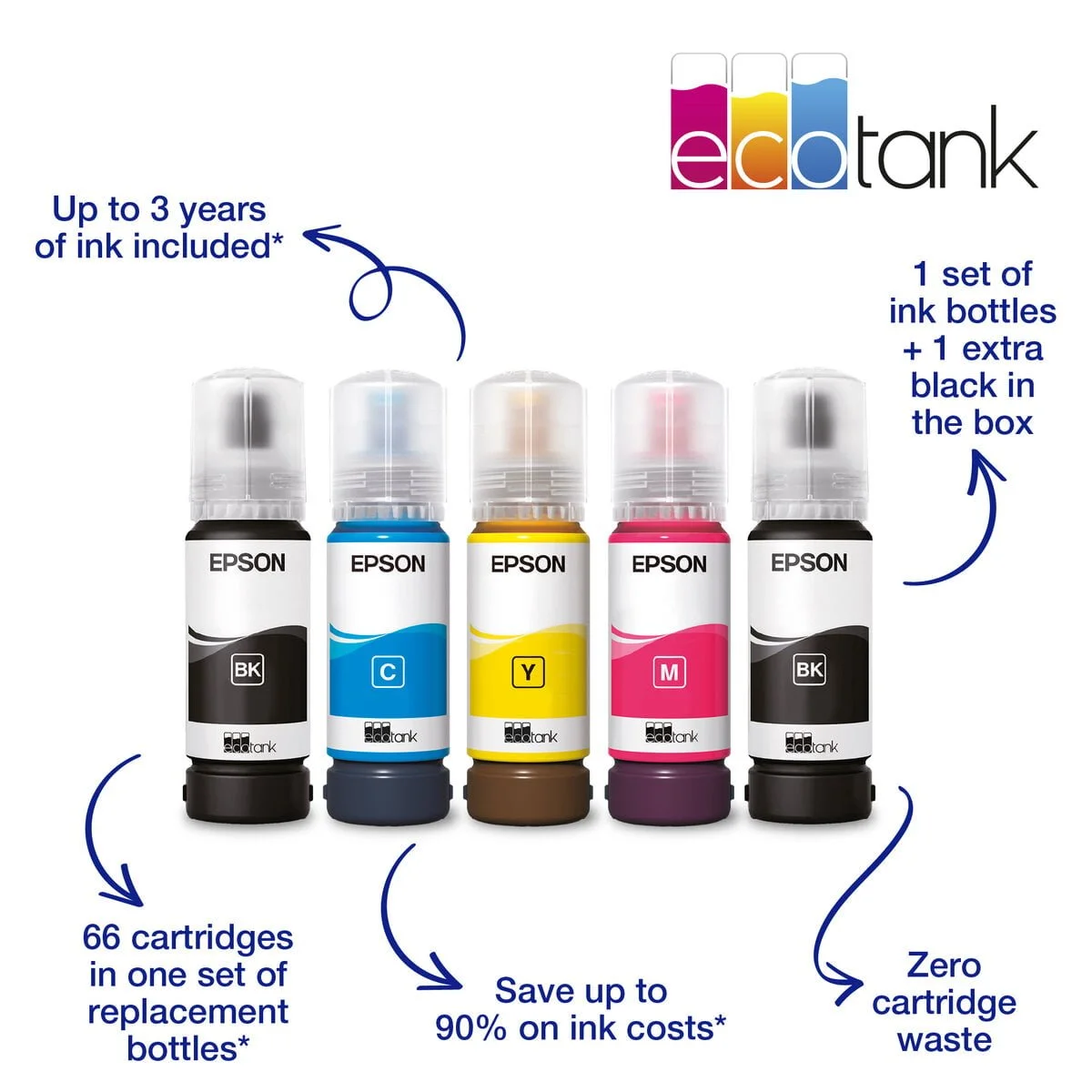
- Technology: Epson EcoTank with refillable ink tanks
- Ink Colors: Black, Cyan, Magenta, Yellow
- Ink Bottles Included:
- Black: 70 ml bottle
- Cyan, Magenta, Yellow: 70 ml bottles each
- Page Yield (ISO standard):
- Black: Up to 4,500 pages
- Color: Up to 7,500 pages each
- Ink Type: Epson DURABrite Ultra Ink
- Key Features:
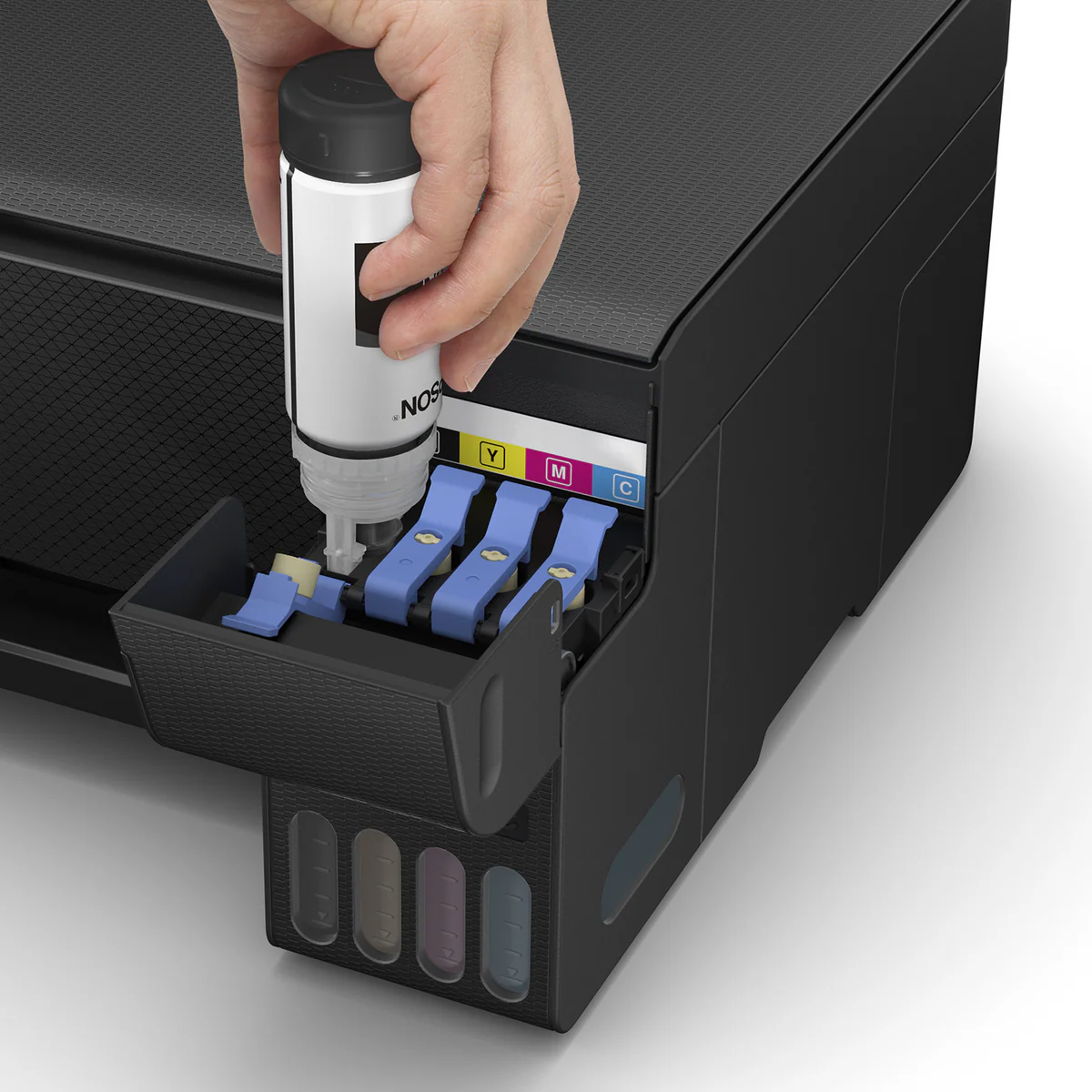
- Mess-free refilling system
- Color-coded bottles for easy identification
- See-through ink tanks for level monitoring
- High-yield ink bottles reduce refill frequency
6. Connectivity
- Wireless:
- Wi-Fi 802.11 b/g/n
- Wi-Fi Direct for device-to-printer connection
- Wired: USB 2.0 Hi-Speed
- Mobile Printing:
- Epson Smart Panel App (iOS/Android)
- Epson Connect (Email Print, Remote Print)
- Apple AirPrint
- Mopria Print Service
7. Display & Controls
- Display: LED indicators only (no LCD screen)
- Control Panel:
- Physical buttons: Power, Wi-Fi, Stop, Ink
- LED indicators for power, Wi-Fi, error, ink levels
- User Interface Features:
- Basic status indicators
- Simple operation via buttons
- Configuration through Epson Smart Panel app
8. Physical Specifications
- Dimensions (W x D x H):
- Printer only: 375 x 347 x 179 mm
- With paper support extended: 375 x 452 x 179 mm
- Weight: 3.4 kg (without ink bottles)
- Power Consumption:
- Printing: Approx. 12W
- Standby: Approx. 1.9W
- Sleep: Approx. 0.9W
- Noise Level:
- Printing: Approx. 43 dB(A)
9. Software & Compatibility
- Operating Systems:
- Windows 10, 11 (32/64-bit)
- macOS 10.15 or later
- Included Software:
- Epson Smart Panel
- Epson Print and Scan Doctor
- Epson Creative Print
- Epson Event Manager
Cost Analysis & Value Proposition
Initial Investment vs. Long-term Savings:
- Affordable Entry Price: Lowest cost in the EcoTank series
- Included Ink Value: Approximately 2+ years of ink for average home users
- Cost Per Page:
- Black: Approximately $0.005 per page
- Color: Approximately $0.015 per page
- Savings Comparison: Up to 90% lower cost per page vs. cartridge printers
Replacement Ink Economics:
- Black Ink (70ml): $12-15 per bottle (4,500 pages)
- Color Ink (70ml each): $10-12 per bottle (7,500 pages each)
- Total Cost per Color Page: Less than $0.02
Target Market & Use Cases
Ideal For:
- Students: School assignments, projects, study materials
- Home Users: Family printing needs, documents, occasional photos
- Small Home Offices: Light document printing, scanning needs
- Budget-Conscious Users: Those wanting EcoTank benefits at lowest cost
- Light Photo Printers: Occasional photo printing for personal use
Monthly Volume Recommendations:
- Optimal Range: 20-200 pages per month
- Maximum Sustainable: Up to 300 pages per month
- Duty Cycle: 3,000 pages per month (maximum rated)
Setup & Maintenance
Initial Setup Process:
- Ink Filling: 10-15 minutes (color-coded bottles)
- Priming Process: Automatic after filling (5-10 minutes)
- Network Configuration: Via Epson Smart Panel app
- Software Installation: 15-20 minutes via USB or wireless
Ongoing Maintenance:
- Print Head Maintenance: Automatic cleaning cycles
- Nozzle Checks: Built-in utility in driver software
- Alignment: Automatic print head alignment
- Ink Monitoring: Through Epson Smart Panel app
Comparison with Similar Models
vs. Epson EcoTank L3256:
- L3256 Advantages: Slightly faster print speeds, optional higher capacity
- L3250 Advantages: Lower cost, identical core functionality
vs. Epson EcoTank L3150:
- L3250 Advantages: Updated model, better connectivity, improved ink system
- L3150 Advantages: Essentially same printer, sometimes available at clearance prices
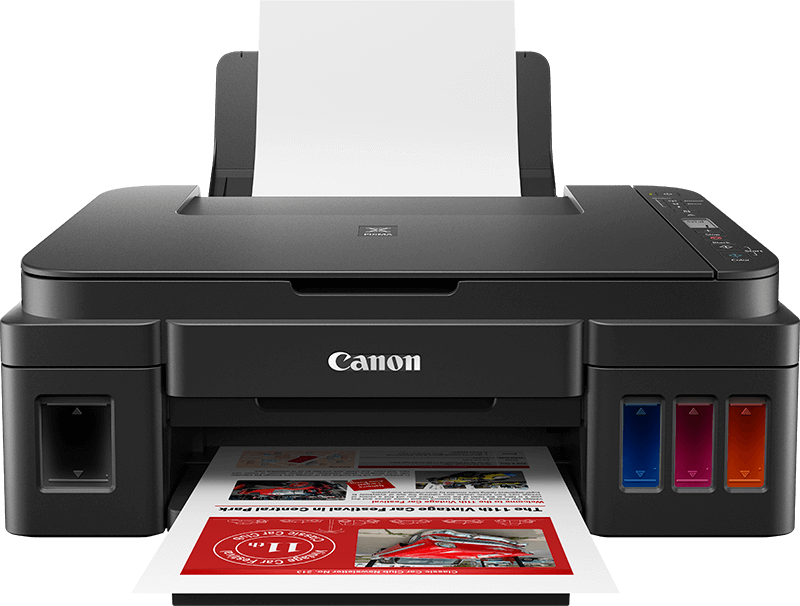
vs. Canon PIXMA G series entry models:
- Epson Advantages: PrecisionCore technology, faster first prints, lower energy use
- Canon Advantages: Different color output characteristics, sometimes better photo quality
Common Issues & Troubleshooting
1. Connectivity Issues:
- Wi-Fi Connection Problems: Reset network settings, use Wi-Fi Direct as alternative
- Mobile Printing Failures: Verify Epson Connect setup, check app permissions
2. Print Quality Problems:
- Streaking/Banding: Run nozzle check and head cleaning utility
- Ink Smudging: Allow adequate drying time, check paper type setting
- Faded Output: Check ink levels, perform print head cleaning
3. Setup Difficulties:
- Ink Filling Issues: Ensure bottles are fully inserted, follow color coding
- Initial Setup Failures: Follow on-screen instructions carefully, contact support if needed
Environmental Benefits
Sustainability Features:
- Energy Efficiency: Low power consumption with auto sleep mode
- Waste Reduction: 96% less plastic waste vs. cartridge-based printers
- Recyclable Components: Printer and ink bottles designed for recycling
- Reduced Packaging: Minimal packaging compared to cartridge printers
Warranty & Support
Standard Coverage:
- Warranty Period: 1-year limited warranty (varies by region)
- Technical Support: Phone, email, and chat support available
- Online Resources: Setup guides, troubleshooting, driver downloads
Final Recommendation
Buy the Epson EcoTank L3250 If:
- You're a student or home user with light printing needs
- You want to eliminate high ink cartridge costs
- You need basic printing, copying, and scanning functions
- You prefer wireless printing from multiple devices
- You have a limited budget but want long-term savings
- You print less than 200 pages per month
Consider Alternatives If:
- You print more than 300 pages monthly (consider L4 or L5 series)
- You need automatic two-sided printing (consider L4250 or higher)
- You require ADF for scanning multiple pages (consider L5 series)
- You need professional photo printing (consider L8050 or ET series)
- You want a touchscreen interface (consider L4 or L5 series)
Bottom Line:
The Epson EcoTank L3250 represents the most accessible entry point into Epson's revolutionary ink tank system, offering substantial long-term savings on ink costs for home users, students, and small families. While it lacks some advanced features found in higher-end models (like automatic duplex printing, ADF, or touchscreen interface), it delivers the core EcoTank benefits: exceptionally low printing costs, reliable wireless connectivity, and good print quality for everyday documents and basic photos. Its simple LED-based interface keeps costs down while the Epson Smart Panel app provides modern control and monitoring capabilities. For users printing up to 200 pages per month who want to escape the cycle of expensive ink cartridges, the L3250 offers outstanding value and represents one of the best investments in home printing technology for budget-conscious consumers.